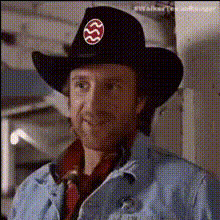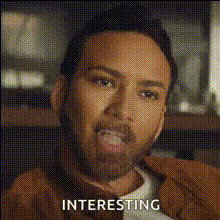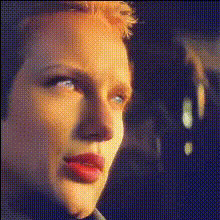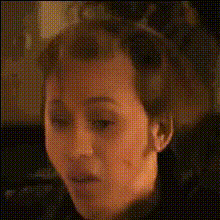
Nick Cage As Sheriff Face
Overview
Bring humor and creativity to your video projects using the Nick Cage As Sheriff Face template. Designed for Video Face Swap, this template lets you insert Nicolas Cage as a sheriff into any scene. Perfect for creating memes, enhancing social media content, or just having fun with video transformations.
What It Does
The Nick Cage As Sheriff Face template utilizes advanced face swap technology to carefully integrate Nicolas Cage's visage into any video clip, portraying him as a sheriff. This tool is highly compatible with other products such as the Face Swap Video and AI Meme Generator for wide-ranging creative possibilities.
Who It's For
Content creators, meme enthusiasts, and social media managers will find this template particularly valuable. It is designed for anyone looking to add a comedic twist to their videos, from amateur creators crafting viral content to professional marketers aiming to engage audiences with unique visuals. Explore additional creative avenues with the AI GIF Generator.
Summary
With the Nick Cage As Sheriff Face template, turning your video scenes into entertaining and memorable clips has never been easier. The seamless integration with tools like the Text to Video product means you can quickly generate high-quality content that captures attention and sparks laughter.
How To
Choose Your Template

Customize Your Inputs

Generate and Download

Use Cases
Meme Creation
- Add humor to trending designs
- Use in social media strategies
Entertainment Videos
- Boost engagement with humorous content
- Ideal for comic relief segments
Promotional Content
- Highlight product features creatively
- Enhance ad campaigns with fun visuals
Best Practices
Choose High-Quality Videos
For the best results, start with clear and well-lit videos to make the face swap more natural.Consider Context
Ensure the original video scene matches the theme of having a sheriff character.Experiment with Formats
Try converting the output into different formats, such as GIFs, to share on various platforms using the AI GIF Generator.