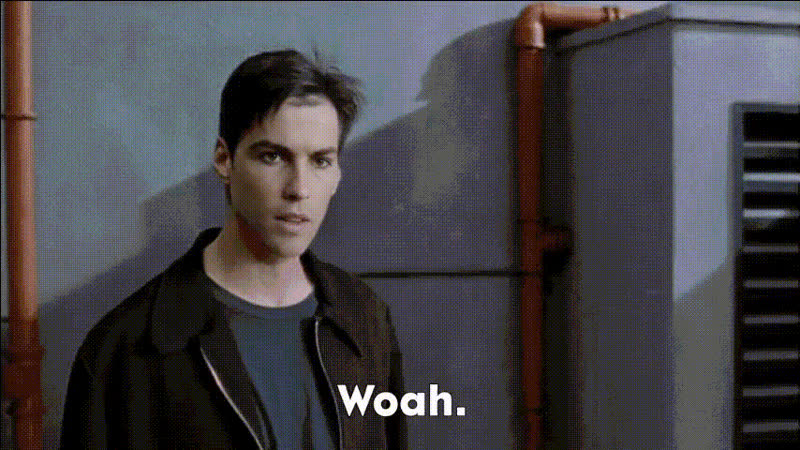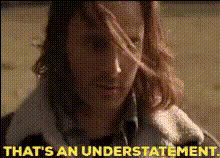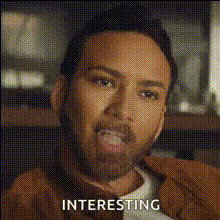
Nicolas Cage Shocked Expression
Overview
Add a humorous element to your videos with the Nicolas Cage Shocked Expression template. This Video Face Swap tool allows you to substitute a face in your video with the iconic expression of Nicolas Cage, creating an unforgettable effect. Ideal for content creators looking to inject some fun into their work.
What It Does
This template uses advanced face-swapping technology to replace a person's face in a video with Nicolas Cage's famous shocked expression. Whether you're making memes or want to spice up a family video, this tool makes the swap easy and effective, maintaining high-quality video output.
Who It's For
The Nicolas Cage Shocked Expression template is perfect for meme enthusiasts, pranksters, and video marketers looking to create engaging and viral content. It's also an excellent tool for social media influencers aiming to captivate their audience with entertaining visuals.
Summary
How To
Choose Your Template

Customize Your Input

Generate and Export

Use Cases
Meme Creation
- Quickly create attention-grabbing memes
- Engage your audience on social media platforms
Prank Videos
- Surprise your friends and family
- Enhance your video content with comedy
Social Media Content
- Increase engagement on platforms like TikTok and Instagram
- Craft captivating video stories
Best Practices
Choose High-Quality Source Material
For best results, use high-resolution videos to ensure the face swap looks natural and seamless.Focus on Lighting
Ensure that the lighting in your video is even to avoid shadows that might interfere with the face swap.Experiment with Clips
Try different video clips to see which ones look best with the Nicolas Cage expression.