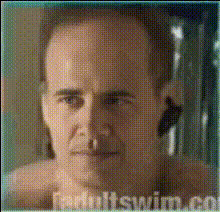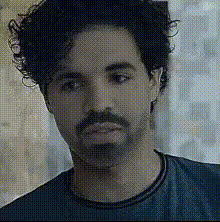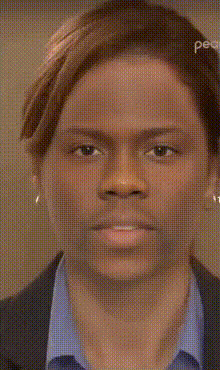
News Anchor Closeup
Overview
The News Anchor Closeup template offers a unique opportunity to transform your face into that of a professional news anchor using advanced Video Face Swap technology. Perfect for creating engaging content that entertains or educates your audience with ease.
What It Does
This template integrates seamlessly with the Image to Video converter, enabling you to overlay your face onto a news anchor's in a video format. It utilizes cutting-edge algorithms to adjust facial expressions and movements for a realistic transformation.
Who It's For
Ideal for content creators, marketers, and educators who wish to deliver messages in a fun and creative manner. It's also suitable for individuals looking to playfully engage with friends and followers on social media platforms.
Summary
Incorporating AI Voice Changer capabilities can further enhance your video face swap, allowing you to match the voice with the new appearance. Whether for comedy or storytelling, this template offers a robust starting point for diverse content creation needs.
How To
Choose Your Template

Customize Your Inputs

Generate Your Video

Use Cases
Social Media Engagement
Corporate Announcements
Educational Content
Best Practices
Choose High-Quality Images
For the best results, ensure that the images you upload are clear and well-lit.Match Expression and Lighting
Improve realism by selecting a video where the anchor's face closely resembles your facial expression and lighting conditions.Test with Different Angles
Experiment with different angles of your face and the anchor's to find the most natural fit.