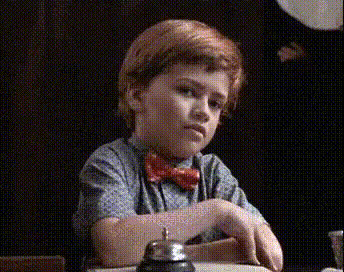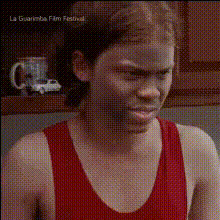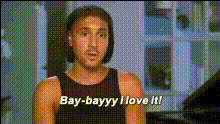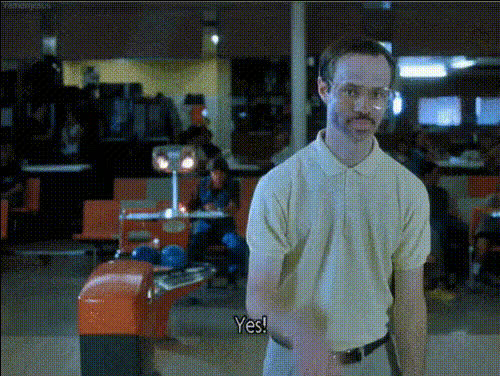
Napoleon Dynamite Excited Reaction
Overview
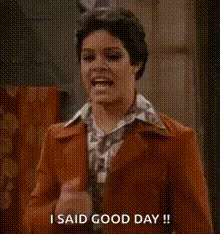
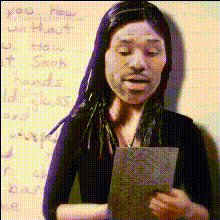
The Napoleon Dynamite Excited Reaction template is your ticket to comedic transformation. This Video Face Swap feature enables you to insert any face into a classic scene from the beloved film "Napoleon Dynamite," ensuring endless fun and memorable reactions.
What It Does
This template utilizes advanced AI to perform a realistic face swap on the character from "Napoleon Dynamite" with any face of your choosing. Ideal for content creators looking to add a comedic touch to their videos, it processes your inputs to retain the scene's humor while incorporating a new identity. Explore more with our Image to Video tools for extended possibilities.
Who It's For
Perfect for social media influencers, content creators, and anyone looking to entertain their audience with witty content. Whether you're crafting a meme video or a unique reaction clip, this template offers a robust tool for humorous expression.
Summary
Leverage the Napoleon Dynamite Excited Reaction template to create unique, humor-filled content. It's a simple yet powerful way to engage your followers with personalized face swaps. Dive into the world of video transformations and see where your creativity takes you.
How To
Choose the Template

Customize Your Face Swap

Generate Your Video

Use Cases
Social Media Engagement
- Create playful content for platforms like Instagram and TikTok.
- Enhance your brand's personality with relatable, funny videos.
Content Collaboration
- Ideal for guest appearances in your video content.
- Encourage viral trends with collaborative swaps.
Community Challenges
- Engage your audience with themed content challenges.
- Track challenge growth and community participation.
Best Practices
Select High-Quality Images
Ensure the face image you upload has good resolution and lighting for optimal swapping results.Align Facial Features
Adjust the face position to align with the character's original features to enhance realism.Test for Humor and Engagement
Play around with different faces to find the most hilarious and engaging combinations to entertain your audience.