Michael Jackson Singing
Overview
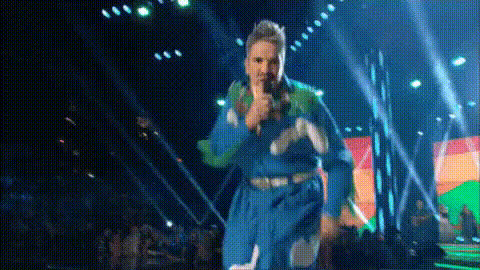
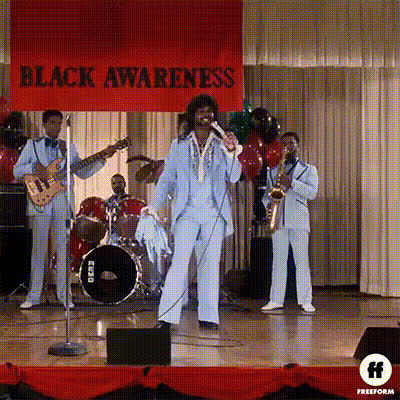
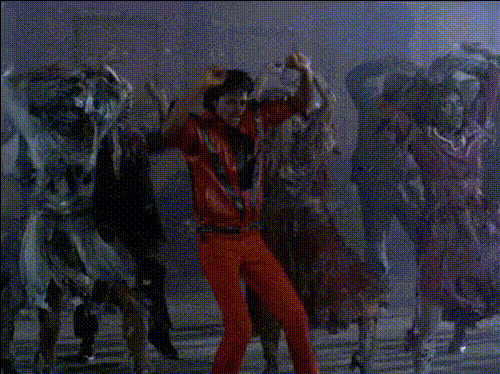
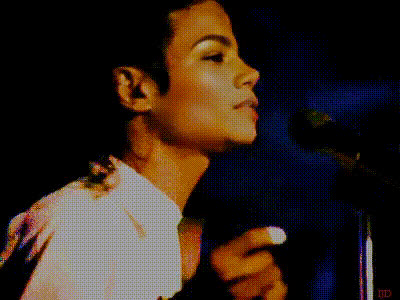
Step into the iconic shoes of Michael Jackson with the Video Face Swap template. This tool allows you to place your face onto a video of Michael Jackson singing, creating a unique and entertaining experience.
What It Does
The Video Face Swap template revolutionizes video content creation by overlaying your face onto footage of Michael Jackson performing. This feature provides a flawless transition, making it seem like you're the one singing and dancing like the King of Pop.
With seamless integration with our Face Swap and advanced technology from our AI Multi-Angle Generator, this template ensures real-time adjustments to fit various lighting and angle changes in the video.
Who It's For
This template is perfect for entertainers looking to add flair to their music videos, fans of Michael Jackson wanting to pay homage, or digital creators aiming to add humor and creativity to their content. It's suitable for anyone familiar with our AI Image Editor tools to enhance video quality and precision.
Summary
Regardless of whether you're creating content for Instagram, TikTok, or YouTube, the Video Face Swap template is your go-to for adding a touch of magic to your projects. Pair it with the AI Voice Changer for an even more authentic Michael Jackson impression.
How To Create Your Video
Choose Your Template

Customize Your Content

Generate Your Video

Use Cases
Social Media Entertainment
- Increase engagement with unique content
- Challenge friends to try their own swaps
Fan Tributes
- Create a music video tribute
- Celebrate special occasions with a creative twist
Event Promotions
- Generate teaser videos for themed parties
- Enhance digital invitations
Best Practices
Image Quality Matters
Use high-resolution photos to ensure the best face swap results.Lighting Considerations
Ensure consistent lighting conditions in your videos for smooth transitions.Combine Tools for Effect
Utilize the AI GIF Generator to create shareable clips from your video.