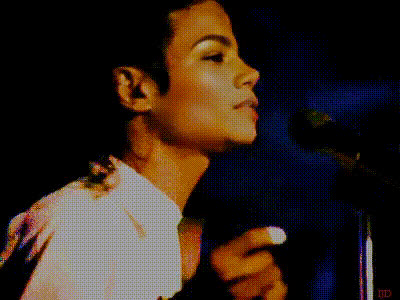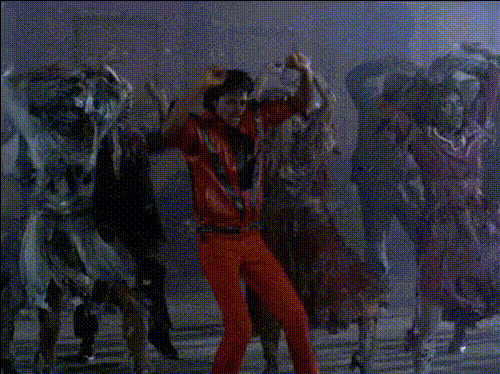
Michael Jackson Eating Popcorn
Overview
Transform your videos by putting Michael Jackson's iconic face on someone enjoying a bowl of popcorn. This Video Face Swap template is tailored for those eager to add a hilarious touch to their content, suitable for memes and playful social media posts. Dive into this engaging face transformation experience!
What It Does
This template enables you to overlay Michael Jackson's face onto a video of a person eating popcorn. By leveraging advanced AI technology, the model seamlessly integrates Michael's facial features, making it appear as though he's the one in the scene. The result is a humorous and shareable video piece that will captivate audiences. For more face transformation options, explore our full range of Face Swap tools.
Who It's For
This template is an excellent resource for meme creators, social media enthusiasts, and digital content producers looking to spice up their posts with a touch of humor. Perfect for those wanting to engage their audience with creative, light-hearted content. Even marketing teams aiming to create standout campaigns can benefit from this playful twist. Consider integrating with the AI GIF Generator for dynamic content creation.
Summary
With the Michael Jackson Eating Popcorn Video Face Swap template, you're equipped to craft memorable, funny videos that resonate well on social platforms. This template not only makes for great entertainment but also stands as a versatile tool for marketers and content creators. For a broader toolkit in creative editing, check out our comprehensive AI Video Generator suite.
How to Use It
Select Template

Customize Your Video

Generate and Download

Use Cases
Memes and Social Media
- Create viral meme content
- Enhance social media posts with humor
Marketing Campaigns
- Drive engagement with funny ads
- Create memorable content for branding
Video Projects for Entertainment
- Add unique scenes in short films
- Enhance YouTube content with a humorous twist
Best Practices
Ensure High-Quality Source Footage
For best results, use high-resolution videos to maintain video quality after processing.Adjust Swap Precision
Fine-tune the swap settings for natural-looking transitions and better realism.Creative Integration
Consider pairing with the AI Image Editor to refine details before final publishing.