Cardi B Eating Popcorn
Overview
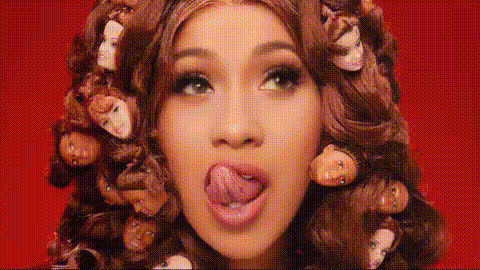
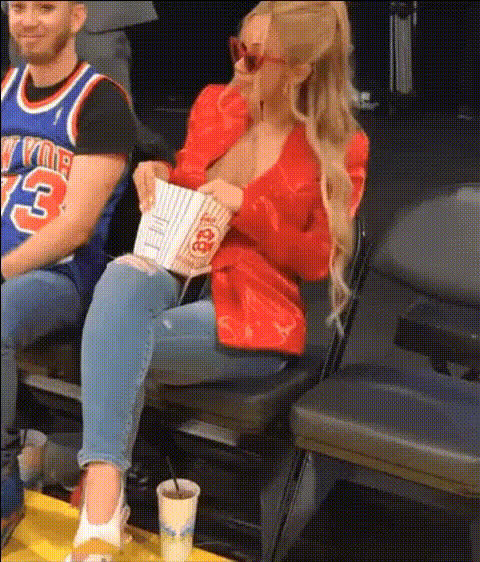
The "Cardi B Eating Popcorn" video face swap template allows you to infuse your face or any other into a scene featuring Cardi B enjoying popcorn. Frequently used by meme creators, this tool provides a humorous spin to social media content and video edits.
What It Does
The template replaces Cardi B's face with yours or any face of your choice, providing a hilarious twist to video content. By leveraging advanced face swap technology available in our Video Face Swap product, it captures the comedic essence and makes it easy to create engaging videos.
Who It’s For
This template is perfect for meme creators, social media influencers, and anyone looking to add a comedic touch to their online presence. It's also ideal for those in video production who want to experiment with transformations.
Summary
Whether you're a content creator or a casual user seeking a laugh, this "Cardi B Eating Popcorn" template offers a fun and accessible way to make standout social media posts and videos. Compatible with formats provided by the AI GIF Generator and the AI Talking Photo tool, it ensures your creations get the attention they deserve.
How To
Choose the Template

Customize Your Video

Generate and Download

Use Cases
Meme Creation
- Perfect for trending meme formats
- Shareable on platforms like Instagram and TikTok
Social Media Content
- Enhance your social media presence
- Create relatable and humorous posts
Video Edits
- Combine with other <a href="/products/ai-video-generator">AI Video Generator</a> tools
- Blend seamlessly into diverse video contexts
Best Practices
Use High-Quality Images
Upload high-resolution images to achieve a more realistic face swap.Align the Faces Properly
Take the time to ensure that the angles and alignments of the faces match closely to enhance realism.Review and Adjust
Utilize the preview feature to make adjustments before finalizing the video.