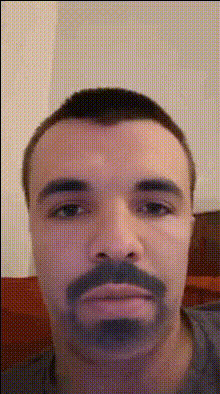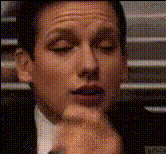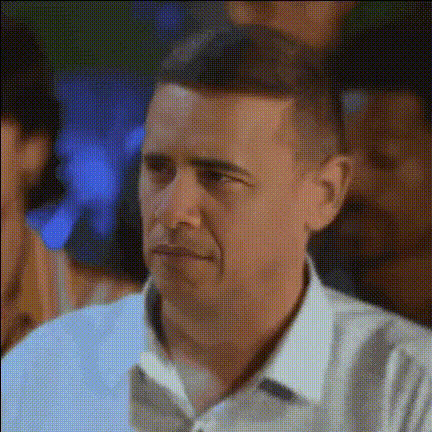
Man With Awkward Side Eye
Overview
Transform your videos into laugh-out-loud moments with a hilarious face swap effect featuring an unexpected awkward side eye. This template adds a comedic touch, ensuring your content stands out in any crowd. Perfect for social media, memes, or fun video projects, this tool elevates your creative endeavors by adding a twist of humor.
What It Does
The Man With Awkward Side Eye template performs a video face swap, replacing faces in your original footage with the iconic expression of a man giving an awkward side eye. Using AI technology, it integrates this unique expression seamlessly into your video material. This can add a touch of humor and expressiveness that conventional video edits can't offer. Expand upon this feature with the versatile Face Swap tool for a range of transformations.
Whether you're using videos for social media ads or creating fun content for your personal projects, this template beams versatility and creativity.
Who It's For
This template is designed for creators looking to spice up their content with humor. Ideal for social media influencers, meme creators, and anyone who loves to produce entertaining video content. Whether you’re making TikTok videos or looking to jazz up a personal project, the awkward side eye transforms ordinary clips into something special.
Summary
Inject humor into your videos with the Man With Awkward Side Eye template. Whether you’re engaging audiences on platforms like Instagram or creating personalized videos for friends, this tool delivers quirky and engaging transformations. For additional customization options, explore our AI Talking Photo feature to add spoken elements to your humorous edits.
How To
Choose Your Template

Customize Your Video

Generate and Enjoy

Use Cases
Meme Creation
- Craft viral memes for social platforms.
- Create humorous content for newsletters.
Social Media Enrichment
- Create funny reels and stories for Instagram.
- Engage TikTok audiences with hilarious expressions.
Best Practices
Choose the Right Scene
Select scenes where the face swap can be emphasized, typically close-ups or pivotal moments that can amplify the comedic effect.Consider Audio
Pair the video with appropriate sound effects or music to enhance the humorous impact of the side eye.Experiment with Angles
Try different angles and backgrounds to see how the expression translates across various visual contexts.