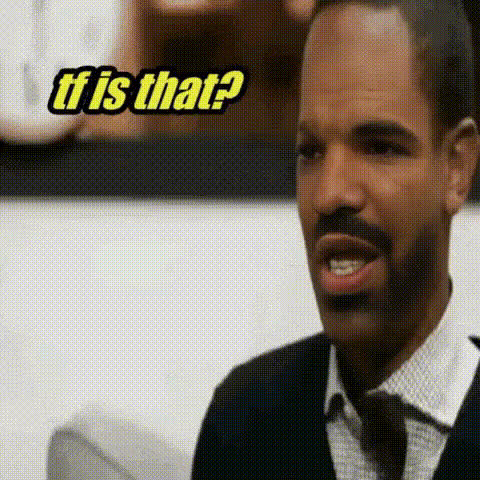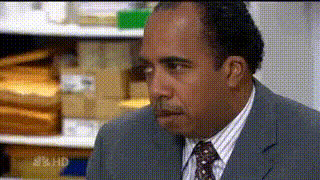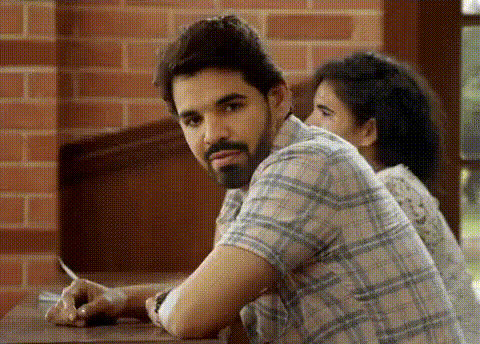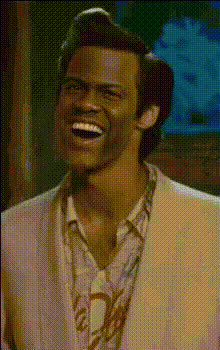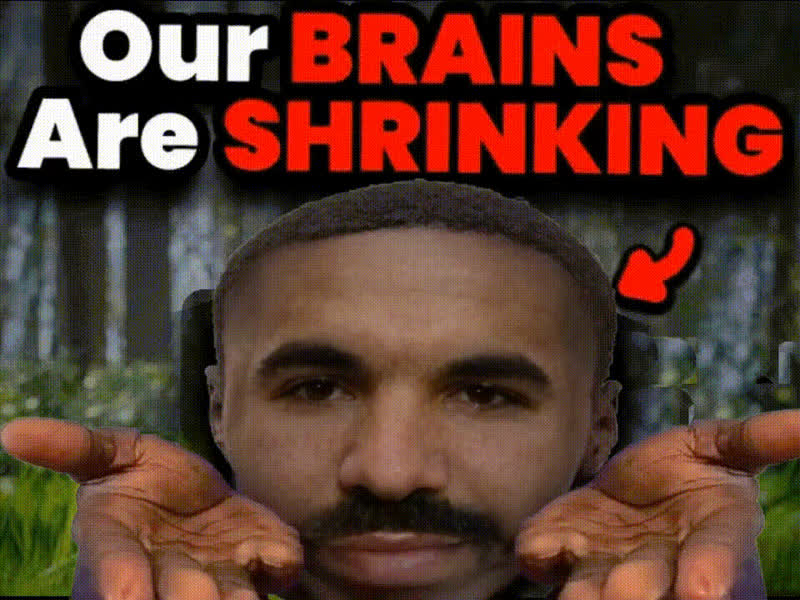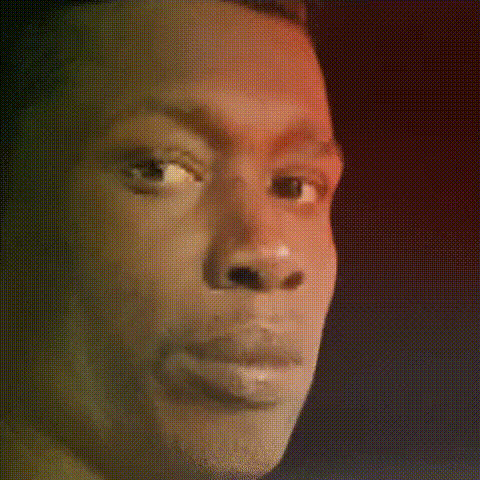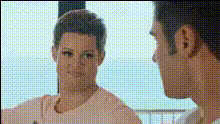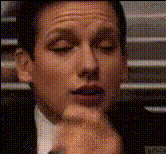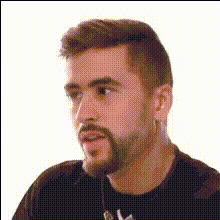
Man Looking To Side
Overview
The "Man Looking To Side" template is your go-to video tool for creative transformations. This Video Face Swap template allows you to inject humor or dramatic twists into your videos by swapping faces within a scene. Enhance the storytelling of your content or create amusing social media clips with ease.
What It Does
This Video Face Swap template allows you to replace the original face in any video clip with another face of your choice. With advanced face alignment technology, the swap looks natural and fits seamlessly into the rest of the scene, delivering results that are both realistic and entertaining.
Who It's For
This template is perfect for creators who want to add a unique touch to their content, whether for comedic skits, video parodies, or personalized messages. It's also ideal for social media influencers, marketers, and anyone looking to increase engagement through eye-catching, modified videos. Explore more on AI Talking Photo to pair animations effectively with your swapped faces.
Summary
Adding a face swap effect can completely alter the narrative of a video. Utilize this template to bolster your content creation toolkit, whether for professional marketing or personal entertainment. Discover complementary tools through our Image to Video and AI Video Generator products for a full spectrum of video transformation capabilities.
How to Use
Choose the Template

Customize Your Inputs

Generate and Export

Use Cases
Social Media Content
- Face swapping for meme videos
- Amusing face substitution in sketches
Professional Marketing
- Customized spokesperson for videos
- Brand-specific character replacement
Entertainment
- Personalized character interaction
- Interactive video booths
Best Practices
Select High-Quality Images
Ensure both the original video and the new face image are of high quality for the best swap results.Align Facial Features
Use the customization options to carefully align key facial features to avoid any awkward misalignment in the swap.Consider Lighting and Angles
Match the lighting and angles of the face image to the original video for a more seamless look.