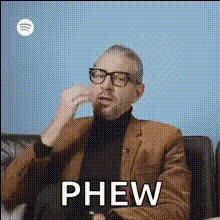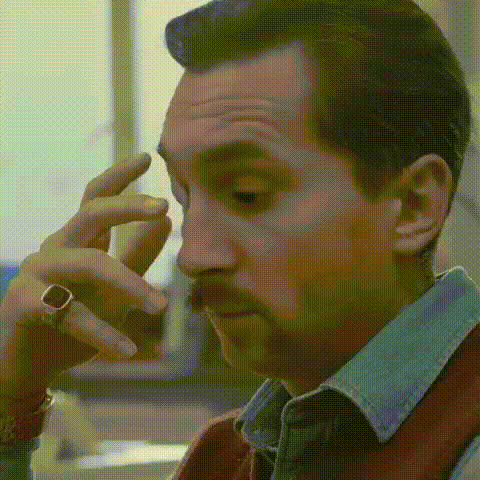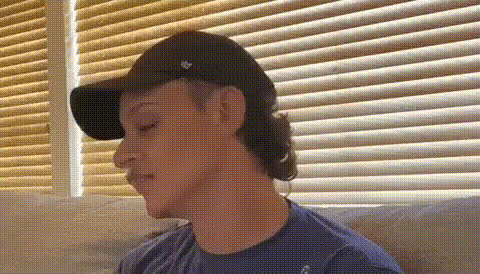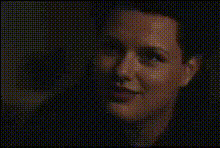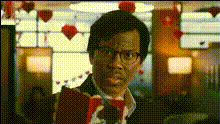
Man With Eyeroll Expression
Overview
The "Man With Eyeroll Expression" template offers a dynamic way to breathe new life into your videos. By incorporating a recognizable eye-roll face, this Video Face Swap template provides a comedic or dramatic twist, ideal for capturing attention in memes or adding a playful element to your content.
What It Does
This template leverages the power of video face swapping technology to replace faces in your video footage with an engaging eye-roll expression. It accurately maps the new face onto the existing video, maintaining natural motion and facial expression throughout the clip. The output is a high-quality video file, suitable for use in social media postings or personal projects.
Who It's For
Creators of all types will find this template beneficial. It's especially useful for content creators aiming for viral social media engagement, as well as comedic video editors seeking a fun way to enhance their storytelling. Agencies working on meme videos or digital marketers who want to add a humorous touch to their campaigns will also appreciate this tool.
Summary
Incorporating the "Man With Eyeroll Expression" in your videos is a straightforward process using Magic Hour's technology. With a simple video face swap, your content can gain a fresh and humorous angle. Add this template to your toolkit to explore new creative possibilities.
How-To
Choose Template

Customize

Generate Video

Use Cases
Social Media Posts
- Use on platforms like TikTok or Instagram Reels.
- Enhance humorous moments in video clips.
Digital Marketing
- Ideal for light-hearted campaign themes.
- Grab attention for products or services.
Memes and Viral Content
- Great for creating memes that resonate with audiences.
- Tap into trends with a comedic edge.
Best Practices
High-Quality Source Video
Ensure the video you are using is of high quality for the best results.Contextual Relevance
Choose videos where an eye-roll expression enhances or elevates the narrative.Experiment with Angles
Adjust angles and expressions to match the original video setup for a more natural look.