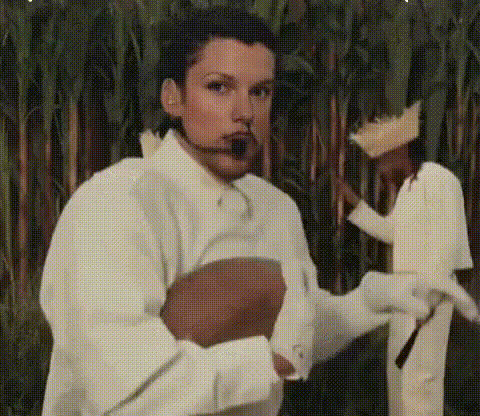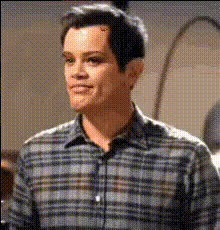
Man In Plaid Shirt 1
Overview
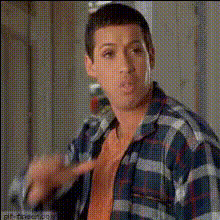
Make any video more engaging with our Video Face Swap template, featuring a man in a plaid shirt ready for transformations. Whether you're creating a parody, crafting a social media post, or just having fun, this template offers creative freedom. Pair it with our AI Video Generator for more diverse content options.
What It Does
This template allows you to swap faces with a man in a plaid shirt in your videos, giving your projects a new twist. It's designed to integrate seamlessly with Face Swap Video technologies, ensuring realistic motion and expressions. Bring your characters to life with just a few clicks.
Who It's For
Ideal for content creators, comedians, and marketers, this template provides a novel way to engage audiences. It's also perfect for agencies looking to create innovative ads or training videos with a humorous touch.
Summary
Transform your video projects with the Man In Plaid Shirt 1 face swap template. Elevate your content by incorporating custom faces, whether you’re crafting videos for social media or an explainer video. Leverage our AI Image Editor for further enhancements.
How To
Choose Your Template

Customize Your Content

Generate and Download

Use Cases
Social Media Content
Marketing Campaigns
Parody Videos
Best Practices
Choose High-Resolution Images
For realistic results, ensure the input images are high-resolution, which enhances the video quality.Use Dynamic Expressions
Select faces with clear, dynamic expressions to better match the template’s movements.Sync with Audio
Combine with the Lip Sync tool to align facial expressions with spoken words for seamless integration.