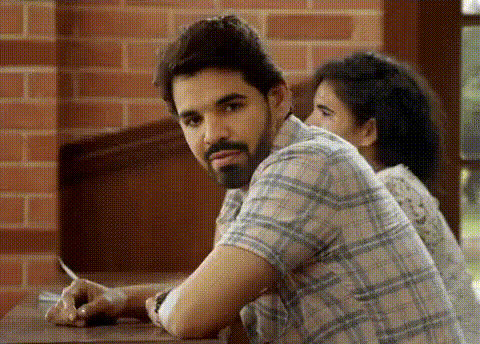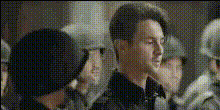
Man In Military Setting
Overview
Step into the world of military quests with the Man In Military Setting template. This Video Face Swap tool lets you incorporate your face into dynamic military scenes, providing a blend of humor and creativity for your video projects. Ideal for crafting unique content that draws attention, whether for fun, social media stunts, or creative editing needs.
What It Does
This template leverages advanced face swap technology to customize military-themed videos. You upload your image and the template integrates your face seamlessly into the chosen video, maintaining natural facial expressions. This ensures your content is not only realistic but also captivating, aligning perfectly with your creative vision.
Who It's For
Whether you're a content creator looking to add a unique angle to your videos or someone who simply enjoys a good prank, this template is designed for you. Filmmakers and social media influencers will find it particularly useful for generating engaging, shareable content. It's also ideal for those in the social media ad realm, who need to captivate audiences with innovative visuals.
Summary
The Man In Military Setting template offers an entertaining and straightforward way to insert yourself into military scenarios. By utilizing the power of AI and AI Video Generator technology, it delivers high-quality videos that reflect your personal flair, making any video project more distinctive and memorable.
How-To
Choose

Customize

Generate

Use Cases
Practical Joke Videos
- Swap friends' faces into soldier settings for laughs
- Share on social media platforms to boost engagement
Creative Storytelling
- Use in short films or sketches for a creative twist
- Ideal for adding personality to serious topics
Marketing Content
- Inject novelty into social media ad campaigns
- Engage viewers with personalized military narratives
Best Practices
Choose High-Quality Images
Selecting high-resolution images ensures better facial recognition and seamless integration into the video.Match Lighting and Angles
Ensure your uploaded image has similar lighting and angles to the template to maintain a natural look.Preview Before Finalizing
Use the preview function to check the accuracy of face alignment and make necessary adjustments for optimal results.