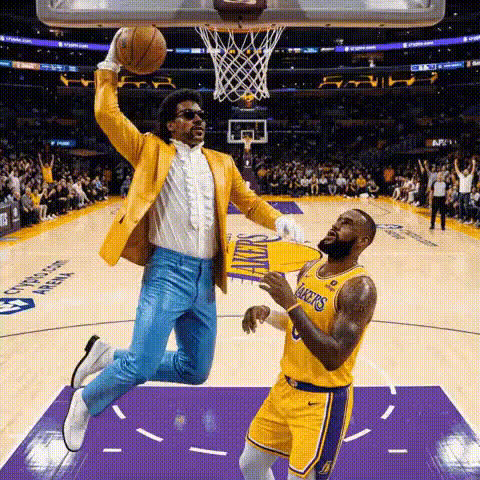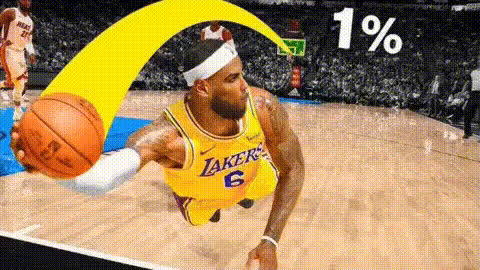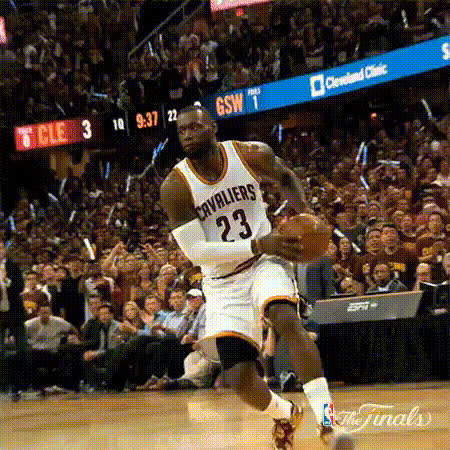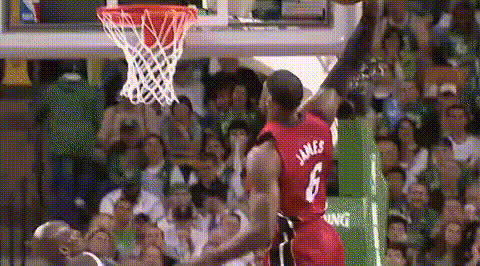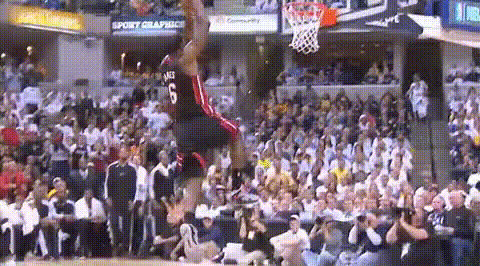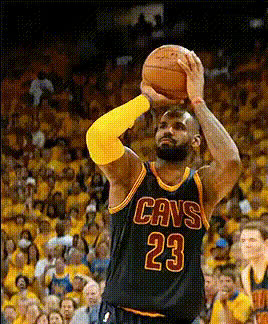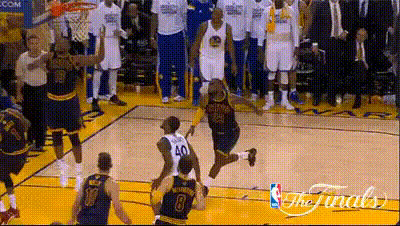
Lebron James Dunking Basketball 7
Overview
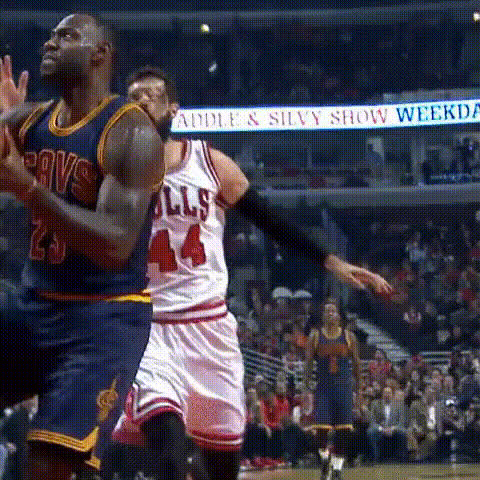
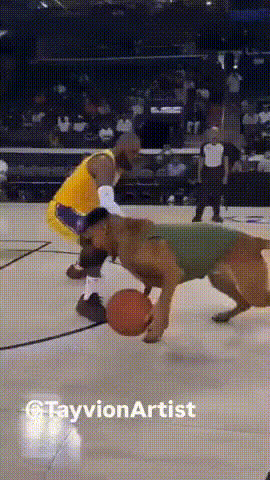
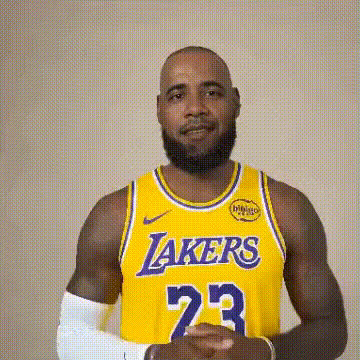
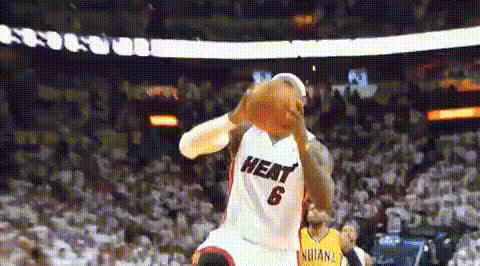
Experience the thrill of the game with the "Lebron James Dunking Basketball 7" video face swap template. Perfect for capturing the excitement of a slam dunk, this template allows you to swap any face with that of Lebron James as he dominates the court. Great for creating personalized sports highlights or for adding flair to your social media content.
What It Does
This Video Face Swap template enables you to seamlessly integrate the facial likeness of any person into a dynamic clip featuring Lebron James performing one of his iconic dunks. Import your video and utilize this template to produce a unique, thrilling sports visual that puts anyone right in the action. For more transformative experiences, you might also want to explore our AI Video Generator.
Who It's For
Sports enthusiasts, content creators, and social media aficionados will find this template ideal for energizing their videos. Whether you're crafting a playful clip for entertainment, engaging your audience on platforms like TikTok, or developing dynamic content for educational purposes, this tool provides the excitement of customization. Consider using it alongside our AI Image Editor for enhanced visual storytelling.
Summary
"Lebron James Dunking Basketball 7" is more than just a Video Face Swap template; it's an opportunity to bring a piece of sports history into any video project. It allows users to inject creativity and personal flair, making videos that are memorable and shareable. To further customize your output, explore additional tools like the Video Face Swap product.
How To
Choose Your Template

Customize Your Swap

Generate and Download

Use Cases
Personalized Sports Highlights
- Swap faces with iconic basketball players.
- Enhance personal videos with dynamic action shots.
Social Media Engagement
- Create captivating content with face swaps.
- Leverage novelty and humor for viral potential.
Educational and Training Materials
- Showcase different techniques using recognizable figures.
- Enhance training videos with additional fun elements.
Best Practices
Choose High-Quality Videos
To ensure the best results, use well-lit and high-resolution videos for face swapping.Align Faces Properly
For a natural look, make sure the face in the video aligns well with Lebron's body orientation and expressions.Experiment with Other Tools
Consider using the AI Product Photography tool to enhance supporting visuals for your sports content.