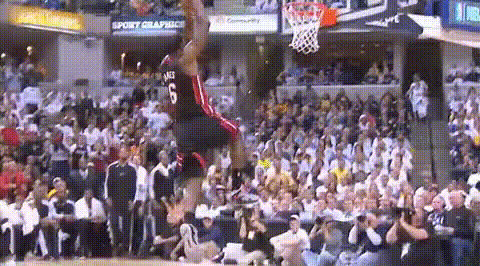
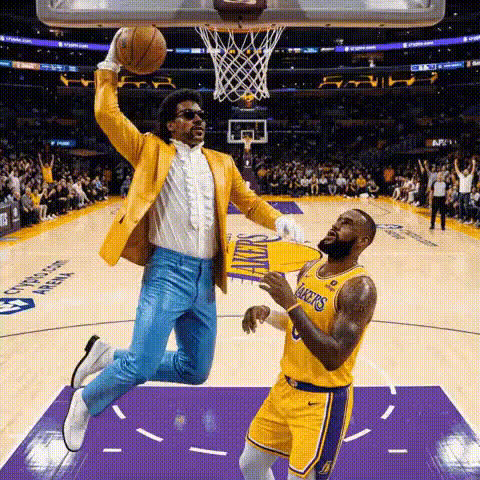
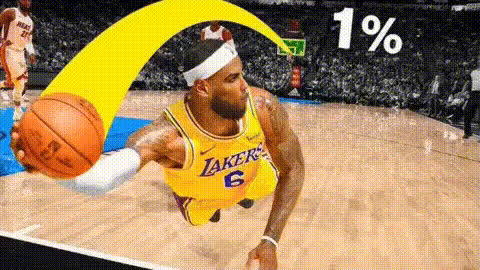
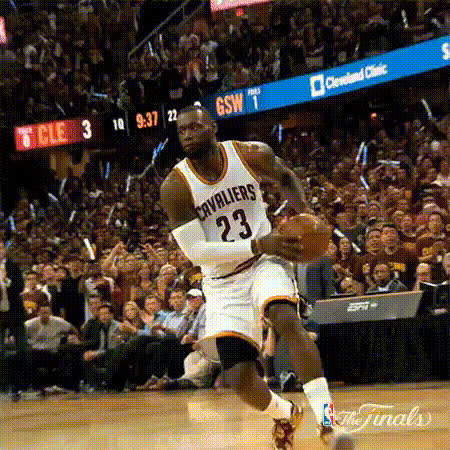
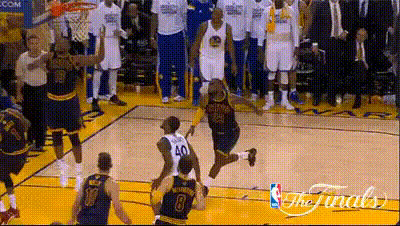
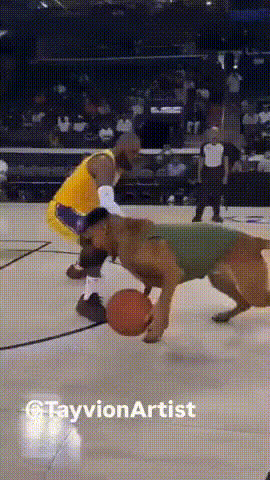
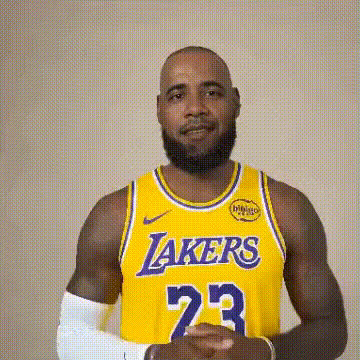
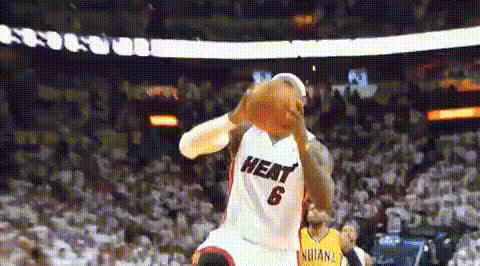
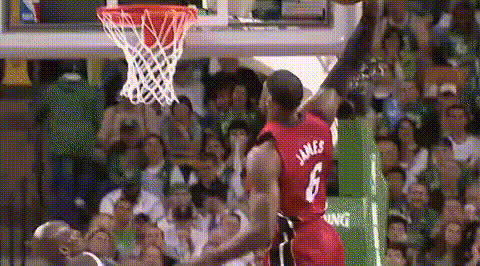
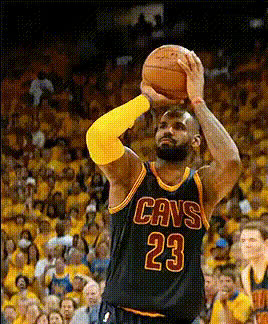
Step into the shoes of a basketball legend with our "Lebron James Dunking Basketball 6" video face swap template. This tool lets you substitute your own face onto Lebron James as he performs one of his iconic dunks. Ideal for sports enthusiasts looking to add a personal twist to epic basketball moments.
What It Does
The "Lebron James Dunking Basketball 6" template allows users to create dynamic sports-themed videos by swapping their face with Lebron's during a signature dunk. This transformation is powered by advanced AI technology, delivering realistic results that maintain the integrity of the original footage. Easily usable alongside other products like the Face Swap and AI GIF Generator for diverse content creation.
Who It's For
This template is perfect for sports fans, social media influencers, and anyone looking to inject humor and creativity into their content. Whether you're crafting fan videos or engaging social media posts, integrating this template with tools like the Video-to-Video converter enhances your multimedia projects.
Summary
Bring a playful, imaginative twist to your videos with the "Lebron James Dunking Basketball 6" face swap template. This is an exciting way to engage with your audience, combining personal flair with viral potential. Pair it with the Image to Video converter for even more creative possibilities.
How To
Follow these steps to create your own basketball-themed video using this face swap template.
01
Choose your template
Navigate to the Face Swap section on Magic Hour and select the "Lebron James Dunking Basketball 6" template from the options available.
02
Customize the video
Upload an image of your face that you want to use. Adjust settings to ensure the best fit for the face swap.
03
Generate and download
Click the ‘Generate’ button to produce your video. Once complete, download the video file to your device.
Use Cases
Explore various scenarios where this face swap template can enhance your video content.
🏀
Sports Fan Edits
Create personalized sports highlight reels featuring yourself in the action.
Capture the thrill of the game by placing yourself in iconic sports moments.
Share your creations on social media to engage with fellow fans.
📱
Social Media Content
Craft entertaining content that stands out on platforms like Instagram and TikTok.
Increase your reach with unique and creative video posts.
Use face swap videos to enhance your personal brand.
😂
Video Memes
Generate memes or humorous clips that capture attention.
Inject humor into trending sports highlights through clever face swapping.
Collaborate with other content creators for viral potential.
Best Practices
Ensure the best outcome for your face swap videos with these expert tips.
High-Quality Images
Use high-resolution images for better face recognition and realistic outcomes in your swapped videos.
Lighting Considerations
Ensure that the lighting of your uploaded image matches the lighting in the template for seamless integration.
Facial Expression
Try to match the facial expression of the original video for a more convincing swap.
Related Tools
Enhance your video content journey with these complementary tools.