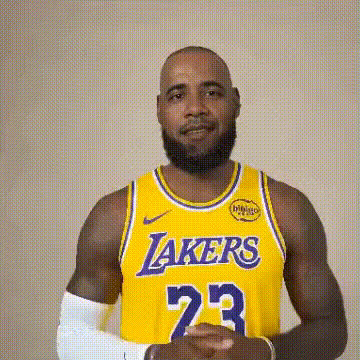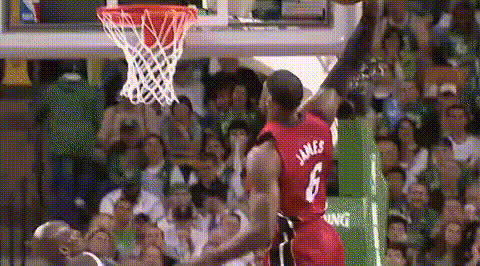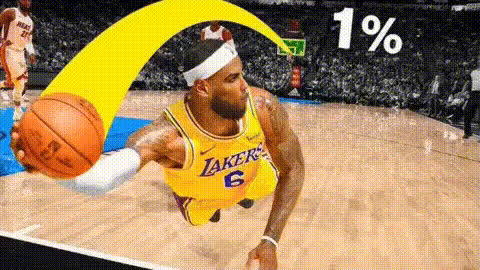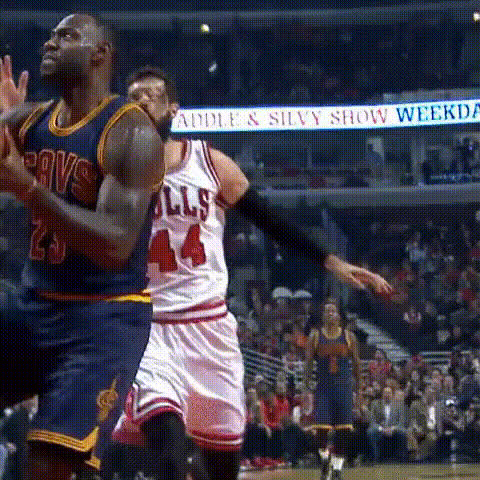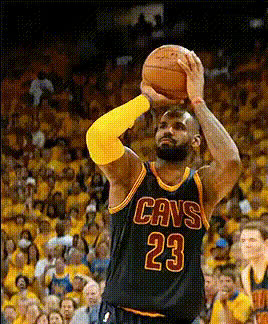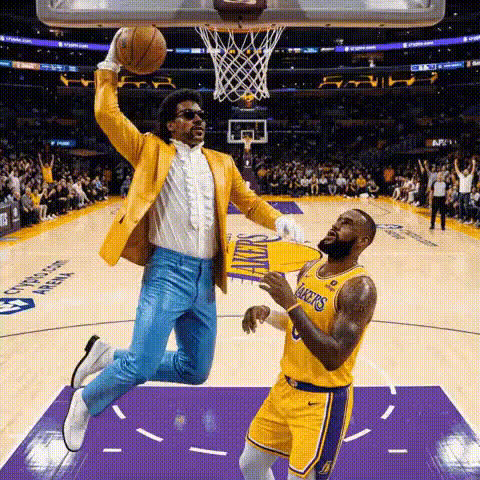
Lebron James Basketball Dunk
Overview
Step onto the digital court with the LeBron James Basketball Dunk Video Face Swap template. Transform any video into a highlight reel, swapping in the likeness of the legendary LeBron James himself. Ideal for anyone looking to generate exciting basketball content, Video Face Swap technology makes it achievable to create spectacular sports mash-ups with ease.
What It Does
This template empowers creators to inject star power into their videos by seamlessly replacing a face with LeBron James during a high-energy basketball dunk. Perfect for creating dynamic sports videos, you'll be able to produce content that's engaging and recognizable. The final product maintains high-resolution quality, ensuring your transformed highlights stand out.
Who It's For
This template is perfect for sports enthusiasts, content creators, and marketers aiming to create engaging basketball-themed videos. Whether you're a fan making tribute videos or a content strategist driving social media engagement, this template provides a straightforward way to add a superstar element to your projects. Learn more about utilizing AI in sports content creation by exploring our Sports Highlight Edits use case.
Summary
The LeBron James Basketball Dunk template leverages face swap technology to offer a fun and creative twist to basketball videos. By channeling the energy and excitement of a LeBron James dunk, this tool opens up new possibilities in video editing. For those interested in similar transformations, consider exploring our Body Swap and Head Swap products for more engaging content creation.
How To
Choose the Lebron James Dunk Template

Customize Your Video

Generate and Download

Use Cases
Sports Fan Montages
- Tribute videos for basketball legends
- Fan highlight reels
- Event promotion videos
Social Media Content
- Instagram reels and stories
- TikTok videos
- YouTube highlights
Marketing Campaigns
- Brand partnerships with sports themes
- Dynamic advertisements
- Influencer collaborations
Best Practices
Select High-Quality Videos
For the best results, ensure your original videos are of high resolution. This helps maintain clarity in the resulting video.Choose Appropriate Angle Shots
Use video clips with clear views of faces to swap. This improves the face detection and swapping process.Experiment with Lighting
Good lighting in your original video can dramatically enhance face swap results by providing consistent light exposure.