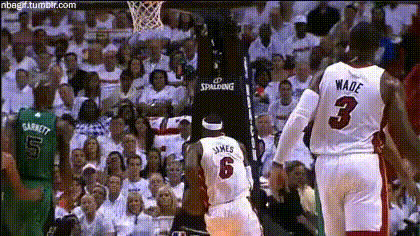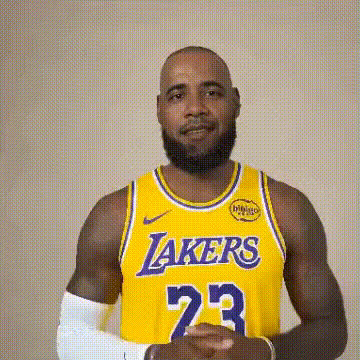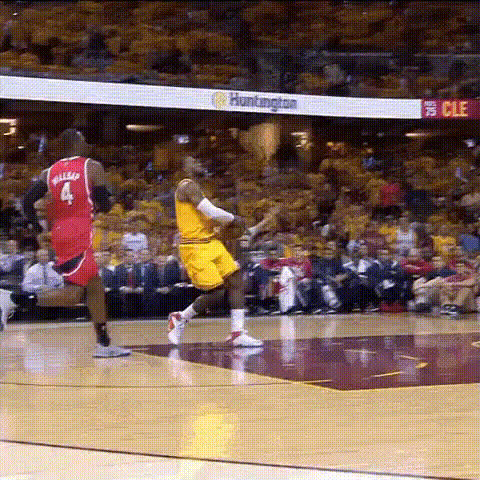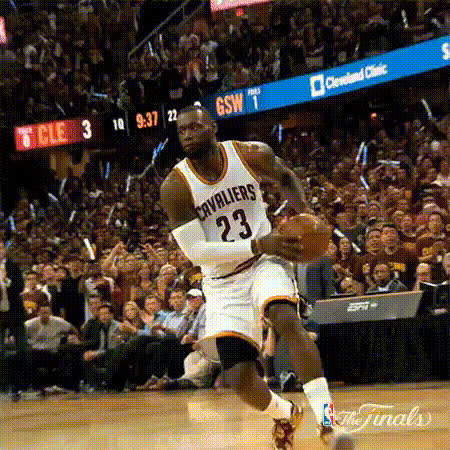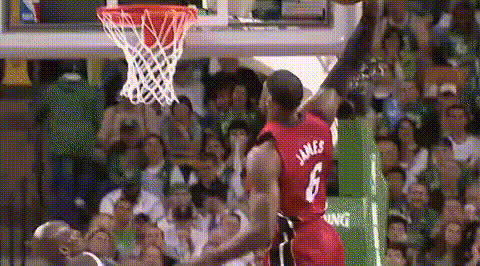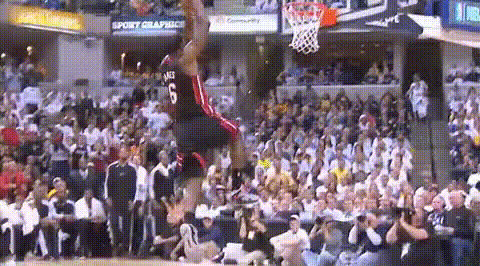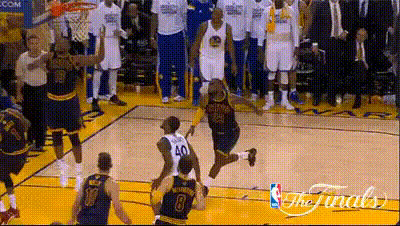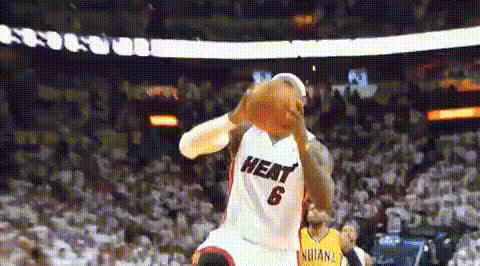
Lebron James Dunking Basketball 1
Overview
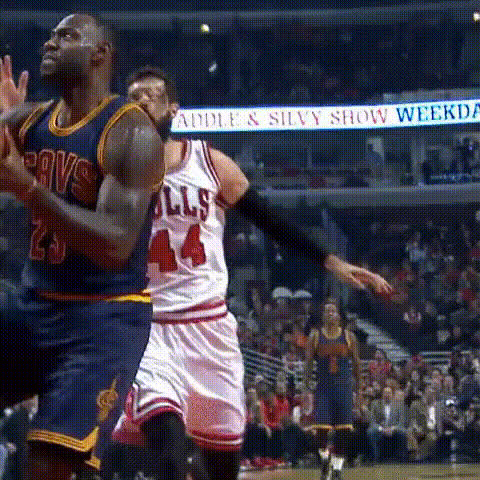
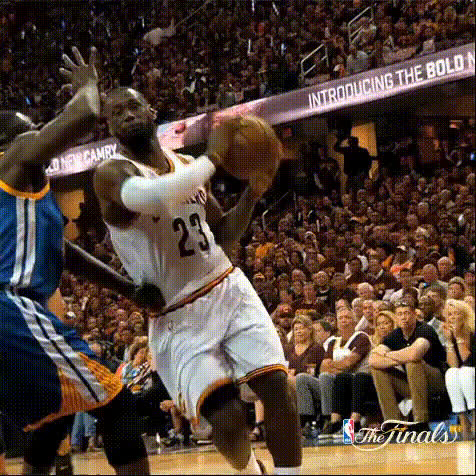
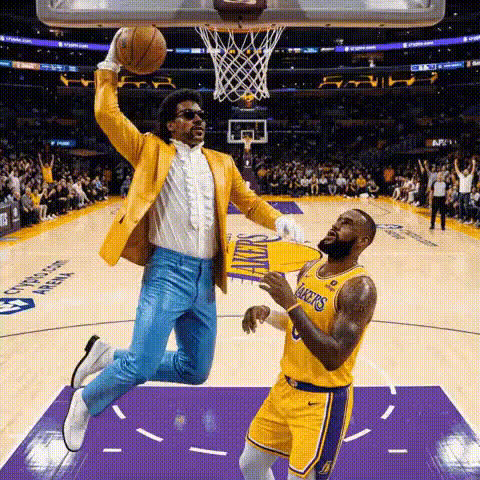
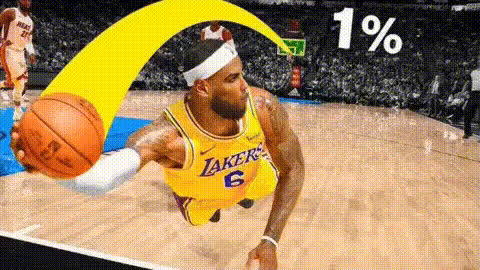
Get ready to slam dunk like the basketball legend himself with this Video Face Swap template. The "LeBron James Dunking Basketball 1" template allows you to showcase your skills or create entertaining sports clips by swapping faces effortlessly. Capture the thrill of the game and add a personal twist to iconic moves.
What It Does
This template specializes in face swapping, providing you the capability to insert any face into a video featuring LeBron James performing a spectacular dunk. Fine-tuned algorithms ensure realistic integrations, making your creation both authentic and captivating. Boost your sports content or personal snippets into the spotlight with professional-grade videos.
Who It's For
The "LeBron James Dunking Basketball 1" template is ideal for sports enthusiasts, content creators, and influencers looking to add exciting elements to their videos. Whether you're a basketball fan who wants to star in a highlight reel, or a YouTube creator crafting engaging content, this face swap tool brings your vision to life.
Summary
Unleash creativity by inserting your face into videos of LeBron James executing iconic dunks. With our easy-to-use Video Face Swap technology, anyone can create content that catches the eye. For more transformative video tools, check out our Video Face Swap and see how it pairs with Body Swap for complete persona transformation. Explore other AI capabilities, such as the AI Video Generator, to enhance creative production.
How-To
Choose

Customize

Generate

Use Cases
Social Media Content
- Create Instagram stories
- Make engaging TikTok videos
Fan Engagement
- Stitch fans' faces into famous plays
- Create competition entries
Event Highlights
- Launch event teasers
- Deliver post-game summaries
Best Practices
High-Quality Images
Ensure you use high-resolution images for superior face swaps.Proper Lighting
Choose images where the lighting closely matches the original video for a seamless look.Experiment with Angles
Feel free to try different images and angles to find the most realistic outcome.