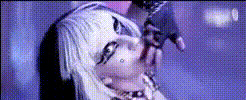
Lady Gaga Singing Closeup
Overview
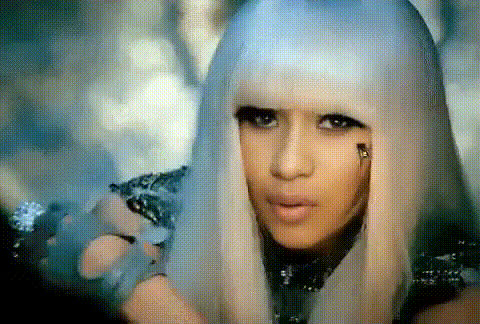
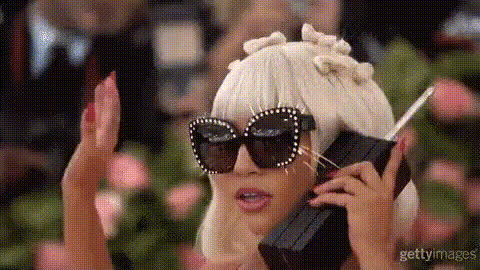
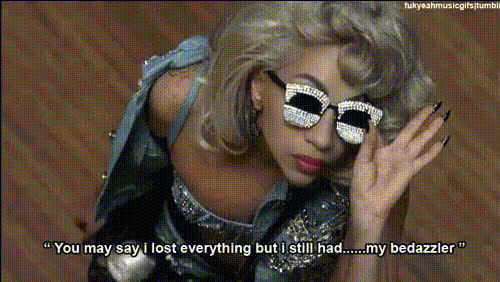
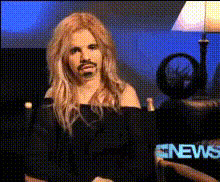
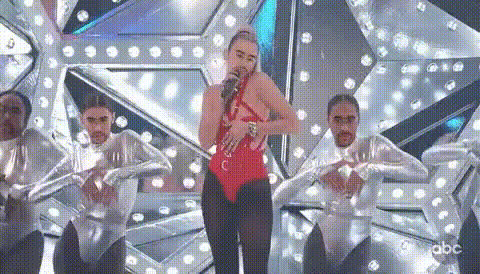
With the Lady Gaga Singing Closeup template, you can transform any video into a superstar performance by replacing the original subject's face with Lady Gaga's in stunning detail. This template is part of our Video Face Swap collection, allowing you to create visually impressive content that captivates audiences.
What it Does
This template provides a realistic Video Face Swap experience by overlaying Lady Gaga's face onto the subject in your video. Designed to reflect her iconic facial features and expressions while singing, this tool maintains the video’s original sound and background, resulting in a dynamic and engaging visual transformation.
Who it's For
This tool is perfect for video creators, social media enthusiasts, and fans who want to add a pop culture twist to their content. It's used by social media marketers creating engaging campaigns, or by individuals looking to surprise friends and followers with creative videos.
Summary
Captivating and user-friendly, the Lady Gaga Singing Closeup template offers a seamless creative experience. Use it to transform ordinary footage into extraordinary performances. Be sure to explore AI Image Editor for further customization options, or Text to Video for adding narrative elements to your creations.
How To
Choose Your Template

Customize Your Input

Generate Your Video

Use Cases
Social Media Campaigns
- Boost engagement with pop culture references
- Create viral content with ease
Event Promotions
- Enhance promotional videos with star power
- Attract a wider audience
Personal Content
- Surprise friends and family with star appearances
- Make memorable keepsakes
Best Practices
Select High-Quality Video
Ensure the original video is high resolution to maintain clarity after the face swap, which leads to better results.Test Different Angles
Experiment with different video angles for the best alignment with Lady Gaga's face for a more seamless integration.Combine with Other Tools
Use the AI Image Editor to refine any aspect of the video, or apply other elements using the Text to Video tool.