Lady Gaga Speaking To Media
Overview
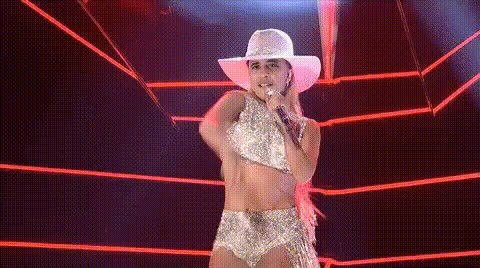
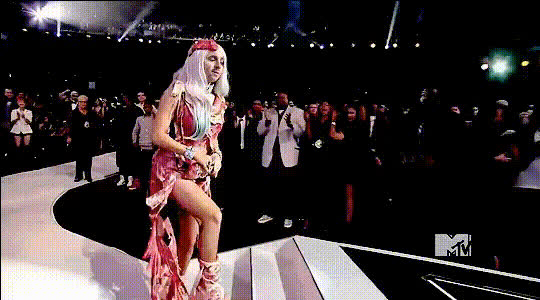
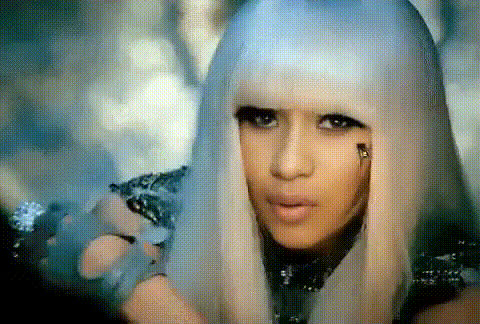
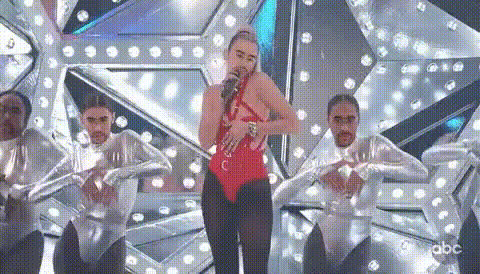
The Lady Gaga Speaking To Media template allows you to swap faces in a video to create engaging, transformative content. With this Video Face Swap tool, you can bring the iconic persona of Lady Gaga into your media projects, whether for fun, creativity, or powerful storytelling.
What It Does
This template leverages AI to perform a video face swap, replacing the face of a speaker with Lady Gaga's. Ideal for video editing tasks that require a pop culture twist, it's perfect for creating viral content or experimenting with creative ideas.
Who It's For
Designed for creators wanting to enhance their video content, this template suits marketers, social media managers, and video editing enthusiasts. It's particularly beneficial for those in the entertainment industry looking to add a touch of style and originality to their projects using Lip Sync or similar enhancements.
Summary
The Lady Gaga Speaking To Media template is an effective way to transform video projects with innovative face swap capabilities. By utilizing this Video Face Swap tool, you open up opportunities for unique content creation and audience engagement.
How-To
Choose the Template

Customize Your Inputs

Generate the Video

Use Cases
Social Media Content
- Viral challenges
- Music video promotions
Marketing Campaigns
- Advertisement enhancement
- Brand storytelling
Educational Videos
- History of pop stars
- Media studies
Best Practices
Choose High-Quality Video
Ensure your source video is high resolution for the best swap results.Maintain Context
Keep the swap relevant to your video’s context to enhance viewer engagement.Use AI Tools Creatively
Combine with other Magic Hour tools like the AI Image Editor for additional creative effects.