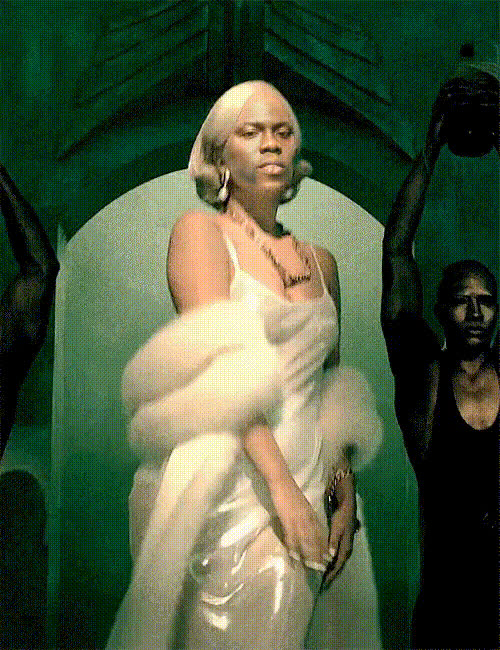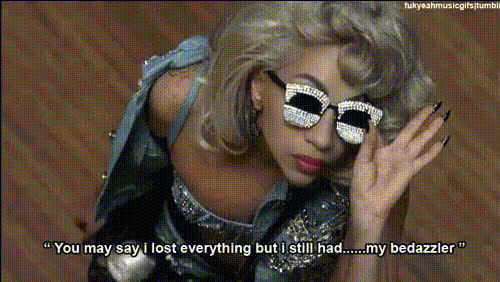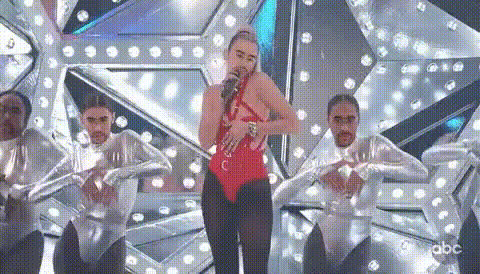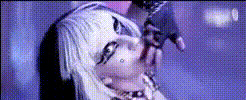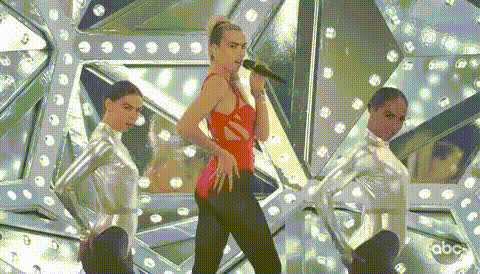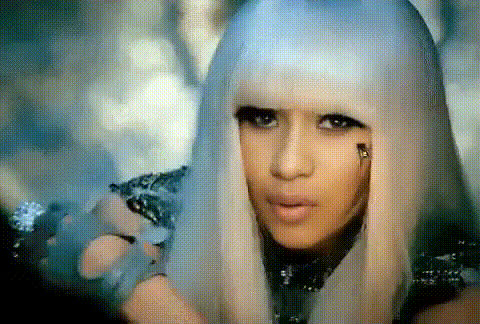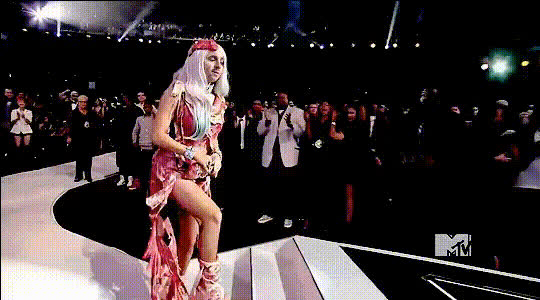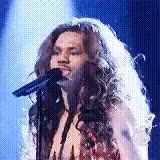
Lady Gaga Singing Performance 1
Overview
The Lady Gaga Singing Performance 1 template lets you place yourself in the spotlight of a dynamic singing act. With this Video Face Swap tool, transform any image of yours into a stunning performance, embodying the essence of Lady Gaga herself. Designed for creators looking to add a unique twist to their video content, this template offers an engaging experience with visually captivating results.
What It Does
This template facilitates Face Swap transformations by seamlessly positioning your image onto a pre-existing video of Lady Gaga performing. Utilizing advanced AI technology, the template ensures smooth blending of facial features while maintaining natural expressions and movements aligned with the original video.
Who It's For
Ideal for social media enthusiasts, content creators, and fans of Lady Gaga, this template adds an entertaining element to your video projects. Whether you're crafting Instagram Reels, TikTok videos, or enhancing product demo videos, the Lady Gaga Singing Performance 1 template offers a unique way to engage your audience.
Summary
Explore the thrill of performing like Lady Gaga with this interactive Video Face Swap template. Custom-designed for creativity and engagement, it harnesses the power of AI for uniquely personal content. For further customization, explore our AI Image Editor to refine your images before swapping.
How To
Choose Your Template

Customize Your Input

Generate and Download

Use Cases
Social Media Content
- Create buzz with a personal twist on popular media trends.
- Engage followers with eye-catching video performances.
Event Promotions
- Create memorable invitations or event highlights.
- Showcase headlining acts in a new, interactive format.
Personalized Greetings
- Create a memorable message with customized video content.
- Bring smiles and surprises to loved ones' faces.
Fan Tributes
- Connect with fan communities through creative content.
- Honor Lady Gaga with videos that capture her energy.
Best Practices
Choose High-Quality Images
Use clear, high-resolution images to ensure the best fusion with the video template. This minimizes errors and enhances realism.Experiment with Angles
Try different angles and facial expressions in your photos to see which ones integrate best into the template.Review Video Settings
Before finalizing your project, review the video settings to adjust lighting, color, or other effects to better match the original footage.