Klay Thompson In Action
Overview
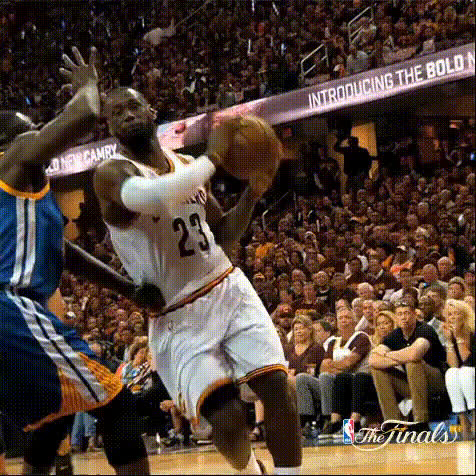
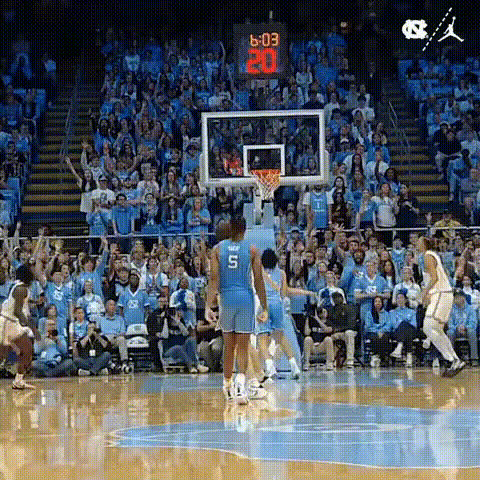
Experience the thrill of NBA basketball by using the Klay Thompson In Action template for Video Face Swap. This template allows you to creatively insert Klay Thompson's face into your own videos, making it an ideal choice for anyone looking to add a unique twist to their sports edits or animations. Crafting captivating basketball-themed content has never been easier.
What It Does
The Klay Thompson In Action template leverages advanced face-swapping technology to replace the face in your video clips with that of NBA star Klay Thompson. This can be particularly captivating for developing highlight reels or enhancing sports-themed content, putting a professional spin on your video productions. Whether it's a short snippet for social media or a longer basketball narrative, this tool transforms your creative vision into reality.
For those looking to switch up their sports footage further, you might consider exploring the Face Swap family of products or the capabilities of our AI GIF Generator for shorter formats.
Who It's For
This template is perfect for sports enthusiasts, video creators, and social media influencers eager to infuse their content with the dynamic energy of the NBA. Whether you are a fan creating engaging content for your followers or a professional looking to spice up your sports footage, the Klay Thompson In Action template offers a specialized way to stand out.
Consider combining this with our AI Video Generator to enhance your storytelling or the Image to Video tool for more comprehensive projects.
Summary
The Klay Thompson In Action Video Face Swap template enables you to breathe life into your sports videos by integrating Klay Thompson's visage into your clips. It's an ideal choice for basketball fans and content creators aiming to produce vibrant and eye-catching footage. Enhance your productions by exploring related tools like the AI Image Generator or the AI Video Extender for more comprehensive editing options.
How to Use
Choose Your Template

Customize Your Inputs

Generate and Download

Use Cases
Basketball Highlights
- Personalize game highlights
- Create team promotional content
Social Media Clips
- Boost engagement with trendy content
- Utilize for #ThrowbackThursday or other themes
Fan-made Stories
- Explore alternate sports realities
- Feature Klay in inspirational content
Best Practices
Use High-Quality Source Videos
Ensure your input video is of high quality and well-lit for the best face swap results. Clear footage enhances the final look.Align Expressions
Carefully match expressions and angles to create a more realistic face swap. This attention to detail elevates your video's authenticity.Experiment with Different Settings
Try various video settings and special effects to find the best match for Klay Thompson's face in your specific scene. Adjust lighting and shadows for added realism.