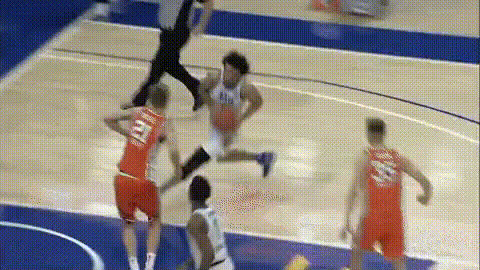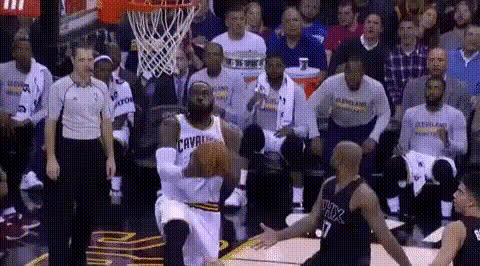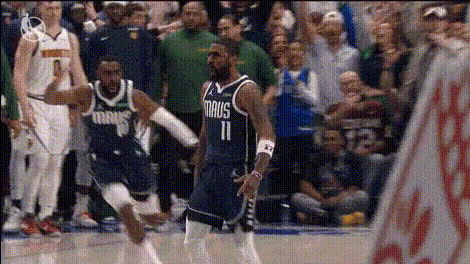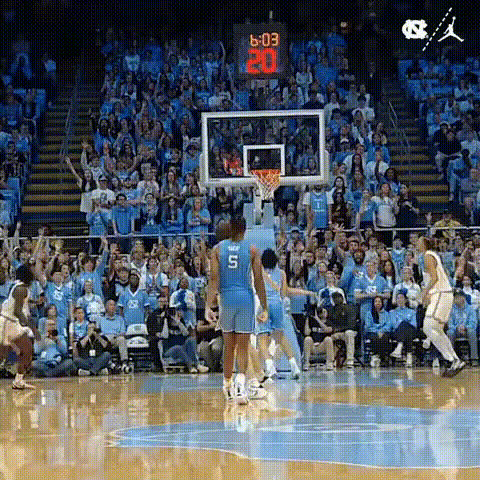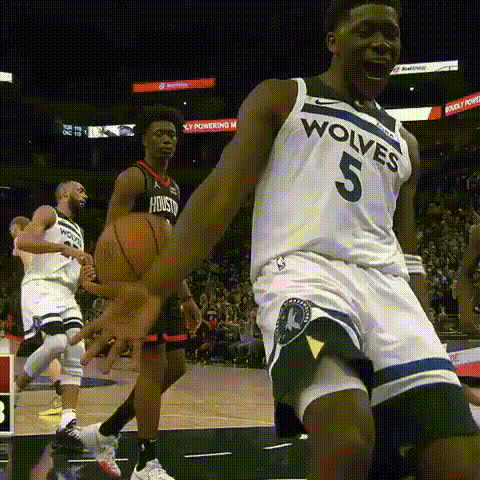
Nba Player In Action
Overview
Transform yourself into an NBA star with the Nba Player In Action video face swap template. This template lets you merge your face with an NBA player's body, capturing the thrill of professional basketball in a personalized video. Whether you're looking to have fun or create engaging content, this tool brings sports excitement right to your screen.
What It Does
The Nba Player In Action template leverages advanced video face swap technology to seamlessly integrate your face into footage of an NBA player in action. With precise facial alignment, the transformation looks natural, making it easy to share and surprise your friends.
This template works well with other fun creation tools like the Face Swap for general face morphing and the AI GIF Generator for quick, shareable content. Combine these to take your fan game to the next level!
Who It's For
This tool is perfect for sports enthusiasts, especially NBA fans who dream of being on the court. It's also a great choice for content creators and social media influencers who want to create eye-catching videos. Additionally, it caters to the media industry and broadcasters aiming to engage audiences with interactive content.
Use the AI Video Generator to further enhance your creations and explore our Social Media Ads for tips on boosting engagement.
Summary
The Nba Player In Action video face swap template is your gateway to exhilarating sports fan content. Tailored for basketball lovers and digital creators, it allows for dynamic transformation using cutting-edge AI technology. Create a buzz with personalized videos that capture the spirit of the game.
How-To
Choose the Template

Customize Your Video

Generate and Share

Use Cases
Interactive Sports Fan Content
- Engage with friends on social media
- Create unique sports commentaries
Social Media Engagements
- Drive social shares
- Enhance brand interactions
Best Practices
Use High-Quality Photos
Ensure your photo is well-lit and clear to improve the quality of the face swap.Check Facial Alignment
Take time to adjust the facial markers for a more natural swap during the video edit phase.Leverage Other Tools
Consider using the AI Image Editor for refining your images before uploading.