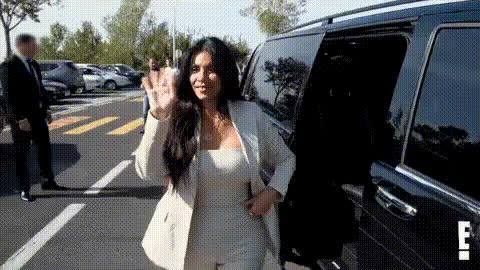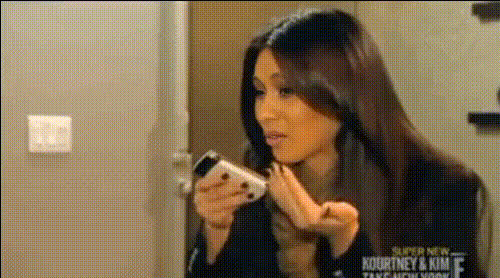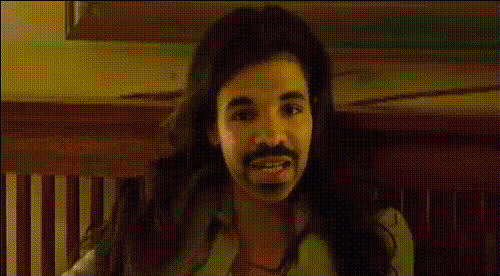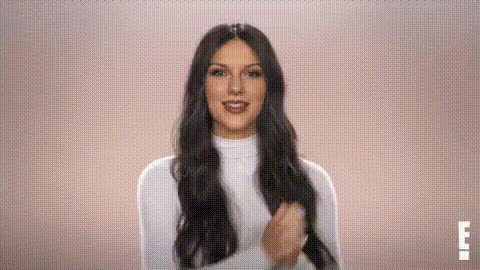
Kim Kardashian Smiling (2)
Overview
Dive into the world of video transformations with our Kim Kardashian Smiling template. This innovative Video Face Swap tool lets you infuse your video content with the iconic face of Kim Kardashian, adding a fun and engaging twist to your creations. Whether you're looking to create trending memes or engaging social media posts, this template offers a unique opportunity to stand out visually.
What It Does
Our template leverages the power of AI technology to swap faces in video formats, replacing your chosen visage with a lifelike representation of Kim Kardashian. Perfect for creators who seek to capture audience attention through memorable and relatable content, this tool modifies your video to include Kim's recognized features while maintaining the original motion and expressions.
The process is powered by advanced algorithms to ensure high-quality outputs suitable for platforms like TikTok, Instagram Reels, or any other social media outlets.
Who It's For
This template is ideal for content creators, marketers, and meme enthusiasts. Whether you're an influencer looking to spice up your social media content, a marketer aspiring to make catchy ad visuals, or an individual wanting to personalize your video memes, this tool offers the creative flexibility to meet diverse needs.
It's equally effective for those involved in social media campaigns or individuals aiming to experiment with fun and inventive video transformations.
Summary
The Kim Kardashian Smiling Video Face Swap template provides an engaging way to rejuvenate video content with a touch of celebrity appeal. Suitable for various creative tasks, from making viral memes to unique entertainment content, it is a versatile tool for those aiming to elevate their video projects.
Explore how this tool can integrate into your workflow alongside our other offerings like the AI Image Editor or AI Video Generator for comprehensive media enhancement.
How to Use
Choose the Template

Customize Your Input

Generate Your Video

Use Cases
Memes and Social Media Content
- Create viral memes
- Share on TikTok or Instagram
- Boost social media presence
Marketing and Promotional Videos
- Innovative ad campaigns
- Catchy product launches
Entertainment and Creative Projects
- Short films
- Music videos
Best Practices
Select High-Quality Source Videos
Using high-resolution videos as input ensures the resulting swap maintains clarity and visual integrity.Customize Face Swap Settings
Refine settings to focus face swaps accurately to maintain the intended artistic representation.Preview Before Finalizing
Use the preview feature to make adjustments if necessary before downloading the final output.