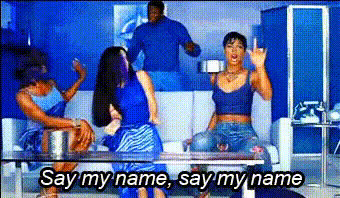
Kelly Rowland And Friends
Overview
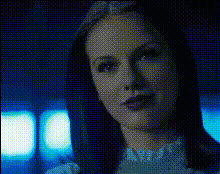
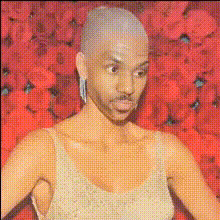
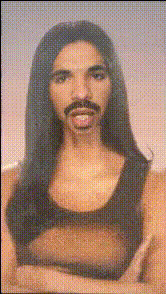
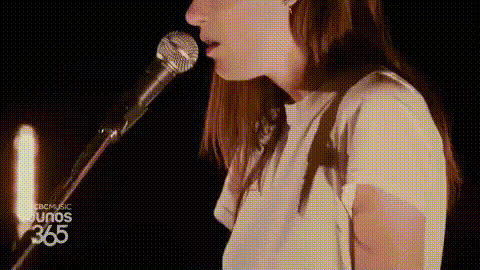
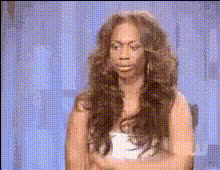
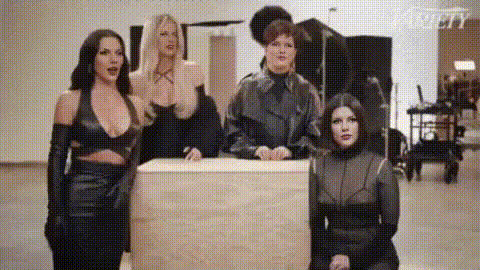
Step into the world of entertainment with the "Kelly Rowland And Friends" Video Face Swap template. This dynamic tool allows you to swap faces with Kelly Rowland and her circle in videos, creating amusing and unique content perfect for social media or personal projects. This template relies on advanced AI to ensure realistic face swaps without the complexity of manual editing.
What It Does
With this Video Face Swap template, you can take any source video and incorporate the faces of Kelly Rowland and her friends. The template utilizes sophisticated algorithms to match face lighting, perspective, and expressions for seamless integration. Explore related tools like the Image to Video and AI GIF Generator for complementary content creation capabilities.
Who It's For
This template is perfect for creators looking to add a twist to their content. Marketers, influencers, and entertainment enthusiasts can benefit from this tool. Whether you're crafting videos for social media platforms or creating personalized messages for fans, the Video Face Swap offers both fun and professional-level results. Consider checking out the AI Voice Changer to further personalize your videos.
Summary
In summary, the "Kelly Rowland And Friends" Video Face Swap template opens up new horizons for creative video production. Its precision and ease of use make it suitable for a wide range of applications, from creating hilarious gifs to enhancing marketing materials. To expand your creative toolkit, explore the Face Swap section for more related templates.
How to Use
Choose the Template

Customize Your Inputs

Generate Your Video

Use Cases
Social Media Content
- Instagram reels
- TikTok clips
- Snapchat stories
Marketing and Promotions
- Ads with influencer appeal
- Promotional videos
- Event teasers
Entertainment Productions
- Music videos
- Comedy sketches
- Fan edits
Best Practices
Choose Clear Source Material
Ensure your original video is well-lit and clear for the best face swap accuracy.Experiment with Multiple Angles
Try swapping faces from various angles for a dynamic presentation.Combine with Voice Changer Tools
Pair with AI Voice Changer to align voices with swapped faces.