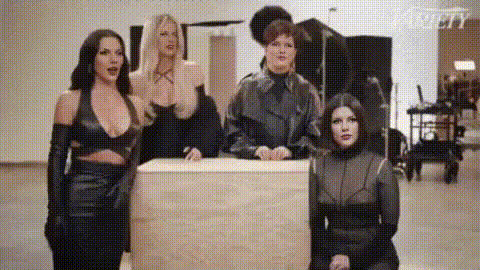
Kim Kardashian And Friends
Overview
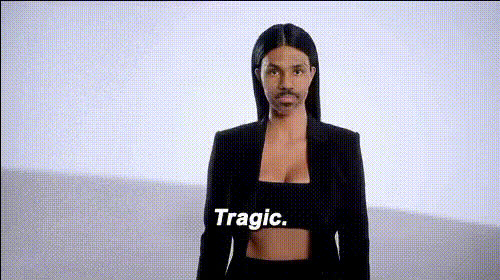
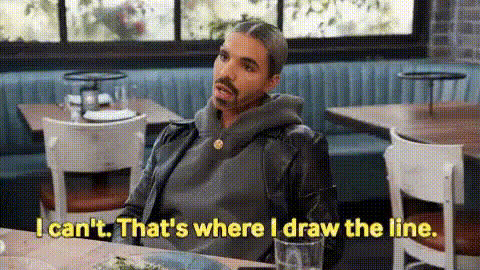
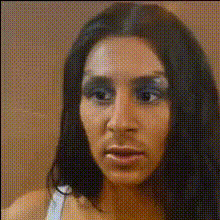
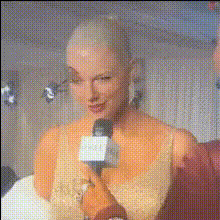
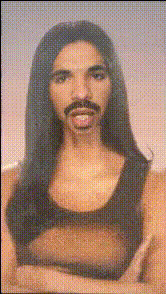
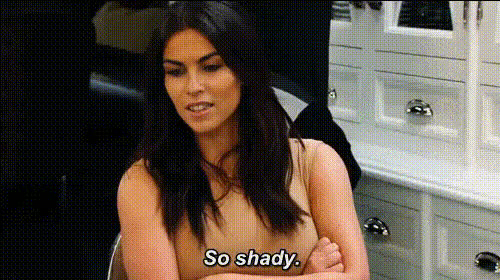
The "Kim Kardashian and Friends" template leverages advanced video face swap technology to transform your videos into attention-grabbing content featuring celebrity faces. Ideal for crafting engaging social media clips, this template seamlessly integrates famous personas into your narrative.
What It Does
Utilizing state-of-the-art facial recognition and swapping algorithms, this template allows you to replace faces in your videos with those of Kim Kardashian and her celebrity friends. Whether for entertainment, social media engagement, or marketing purposes, you can create a realistic and entertaining video in minutes.
By preserving natural expressions and movements, the tool ensures that the face swaps look authentic and dynamic. The final output is a high-quality video file ready to share across various platforms, compatible with Video Face Swap technologies.
Who It's For
This template is perfect for social media influencers, content creators, and marketers seeking to grab attention. It's also a valuable tool for meme video creators and anyone looking to add a humorous or engaging twist to their video content.
Additionally, agencies and creative teams working on campaigns that involve celebrity engagement or character substitution will find this resource particularly useful.
Summary
By incorporating Kim Kardashian and other celebrity faces into your videos, this template offers an innovative way to revamp your content. Quickly produce engaging, eye-catching videos that resonate with audiences and enhance social media interaction.
Explore other transformation options like our AI Talking Photo and AI Voice Changer to elevate your video storytelling further.
How To
Choose the Template

Customize Your Video

Generate Your Content

Use Cases
Social Media Engagement
- Use celebrity faces to increase interest
- Enhance interactive and authentic user experience
Entertainment and Parody
- Parody famous personalities
- Create humorous content with ease
Marketing and Ad Campaigns
- Align campaigns with popular culture
- Increase brand visibility
Best Practices
Choose High-Quality Source Footage
For best results, use high-resolution videos that have clear lighting and minimal obstructions on faces.Align with Celebrity Usage Rights
Ensure compliance with celebrity image usage rights, especially for commercial purposes.Review and Edit Carefully
After generating the video, review it for any necessary tweaks or edits to maintain a natural look.