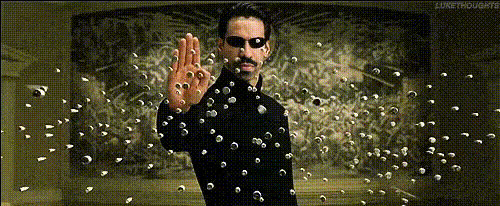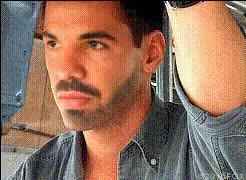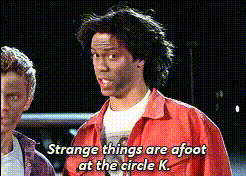
Keanu Reeves 80S Portrait
Overview
Step back in time and bring Keanu Reeves into your 80s-themed content with the Video Face Swap template. This powerful tool allows you to replace faces in your videos, transforming them into iconic 80s scenes with a Keanu twist. Perfect for movie enthusiasts and content creators looking to add a nostalgic flair.
What It Does
The Video Face Swap technology behind this template enables users to insert Keanu Reeves' face into any compatible video clip, creating a seamless blend of present technology and 80s nostalgia. It’s ideal for creating content that stands out and grabs attention. Utilize it with the AI Video Generator to expand your creative possibilities.
Who It's For
This template is designed for content creators, video editors, and anyone with a passion for the 80s aesthetic. Whether you are producing explainer videos, fan edits, or marketing content, this tool can give your work a distinctive edge. Great for social media influencers and brands looking to tap into retro trends.
Summary
Utilize the Video Face Swap template to inject a unique and charismatic element into your video projects. By leveraging this template, you can easily create content that resonates with audiences across multiple platforms, ensuring your work remains memorable and engaging.
How To
Choose Your Template

Customize Inputs

Generate and Download

Use Cases
Fan Edits of Classic Films
- Reimagine classic 80s film scenes
- Create compelling tributes with a modern twist
Unique Social Media Content
- Stand out on TikTok and Instagram
- Leverage the 80s trend for viral potential
Promotional Videos
- Ideal for retro-styled product launches
- Engage audiences with a timeless touch
Best Practices
Source Quality Footage
Ensure the video clips you use are of high quality to maintain the template's effectivity.Adjust Lighting for Realism
Pay attention to lighting when merging faces to enhance realism and integration.Preview Before Finalizing
Check your swaps with a preview to make any necessary adjustments before export.