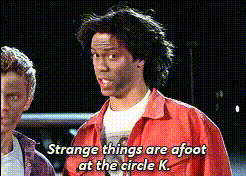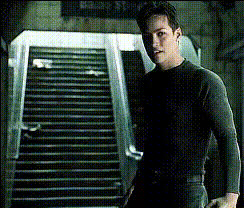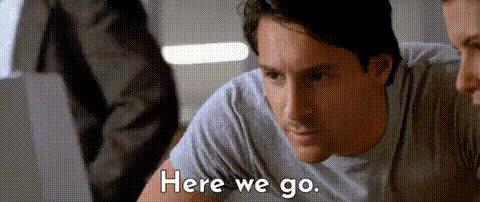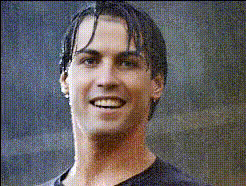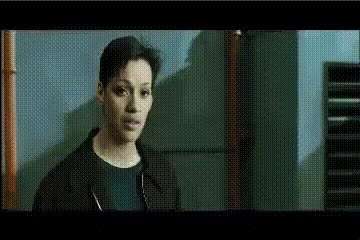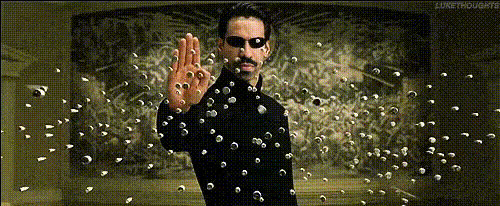
Keanu Reeves Matrix Scene
Overview
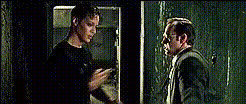
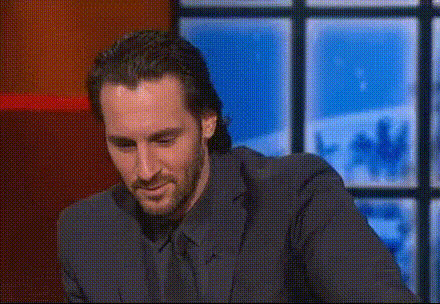
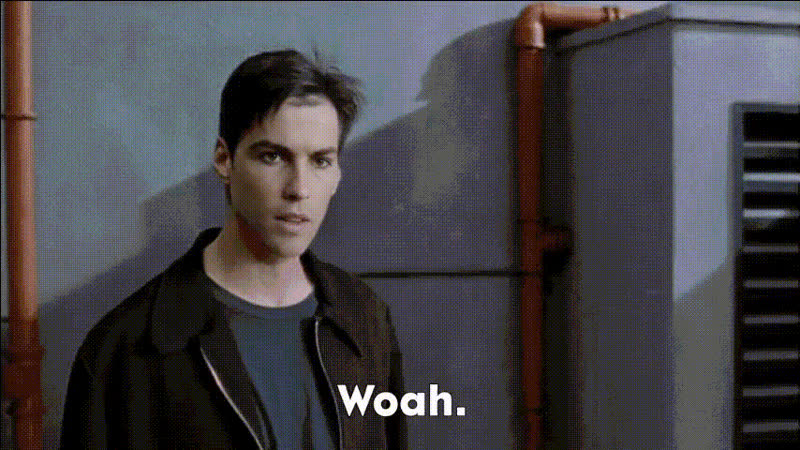
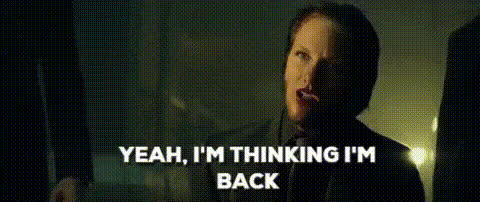
Dive into the world of "The Matrix" with our Video Face Swap template, "Keanu Reeves Matrix Scene." This template allows you to replace faces in the iconic action-packed sequences, letting you become Neo. Experience a dynamic transformation and bring a personal touch to a legendary movie moment.
What It Does
The "Keanu Reeves Matrix Scene" template enables you to perform a face swap in a classic Matrix scene. Utilizing the latest in AI technology, swap your face with Neo’s and relive the high-octane moments of the film. The Video Face Swap tool ensures that your movements sync perfectly with the original action for a natural-looking video.
Who It's For
This template is perfect for movie enthusiasts, content creators, or anyone interested in seeing themselves in an iconic film role. Whether you're creating content for social media or personal enjoyment, the template brings fun and creativity to your projects. It's a great choice for fans of the franchise who want to explore AI-powered image-to-video transformations.
Summary
The "Keanu Reeves Matrix Scene" Video Face Swap template offers a unique opportunity to step into the shoes of a cinematic hero. Leverage AI technology to produce personalized videos that maintain the original’s engaging action. Perfect your content with realistic face swapping, supported by tools like the AI Face Editor for refined adjustments.
How To
Choose the Template

Customize Your Video

Generate Your Video

Use Cases
Social Media Content
- Increase audience engagement with thrilling content
- Stand out with personalized movie scenes
Themed Parties or Events
- Add entertainment value to birthday parties
- Create showreels for themed corporate events
Fan Edits
- Connect with other fans through creative content
- Showcase your unique take on classic scenes
Best Practices
Select a High-Quality Image
For the best results, use a high-resolution image with good lighting and a frontal view of your face.Align Faces Carefully
Use the provided tools to ensure that your face aligns well with Neo's in the video frames for a seamless integration.Experiment and Preview
Take advantage of preview options to refine your output before finalizing your video. Explore adjustments in the AI Video Generator if necessary.