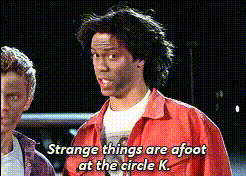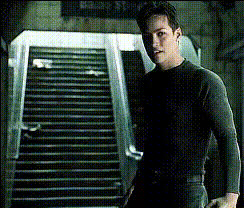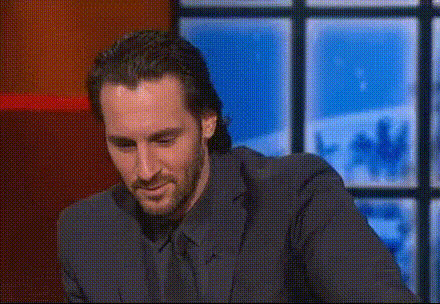
Keanu Reeves Movie Screenshot
Overview
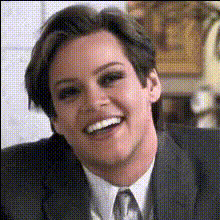
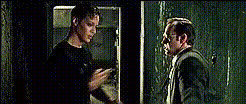
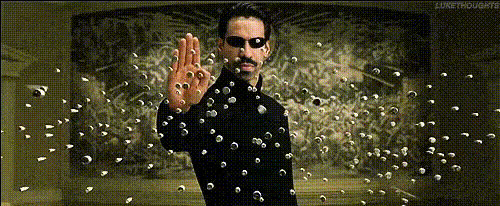
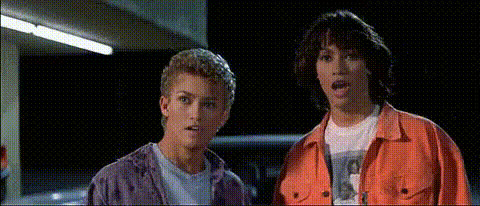
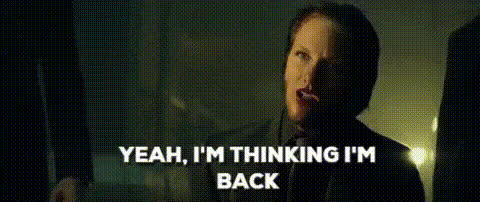
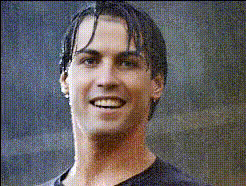
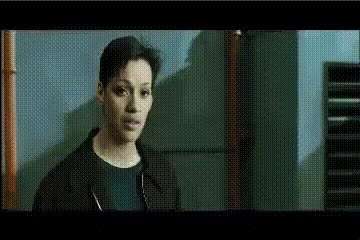
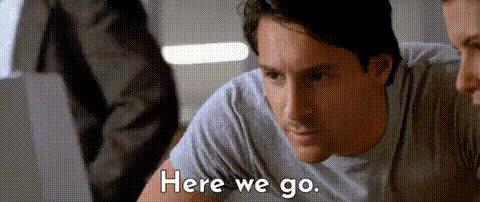
Transform your images with the Keanu Reeves Movie Screenshot template. This Video Face Swap tool lets you insert any face into a scene featuring Keanu Reeves. It's designed for creators looking to add humor or a personal touch to iconic movie moments. Whether for social media fun or just sharing a laugh, this template makes creating standout content easy.
What It Does
The Keanu Reeves Movie Screenshot template enables users to conduct face swaps on movie stills of Keanu Reeves. With just a few clicks, you can replace Keanu's face with your own or someone else's, resulting in humorous or unexpected content. The template supports various image formats, maintaining high-quality results suitable for viral content or personal use.
Who It's For
This template is perfect for content creators, meme enthusiasts, and marketers who want to tap into the popularity of Keanu Reeves and create engaging content. It's suitable for anyone looking to edit images for social media, ads, or simply for fun interactions between friends. It's a great way for beginners and pros alike to leverage AI technology without needing extensive editing skills.
Summary
The Keanu Reeves Movie Screenshot template offers a user-friendly way to transform ordinary photos into extraordinary scenes with a twist of humor and creativity. Its ease of use and high compatibility make it an ideal choice for generating content that is not only funny but also engaging and shareable. Start your face swap journey and explore other related tools like the AI GIF Generator for animated fun.
How To
Choose the Template

Customize with Your Image

Generate and Download

Use Cases
Social Media Engagement
- Create eye-catching posts for Instagram, Facebook, or Twitter
- Enhance your personal brand with comedic content
Viral Meme Creation
- Transform classic movie scenes
- Engage in meme trends with ease
Personal Fun and Experimentation
- Share laughs with friends and family
- Experiment with different expressions and angles
Best Practices
Select High-Quality Images
Use high-resolution images for better results, ensuring the details align properly for realistic swaps.Mind the Lighting
Match the lighting in your input image to the scene for a more natural look. This enhances the integration of the swapped face into the original context.Experiment with Angles
Test different facial angles to find one that seamlessly aligns with Keanu’s original posture, ensuring the most convincing swap.