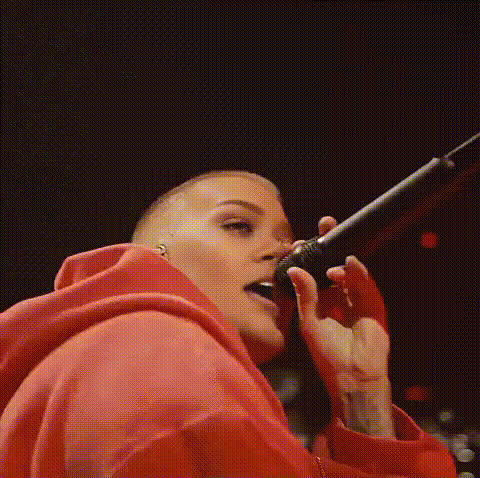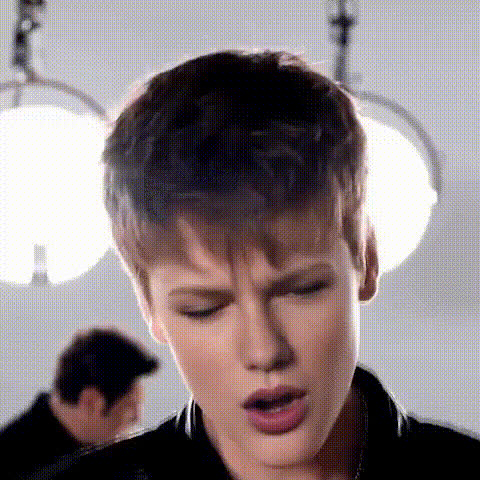
Justin Bieber Singing Expression
Overview
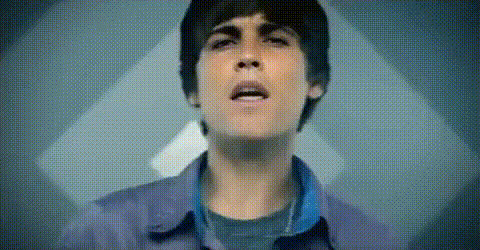
Capture the charisma of Justin Bieber by using the Justin Bieber Singing Expression video face swap template. This template lets you overlay Justin’s singing expressions onto your own videos, infusing them with a unique pop star flair. It's designed for creators who want to experiment with celebrity transformations.
What It Does
The template uses video face swap technology to combine your video project with Justin Bieber's singing expressions. Simply upload your own video, and the template maps Justin's facial movements and expressions onto the faces in your video. This transformation tool is powered by innovative AI models like those used in Face Swap and Image to Video for seamless integration.
Who It's For
This template is perfect for musicians, video editors, and social media enthusiasts looking to add a fun twist to their content. Whether you want to create eye-catching social media ads or eCommerce promotions, using celebrity faces can add a touch of flair that attracts attention and engages audiences.
Summary
With the Justin Bieber Singing Expression template, you're equipped to craft engaging videos that highlight creativity and celebrity charm. It's a powerful tool for users looking to enhance their content with a pop culture icon's expressions. Explore more templates like AI Talking Photo and AI Video Generator to expand your editing capabilities.
How to Use the Justin Bieber Singing Expression Template
Choose the Template

Customize Your Inputs

Generate the Video

Use Cases
Music Videos
- Enhance visual appeal
- Attract a wider audience
Social Media Content
- Boost engagement rates
- Create shareable content
Advertising Campaigns
- Drive customer interest
- Elevate brand presence
Best Practices
Choose High-Quality Videos
For best results, start with clear, high-resolution source videos to improve facial integration.Focus on Lighting
Ensure your original video has adequate lighting for better detection of facial features.Preview Before Finalize
Always preview the output to make adjustments before finalizing your video.