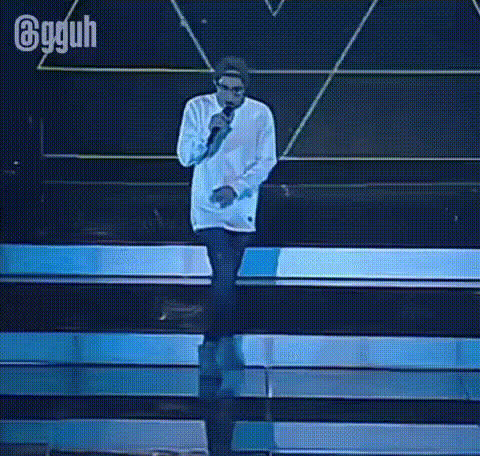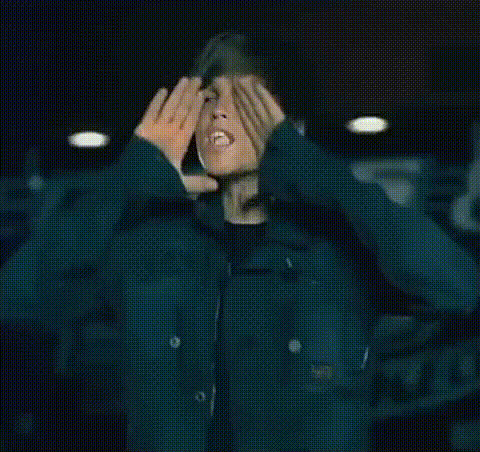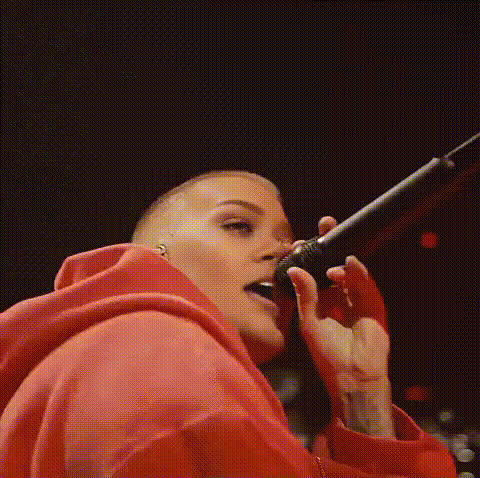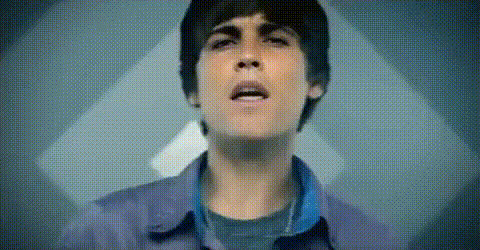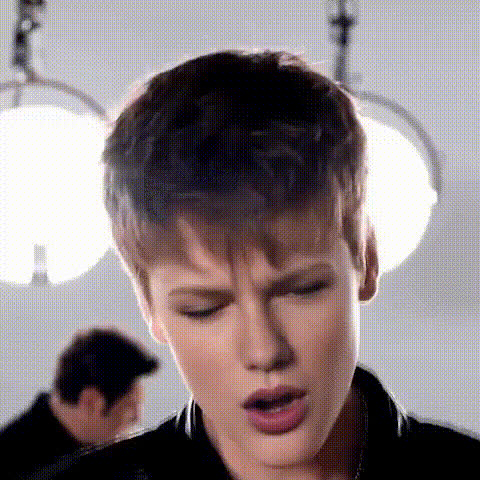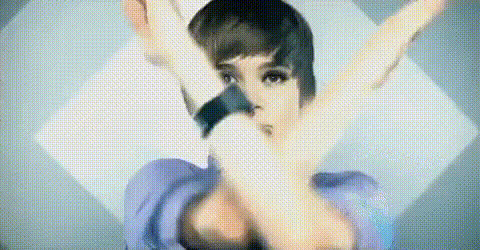
Justin Bieber Singing Gesture
Overview
Step into the spotlight by using the Justin Bieber Singing Gesture template. This Video Face Swap technology allows you to replace faces in your video with Justin Bieber's, showcasing his iconic singing gestures. Perfect for creating engaging and entertaining content that captures attention.
What It Does
This template performs an advanced face swap, turning any person in your video into a Justin Bieber look-alike with singing gestures. Using cutting-edge machine learning techniques, it maps Justin Bieber's facial expressions and gestures seamlessly onto your video's subject, creating a lifelike transformation.
If you're interested in enhancing your video content further, consider combining it with our AI Voice Changer to give your swapped face an authentic singing voice.
Who It's For
Whether you are a content creator, a social media influencer, or a fan of Justin Bieber, this template is for you. It's designed for anyone looking to add a fun twist to their video content, making it ideal for YouTube content creators, TikTokers, and even marketing professionals in the entertainment industry.
For those in fields like marketing or advertising, combining this face swap with tools like our AI GIF Generator could enhance your promotional strategies.
Summary
The Justin Bieber Singing Gesture template leverages Video Face Swap technology to infuse your videos with Justin Bieber's charismatic singing gestures. This engaging tool is perfect for making your content stand out, whether you're aiming for virality or just looking to entertain friends and followers.
Consider further customizing your footage using our AI Face Editor to fine-tune every detail.
How-To
Choose Your Video

Customize Your Swap

Generate and Download

Use Cases
Social Media Content
- TikTok challenges
- Instagram Stories
- Reels
Promotional Videos
- Music video parodies
- Ad campaigns
- Entertainment promotions
Personalized Greetings
- Birthday greetings
- Anniversary surprises
- Event invitations
Best Practices
Choose High-Quality Videos
For best results, ensure your original video is high resolution. This enables better mapping of facial features.Ensure Good Lighting
Good lighting in your original video helps improve the swapping effect, making it more realistic and convincing.Experiment with Gesture Intensity
Adjust the intensity of gestures in the customization stage to suit the mood and style of your specific video.