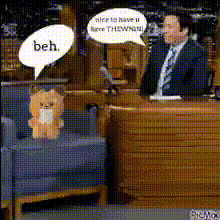
Jimmy Fallon Teddy Bear Chat
Overview
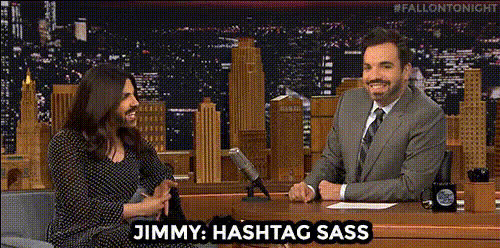
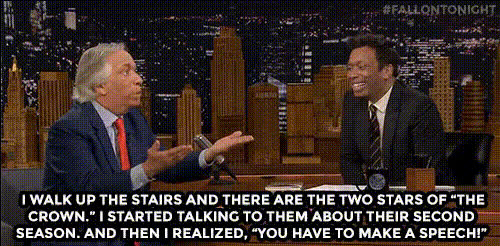
Breathe life into your videos with the Jimmy Fallon Teddy Bear Chat video face swap template. This unique tool allows you to swap faces between Jimmy Fallon and a talking teddy bear, creating hilarious, memorable moments. Perfect for content creators looking to engage their audience with a twist of humor.
What It Does
This template facilitates a video face swap where you can superimpose Jimmy Fallon's face on a teddy bear, or vice versa. It transforms ordinary video content into captivating scenes by using sophisticated face swap techniques. Whether you want to make a comedic clip or an engaging social media post, this template has got you covered.
Who It's For
This Video Face Swap template is ideal for social media influencers, comedians, and marketers looking to add humor and engagement to their content. It's also great for video editors who want to explore creative, fun editing techniques for their projects. Teachers and trainers can use it for engaging setups that captivate their audience's attention.
Summary
With the Jimmy Fallon Teddy Bear Chat template, create entertaining and humorous content that stands out. Explore the potential of face swapping in a creative project, whether it’s for social media, educational purposes, or marketing campaigns. Experience this transformation by checking out our other Lip Sync and AI Video Generator tools as well.
How To
Choose

Customize

Generate

Use Cases
Social Media Humor
- Create viral humorous clips
- Engage followers with fun content
- Showcase creativity
Marketing Campaigns
- Differentiate your campaigns
- Increase audience engagement
- Boost brand visibility
Video Content Creation
- Keep your audience entertained
- Leverage trending content formats
- Attract new viewers
Best Practices
Choose High-Quality Inputs
Select videos with clear lighting and a steady shot for better face swap accuracy.Keep It Short
Focus on short clips for the most impact; shorter videos work well for social media shares.Experiment with Different Scenarios
Try swapping faces in various contexts to see what resonates most with your audience.