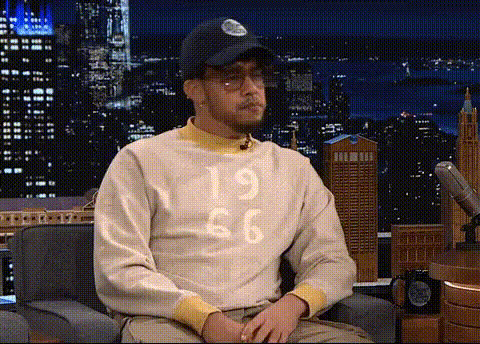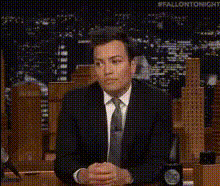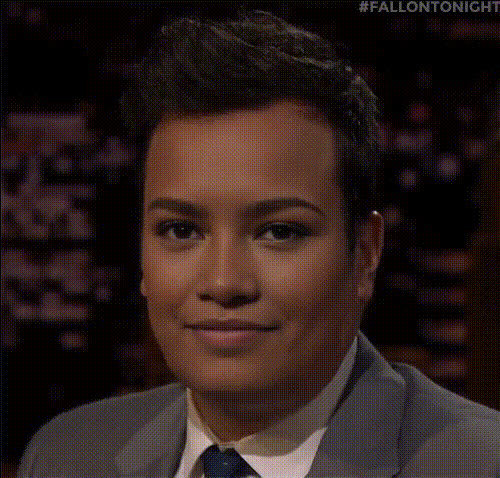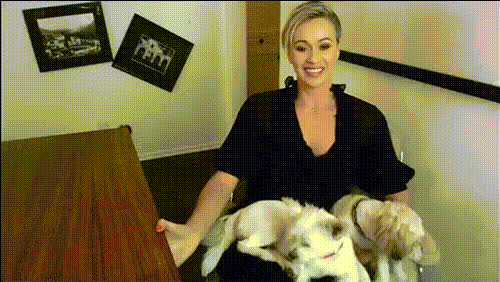
Jimmy Fallon Interview Screenshot
Overview
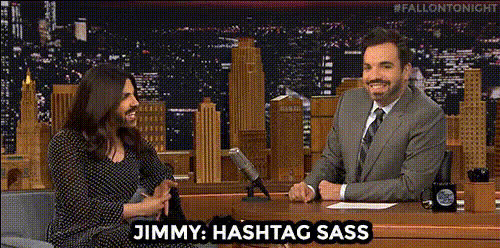
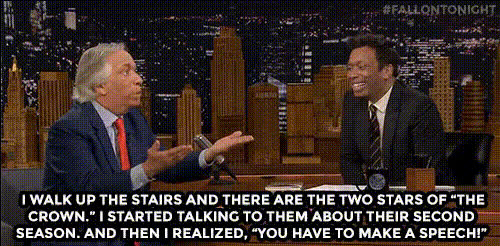
Capture the hilarity of being on a late-night talk show with the Jimmy Fallon Interview Screenshot template. This Video Face Swap lets you superimpose your face onto the famous host in a memorable interview screenshot, creating personalized content that's perfect for sharing on social media.
What It Does
This template inserts your face seamlessly into an image of a Jimmy Fallon interview. Employing advanced Video Face Swap technology, it replaces the host's face with yours while maintaining natural expressions and tones. It's an entertaining way to create engaging content without needing graphic design skills.
Who It's For
Whether you're a social media influencer, a marketing professional looking to add humor to your campaigns, or someone who simply enjoys creating funny content, this template is ideal for you. It's a great tool for anyone interested in exploring creative storytelling and visual transformations.
Summary
Use the Jimmy Fallon Interview Screenshot to craft unique, humorous content with ease. Enjoy the fun of embodying a late-night host using cutting-edge technology that guarantees high-quality results. For more face transformation options, explore our AI Face Editor and AI Image Editor.
How To
Learn how to use the Jimmy Fallon Interview Screenshot template in three simple steps and create your personalized video face swap.
Choose the Template
Navigate to the Video to Video templates and select 'Jimmy Fallon Interview Screenshot' from the collection of face swap options.

Customize Your Face Swap
Upload the photo you want to use. Adjust the key points to ensure a natural look, focusing on alignment and expression matching for realistic results.

Generate Your Video
After customizing, click the 'Generate' button to create your video. Once complete, download your file in your chosen format and share it with your audience.

Use Cases
Explore the diverse applications of the Jimmy Fallon Interview Screenshot template to see where this fun transformation fits into your creative projects.
Social Media Content
- Instagram posts
- TikTok videos
- Snapchat stories
Marketing Campaigns
- Campaign teasers
- Promotional videos
Personal Amusement
- Personal vlogs
- Family videos
Best Practices
Ensure your video face swap looks its best by following these helpful tips.
Select High-Quality Photos
Use clear, high-resolution images for the face being swapped to achieve a seamless integration.Focus on Lighting and Angles
Ensure your selected photo has similar lighting and angle to the template for a natural final output.Align Key Facial Features
Carefully adjust eyes, nose, and mouth positions when customizing to maintain natural expressions.