Jimmy Fallon And Guest Chatting
Overview
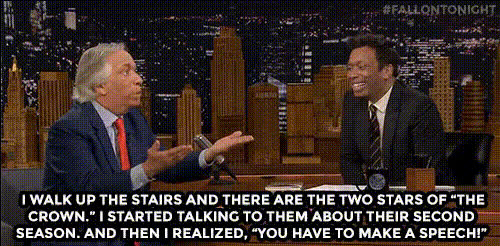
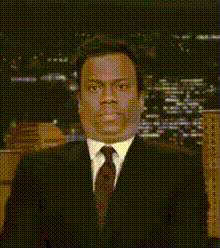
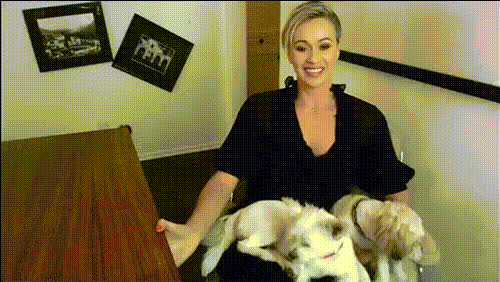
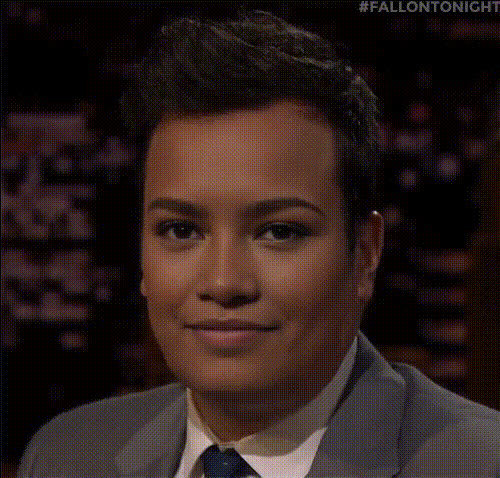
Transform your comedy content with the "Jimmy Fallon and Guest Chatting" video face swap template. This tool allows you to place any faces onto Jimmy Fallon and his guest during a hilarious chat session. Ideal for creating unique, funny content tailored to your audience.
What It Does
This Video Face Swap template uses advanced AI technology to accurately map new faces onto existing video footage. By swapping faces with Jimmy Fallon and a guest, you create a personalized comedic scenario that's sure to engage your viewers. Whether it's for social media or more formal presentations, this template delivers professional results.
Who It's For
The "Jimmy Fallon and Guest Chatting" template is perfect for comedy content creators looking to diversify their output. It’s also great for digital marketers, social media influencers, and brands aiming to localize video ads for different audiences. Additionally, educators can use it to engage students in training sessions or as part of interactive learning materials.
Summary
Use this template to produce standout comedy videos featuring a face swap with Jimmy Fallon and a guest. It's designed for those who prefer creative, humorous content. Experience how easy it is to enhance your video projects using our template and integrate it with other tools like the AI GIF Generator for even more engaging content.
How To
Choose Your Template

Customize Your Faces

Generate the Video

Use Cases
Social Media Comedy
- Perfect for TikTok videos
- Gain more followers on Instagram
Corporate Entertainment
- Engage with lighter content
- Spice up training sessions
Personal Projects
- Great for birthday surprises
- Fun for family gatherings
Best Practices
Choose High-Quality Photos
For the best results, use high-resolution images of faces that match the angle and lighting of the video.Adjust Lighting and Tone
Match the lighting and tone of the input faces to the target video for a more natural look.Check the Alignment
Ensure the facial features align properly with those in the video to enhance realism.