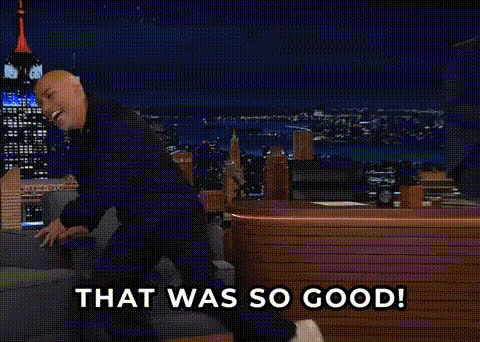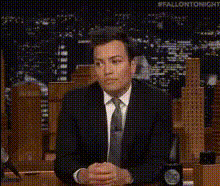
Jimmy Fallon Show Guest Reacts
Overview
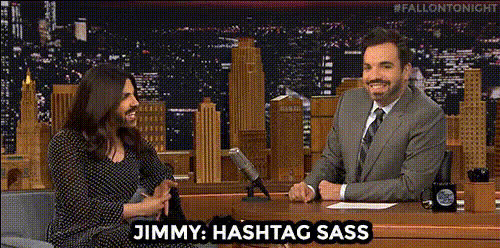
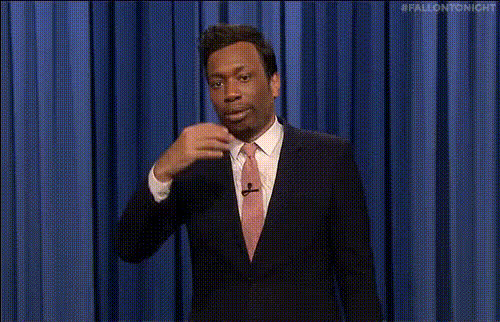
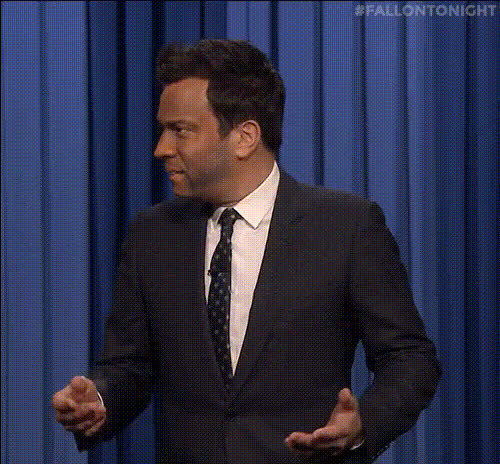
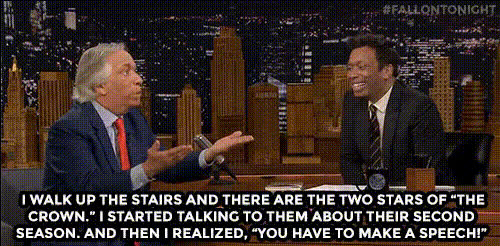
Step into the spotlight with our Jimmy Fallon Show Guest Reacts template, designed to bring humor and creativity to any project. This Video Face Swap template allows you to insert any face onto a guest's body in a notorious show clip, crafting unique and amusing content effortlessly.
What It Does
This template swaps faces in video clips taken from the iconic Jimmy Fallon Show, allowing users to place their own, or another's, visage onto celebrity guests. Retain the original video quality while playing with the identity of the folks in the spotlight. Whether for comedic effect, social media content, or personalized gifts, this tool is a great way to engage viewers.
Who It's For
The Jimmy Fallon Show Guest Reacts template is perfect for content creators, social media influencers, and anyone looking to add a playful twist to their videos. It's ideal for marketing teams looking to create quirky advertisements or social media managers aiming to boost engagement through light-hearted, shareable content.
Summary
Combine fun and technology with our Jimmy Fallon Show template to create entertaining and engaging videos with ease. Use face-swapping capabilities to personalize memorable skits, pushing the limits of creativity in marketing, content development, and personal projects. Explore more transformation options with our Body Swap and Head Swap tools for new creative dimensions.
How To
Choose Your Template

Customize the Faces

Generate Your Video

Use Cases
Social Media Content
- Boost engagement with fun content
- Encourage user interaction through comments and shares
Marketing Campaigns
- Stand out with unique ads
- Create relatable and shareable content
Personal Entertainment
- Create personalized video greetings
- Entertain friends and family
Best Practices
Choose High-Quality Images
Ensure the face image is clear and well-lit to achieve the best swap results.Align Faces Accurately
Take some time to adjust and align the uploaded face accurately with the template's figure for a natural appearance.Experiment with Different Faces
Try using different faces for a variety of effects and humorous outcomes.