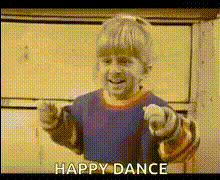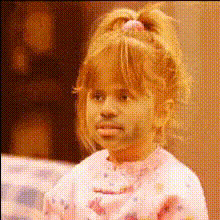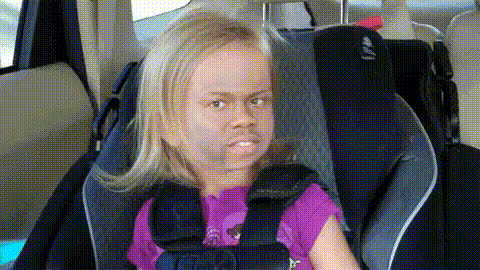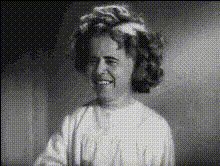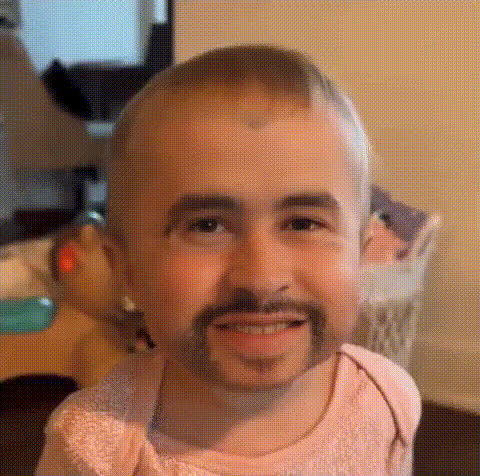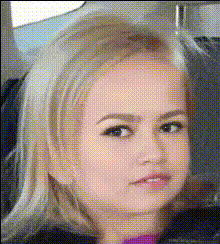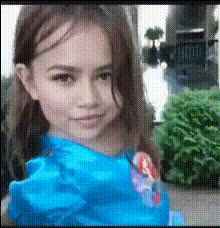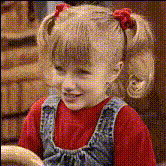
Happy Little Girl Smiling
Overview
Transform your videos by bringing smiles to faces with the Happy Little Girl Smiling video face swap template. Perfectly suited for playful edits and creating delightful content, this template allows you to swap faces into a cheerful scene. Ideal for sharing those moments on social media, you can leverage our Video Face Swap product for seamless transformations.
What It Does
This template leverages the power of our Face Swap technology to place your selected face onto a joyful, smiling little girl in a video. The result is a heartwarming and humorous edit that can bring joy to any viewer. Using compatible video formats, this template ensures a smooth swapping process, helping you generate videos ready for sharing.
Who It's For
This template is designed for content creators, social media enthusiasts, and anyone looking to create engaging and fun video content. It's particularly useful for social media managers who wish to boost engagement with light-hearted, eye-catching content. Whether marketing products with a personalized twist or simply entertaining followers, the AI GIF Generator can also complement your creative projects.
Summary
Using the Happy Little Girl Smiling template is a fantastic way to personalize your video content with a touch of innocence and joy. Whether you're creating content for specific campaigns or for fun, this template encourages creativity and audience interaction. Explore more possibilities with the AI Image Editor to further enhance your visuals.
How To
Choose Your Template

Customize Your Inputs

Generate Your Video

Use Cases
Social Media Engagement
- Create share-worthy videos
- Increase likes and comments
Marketing Campaigns
- Tailored advertising materials
- Unique brand experiences
Personal Edits
- Birthday and special occasion greetings
- Funny edits for entertainment
Best Practices
Use High-Quality Images
Ensure the best results by using clear, high-resolution images for face inputs.Align Faces Correctly
Align faces properly with the template to ensure natural-looking swaps.Check the Lighting
Match the lighting conditions of the input image with the video for seamless integration.