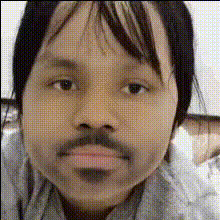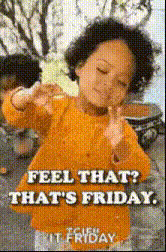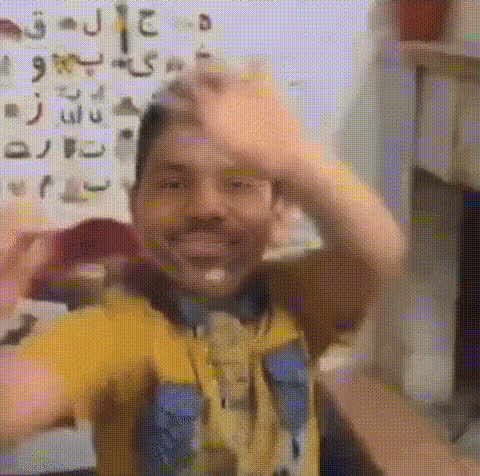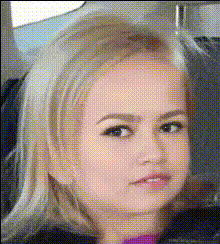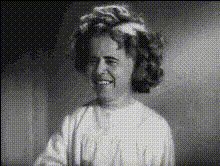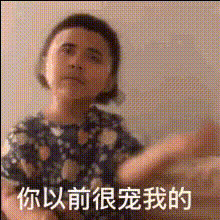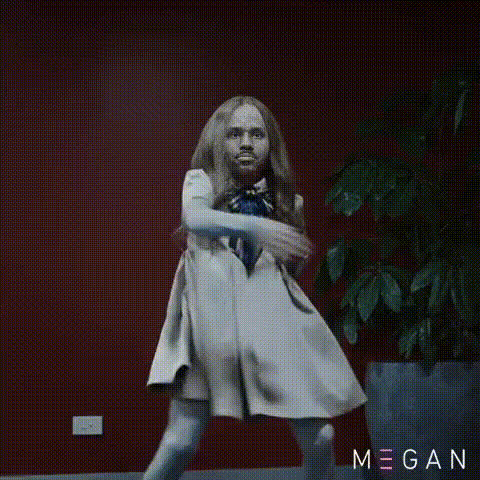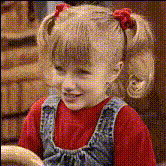
Happy Dancing Little Girl
Overview
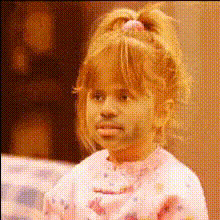
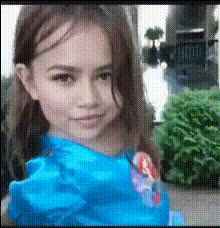
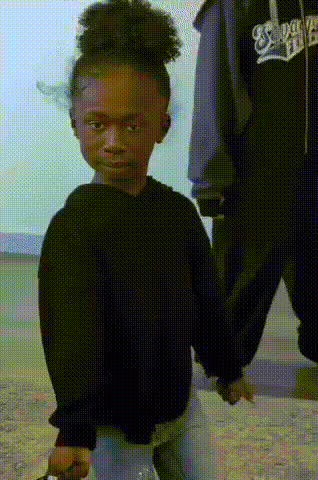
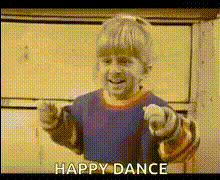
The Happy Dancing Little Girl template is a delightful way to personalize videos through the magic of face swapping. Whether for fun or social media engagement, this template allows you to replace the face of a happy, dancing girl with anyone you choose.
What It Does
This Video Face Swap template uses AI technology to swap faces in video clips. It retains the original video’s facial expressions and movements, blending the new face naturally into the footage. Enjoy creating content that’s both fun and engaging!
Use it in conjunction with other editing tools like the AI Image Editor for enhanced results.
Who It's For
Content creators, social media enthusiasts, and anyone looking to have fun with face swap videos will find this template invaluable. It’s also perfect for marketing teams aiming to maximize engagement with unique, personalized content. Consider pairing with the AI GIF Generator for dynamic social media posts.
Summary
Transform ordinary videos into hilarious, share-worthy content with the Happy Dancing Little Girl face swap template. This tool is easy to use, making it accessible for both beginners and experienced creators. Check out other transformation options with the Body Swap and Head Swap tools for even more creative possibilities.
How to
Choose the Template

Customize Your Video

Generate Your Video

Use Cases
Social Media Content
- Catch viewers' attention with unique face swap content
- Encourage shares and likes with playful video edits
Personal Entertainment
- Bring laughter to parties and social events
- Easily create fun memories to share later
Marketing and Advertising
- Highlight product features with fun, engaging videos
- Create memorable, personalized advertising strategies
Best Practices
Choose a Clear Face Image
To ensure the best swap effect, use an image where the face is clearly visible and well-lit.Match Skin Tones
For the most natural look, try to match the skin tone of the face you are swapping in with the original video subject.Combine with Other Edits
Enhance your video with additional edits like color adjustments using the AI Image Editor.