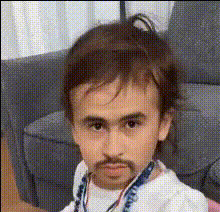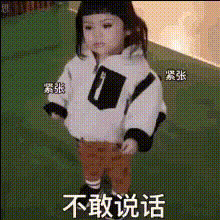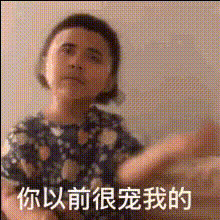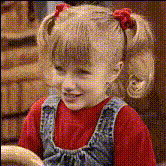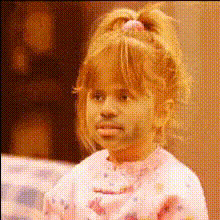
Little Girl Face
Overview
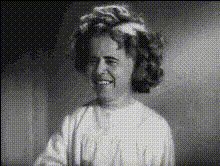
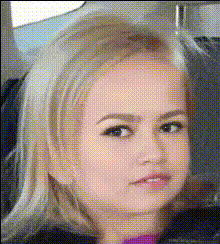
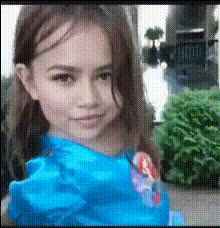
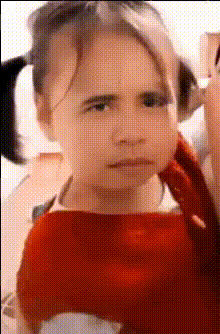
Transform your videos into delightful creations with the Little Girl Face template, a specialized Video Face Swap experience. This tool allows you to replace faces with that of a little girl, creating entertaining and share-worthy content.
What It Does
This template enables you to swap the face of any character in your video with the face of a little girl. The technology leverages advanced facial recognition and replacement techniques to ensure a natural and convincing transformation, perfect for creating engaging content.
Who It's For
Designed for content creators, social media enthusiasts, and marketing professionals, this template is ideal for anyone seeking to add a playful element to their videos. It's particularly useful for those involved in creating social media ads or viral TikTok videos.
Summary
Using the Little Girl Face template, users can quickly generate captivating videos with a humorous twist. This template is an excellent addition to the AI Video Generator suite, broadening the possibilities for imaginative video content.
How-to
Choose a Template

Customize Your Video

Generate and Download

Use Cases
Social Media Posts
Marketing Campaigns
Entertainment Content
Best Practices
Select Clear Source Videos
Use high-resolution videos with clear facial features for the best face swap results.Maintain Proportion
Ensure the face being swapped fits naturally in terms of size and orientation for a more realistic result.Review and Edit
After generating, review the video for any inconsistencies or areas that may need slight adjustments using an AI Face Editor.