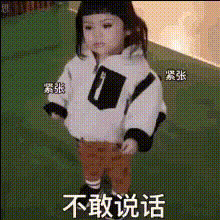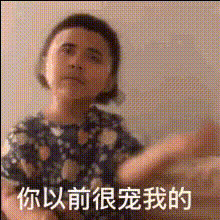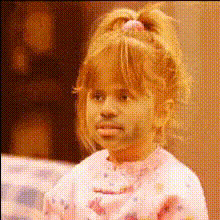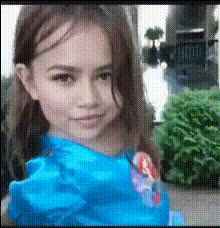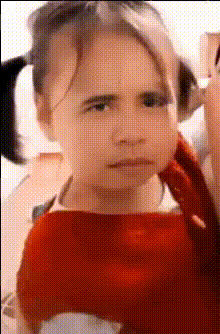
Funny Little Girl Face
Overview
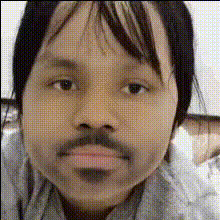
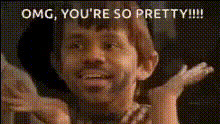
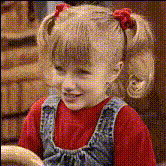
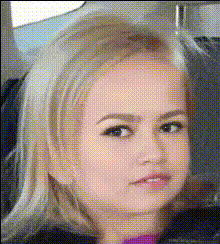
Bring a smile to your audience's faces with the "Funny Little Girl Face" Video Face Swap template. This template lets you overlay the face of a charming little girl onto any character in your video. Whether you're aiming to add a dash of humor or capture the innocence of childhood in a unique way, this tool is perfect for creating engaging and delightful content.
What It Does
The "Funny Little Girl Face" template uses advanced face-swapping technology to replace faces in videos with a playful image of a little girl. It's designed to accurately map facial features and adjust expressions seamlessly. This template supports multiple video formats and can integrate with other tools such as Video Face Swap and AI Video Generator to create distinctive and humorous results.
Who It's For
This template is ideal for content creators, marketers, and social media influencers who want to inject humor into their videos. It's also great for anyone in the social media ads space or those creating meme videos. Its simple, yet powerful functionality offers a fresh way to engage with your audience through creativity and humor.
Summary
Perfect for adding a comedic element to your videos, the "Funny Little Girl Face" Video Face Swap template helps you transform mundane clips into standout performances. Utilize this tool to enhance your video projects whether for marketing, entertainment, or personal enjoyment. With links to other tools like AI GIF Generator, you're well-equipped to broaden your creative horizons.
How To
Choose Your Template

Customize Your Video

Generate Your Video

Use Cases
Social Media Content
- Viral challenge videos
- Comedic skits
- Adorable reaction clips
Marketing Campaigns
- Video ads
- Product promotions
- Brand storytelling
Meme Creation
- Parody clips
- Reaction memes
- Quote overlays
Best Practices
Select Videos with Clear Faces
Ensure the original video has clear facial details for accurate mapping.Adjust Lighting for Consistency
Match the lighting and tone of the original video with the template for seamless integration.Experiment with Different Angles
Upload videos with various face angles to test how the template renders different expressions.