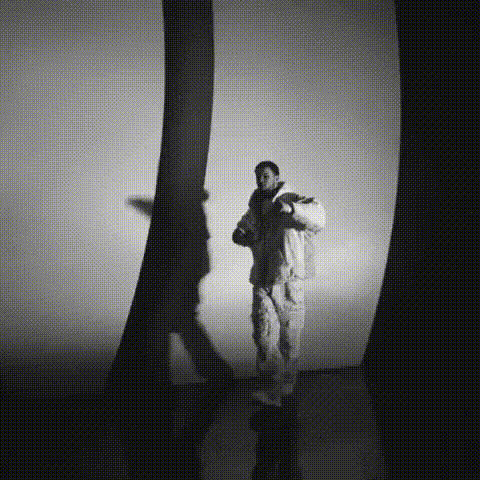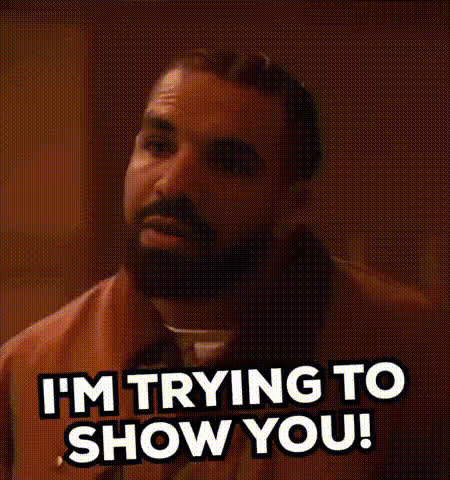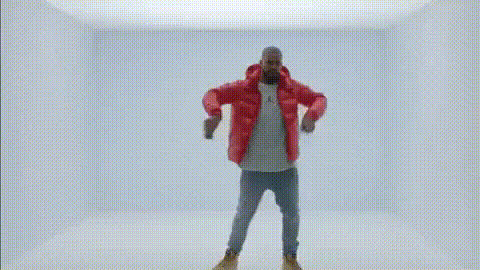
Drake In Red Puffer Jacket
Overview
The "Drake In Red Puffer Jacket" template revolutionizes your video content creation by enabling face swaps directly onto everyone's favorite pop culture icon, Drake. With this Video Face Swap template, you can place any face you choose onto a video scene where Drake sports his iconic red puffer jacket, generating compellingly humorous content.
What It Does
This template allows users to insert any face into a video frame featuring Drake dressed in a red puffer jacket. Designed for versatile use, it leverages Magic Hour’s proprietary face swap technology to ensure a seamless, high-quality transformation. The result is a fully customized video that maintains the integrity of the original clip while infusing it with personal flair.
Who It's For
This template is perfect for content creators and social media enthusiasts looking to churn out viral content. Whether you're a meme creator, a marketing professional aiming to showcase creative content, or an individual wanting to amuse your followers, this template offers the tools you need to make your ideas a reality. It's also an excellent fit for brands aiming to humanize their content by involving trending topics like Drake.
Summary
Use the "Drake In Red Puffer Jacket" template to create entertaining, viral-ready videos that put a fun new spin on face swap technology. Seamlessly apply faces to iconic video scenes and produce content that's both shareable and memorable, directly leveraging the functionality of Magic Hour's ever-powerful AI Video Generator.
How-To
Choose Template

Customize Inputs

Generate Output

Use Cases
Social Media Content
- Instagram Stories
- TikTok Challenges
- Facebook Shorts
Marketing Campaigns
- Promotional Teasers
- Branded Content
Meme Creation
- Viral Memes
- Community Engagement
Best Practices
Choose High-Quality Images
For best results, use high-resolution images where the face is clearly visible. This helps in achieving a cleaner swap with better alignment.Review Alignment
Before generating the video, ensure that the alignment points match facial features accurately to avoid distortions.Experiment with Subjects
Don't hesitate to swap faces with various individuals to find the most entertaining and convincing results.