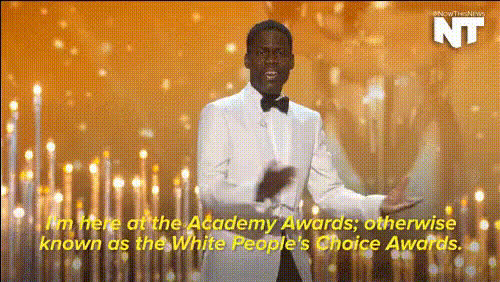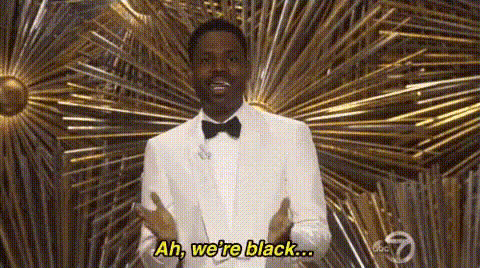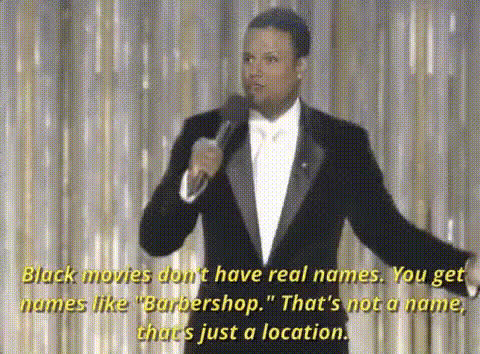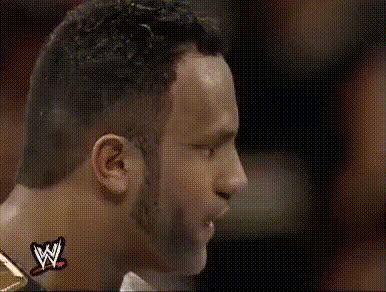
Chris Rock Face Closeup
Overview
The Chris Rock Face Closeup template is a Video Face Swap tool that lets you overlay your face onto Chris Rock's in a realistic closeup video. Ideal for content creators aiming to inject humor into their content, this template offers a perfect blend of entertainment and high-quality transformation. Whether you're looking to make a statement or simply have fun, this tool makes it possible to craft memorable videos.
What It Does
This Video Face Swap template enables you to effortlessly integrate your face onto Chris Rock's, creating a personalized, humorous video outcome. Designed to ensure high realism, this tool utilizes advanced AI imaging techniques to perfect the swap, capturing the nuances of facial expressions and movements. The final output is both amusing and believable.
Who It's For
If you're a comedian, influencer, or content creator looking to add a playful twist to your videos, the Chris Rock Face Closeup template is for you. Ideal for platforms like TikTok or Instagram, use it to create shareable, engaging content. Additionally, this tool is beneficial for marketing teams aiming to capture social media audiences with humorous and innovative ads.
Summary
The Chris Rock Face Closeup video template is a versatile face swap tool enabling personalized comedic content creation. It allows users to superimpose their facial features onto Chris Rock, generating realistic and entertaining videos. Perfect for boosting engagement on digital platforms, this tool is a must-have for creators looking to stand out.
How-To
Choose Your Template

Customize Inputs

Generate and Download

Use Cases
Humorous Video Content
- Engage your audience with humor
- Perfect for social media virality
Social Media Marketing
- Capture audience attention
- Boost brand relatability
Influencer Content
- Increase follower engagement
- Create memorable interactions
Best Practices
Choose High-Quality Photos
Using clear, well-lit photos enhances the realism of the swap. Position your face similarly to the target video for optimal results.Adjust Details Precisely
Utilize the customization options to tweak alignment and facial expressions to match the video context. Minor adjustments can significantly impact the result.Experiment with Different Contexts
Try different scenes or backgrounds available in the template library to see what best fits your creative vision.