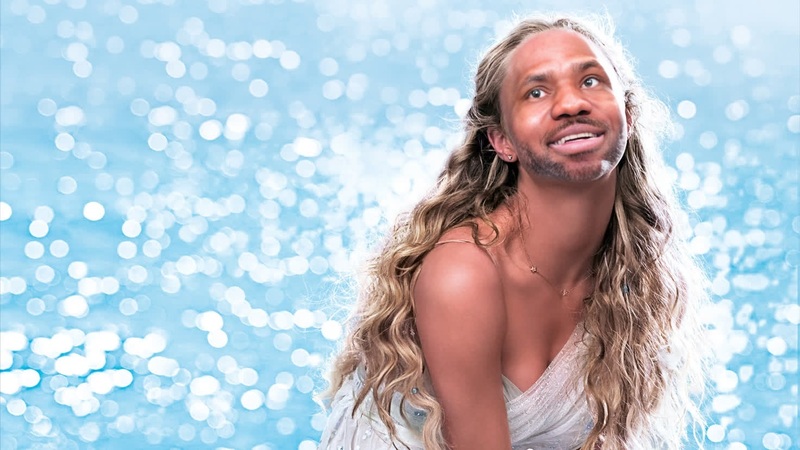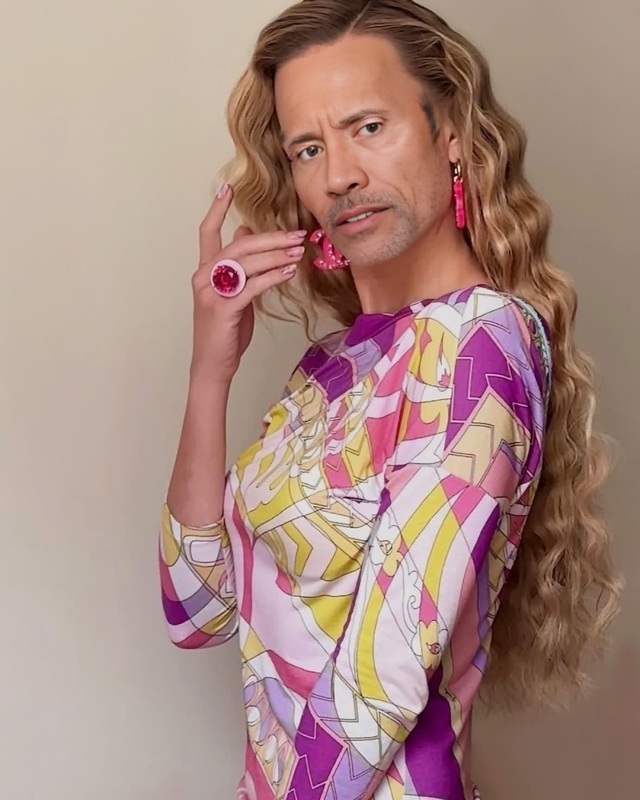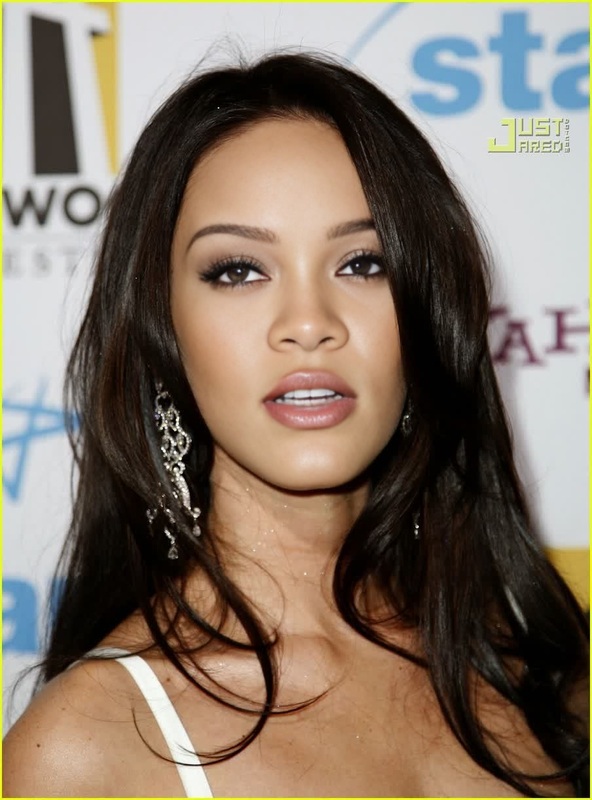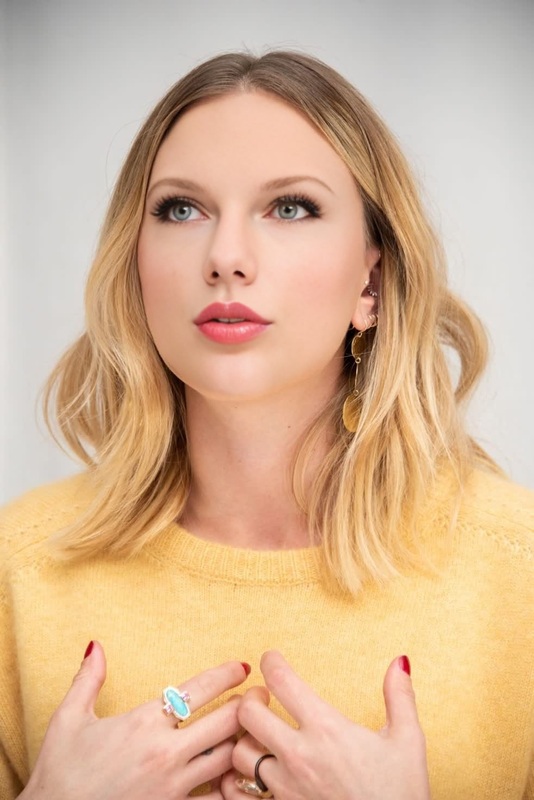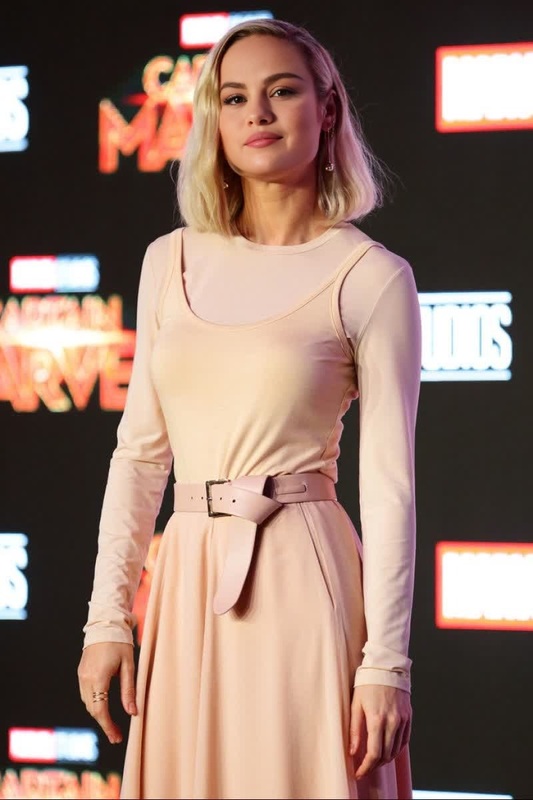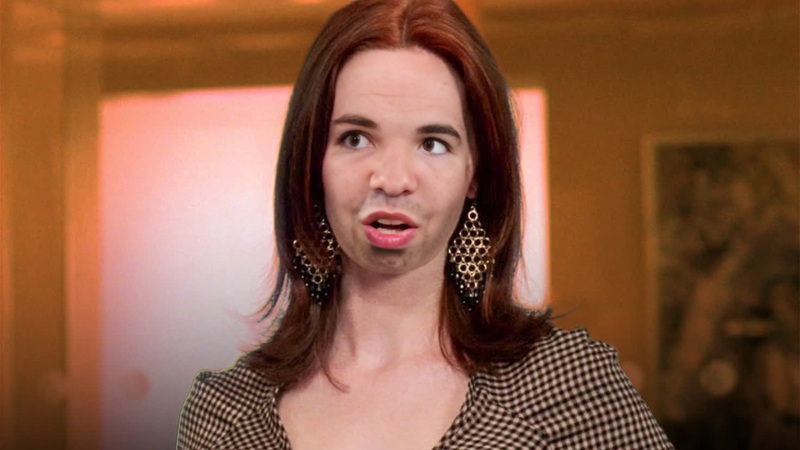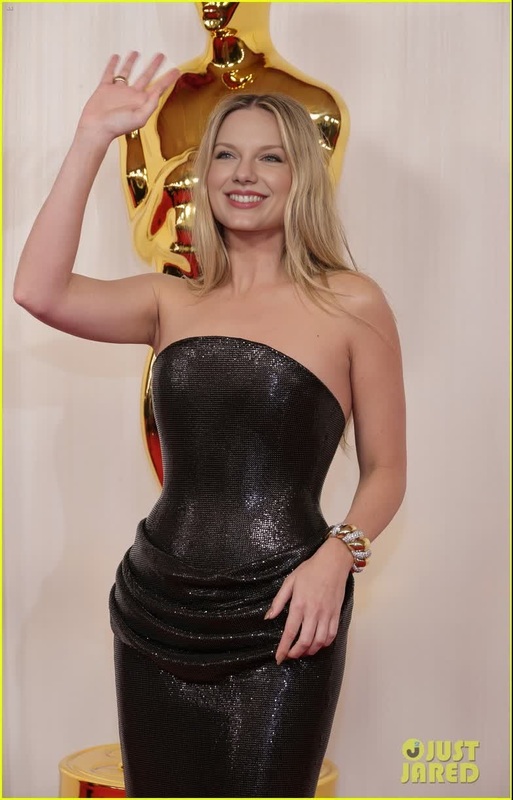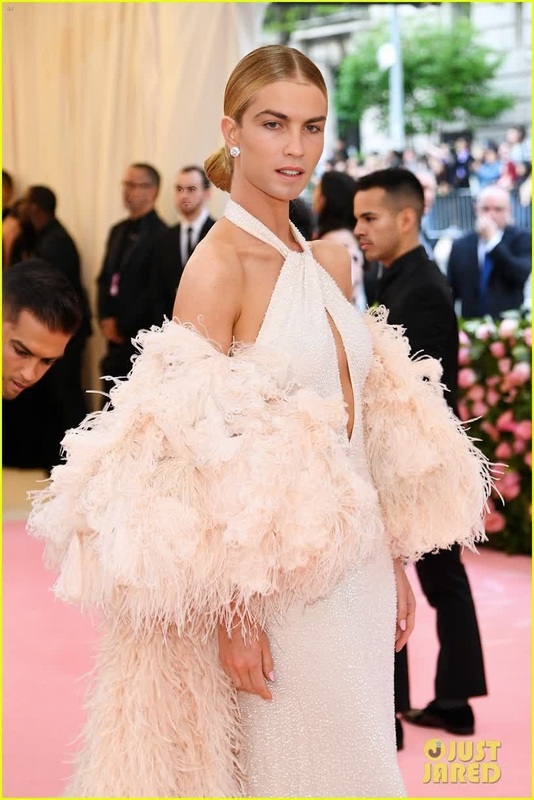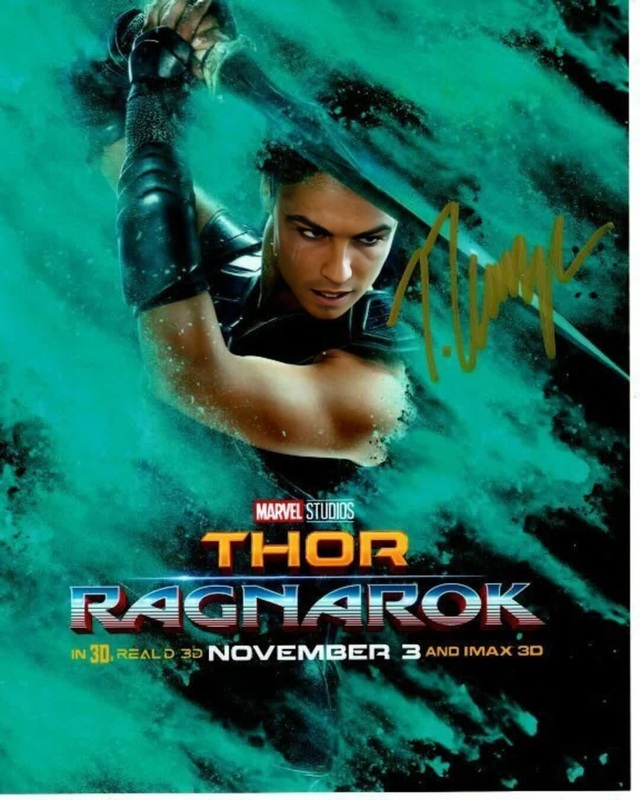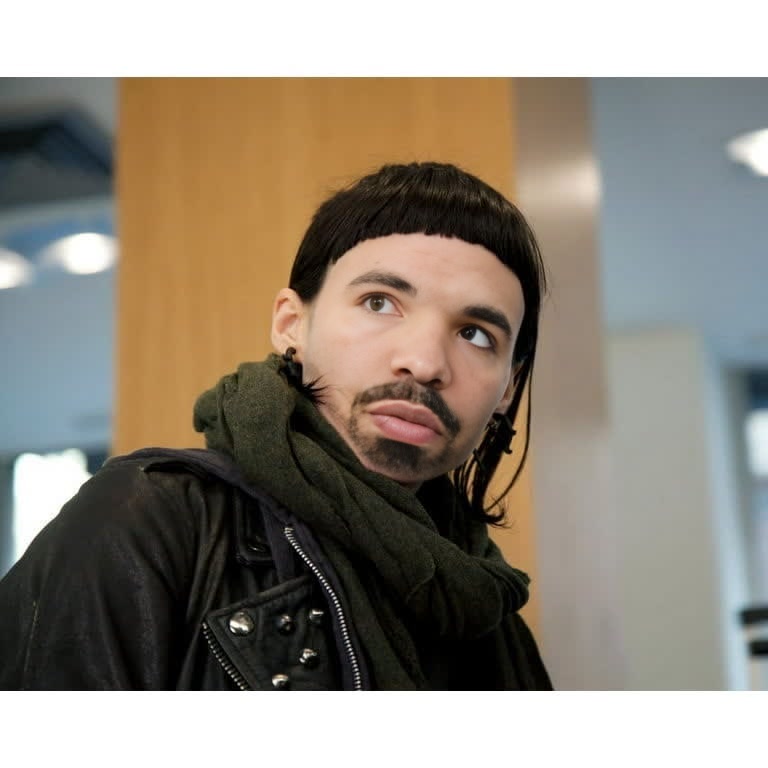
Rooney Mara The Girl With The Dragon Tattoo Press Portrait
- Image
- 768 × 768 px
Any aspect ratio
Overview
Step into the world of glam and intrigue with the Rooney Mara The Girl With The Dragon Tattoo Press Portrait template. This Video Face Swap tool allows you to merge your face seamlessly into Rooney Mara's iconic look, creating a dynamic and captivating transformation. Perfect for creative projects that require a cinematic edge.
What It Does
This template allows you to perform a Video Face Swap, effectively replacing a subject's face with Rooney Mara's iconic character design from the celebrated film. By using advanced AI algorithms, this tool ensures a realistic and flowing transformation that maintains expression and movement. Pair your new look with other transformations using our AI Face Editor for even more personalization.
Who It's For
Designed for content creators, filmmakers, and enthusiasts who wish to infuse their projects with a recognizable character. Particularly useful for those in media, marketing, or cosplay, who require a compelling video element. If you're interested in turning still photographs into vibrant stories, you might also explore our Image to Video offerings.
Summary
With the Rooney Mara The Girl With The Dragon Tattoo Press Portrait template, you can effortlessly swap your face with a cinematic icon, adding depth to any video project. Whether it's for a marketing campaign, a short film, or just for fun, this tool provides a distinctive style. Expand your creative toolkit by checking out our AI Video Generator for more video creation capabilities.
How To
Choose the Template

Customize Your Input

Generate the Video

Use Cases
Film and Marketing
- Create trailers or teasers with a twist
- Add dramatic impact to film presentations
Social Media Content
- Feature in TikToks or Instagram Reels
- Participate in transformation challenges
Cosplay and Enthusiast Projects
- Create authentic-looking cosplay videos
- Develop personalized video messages as a character
Best Practices
Ensure High-quality Source Materials
Use videos with clear lighting and minimal camera shake to enhance the effectiveness of the face swap process.Fine-tune for Realism
Consider utilizing the AI Image Editor to adjust skin tones and lighting for more seamless blending.Experiment with Different Looks
Combine this template with the AI Clothes Changer to vary wardrobes and create a series of standout visuals.
Frequently asked questions
More Like This