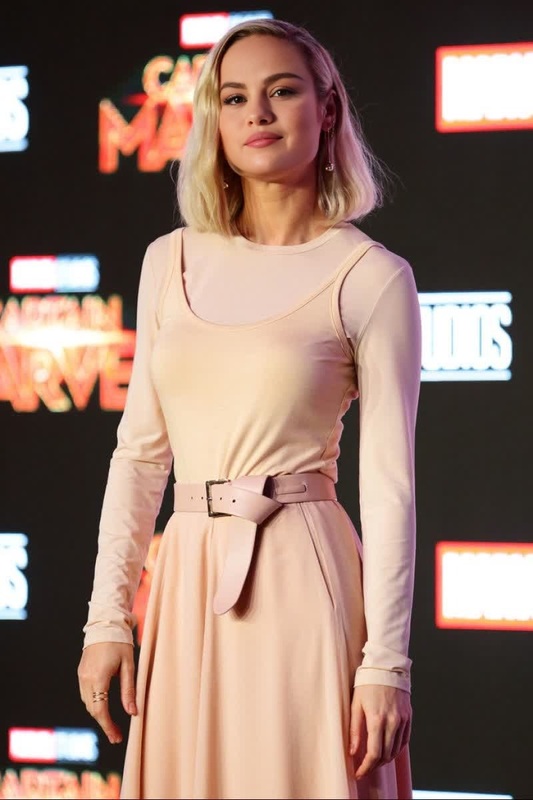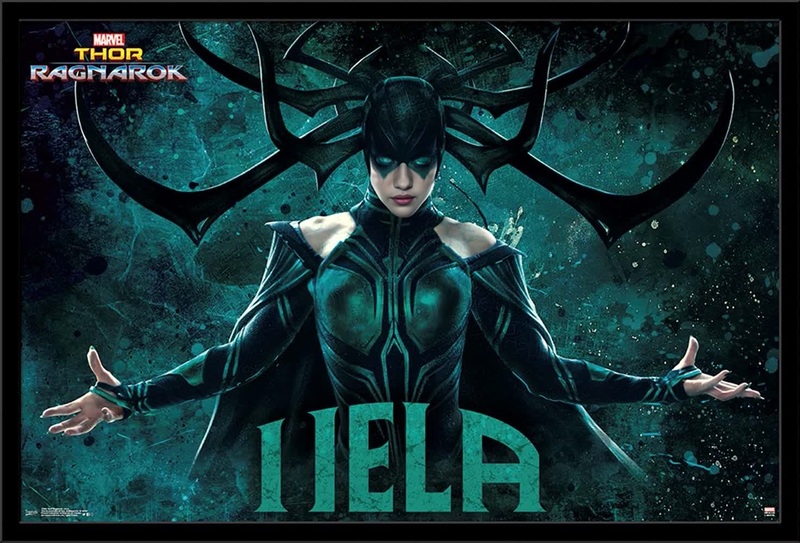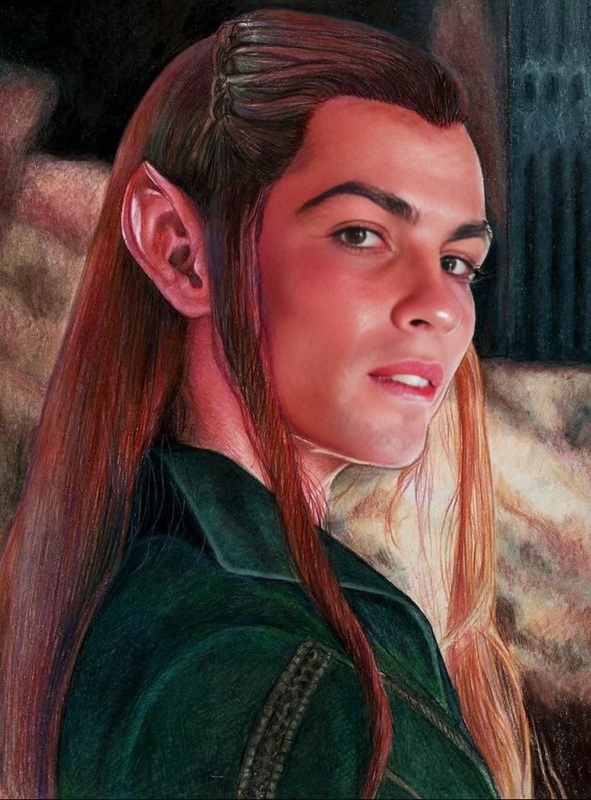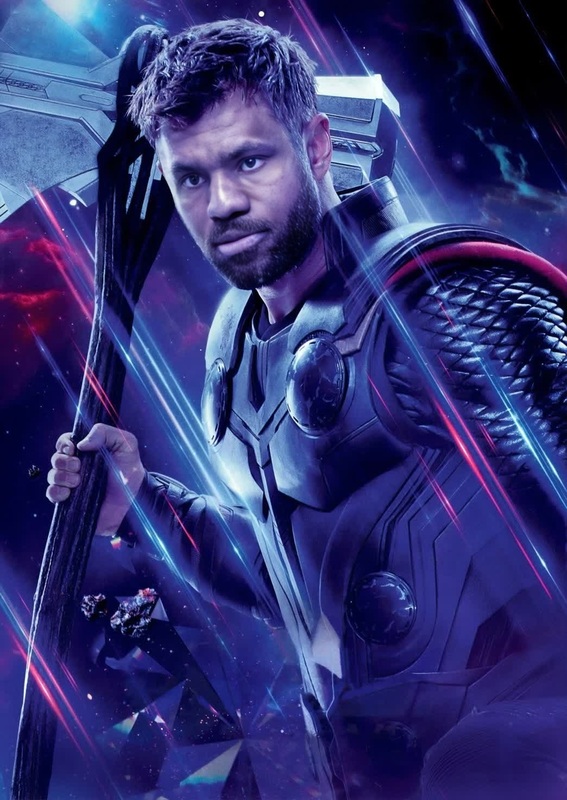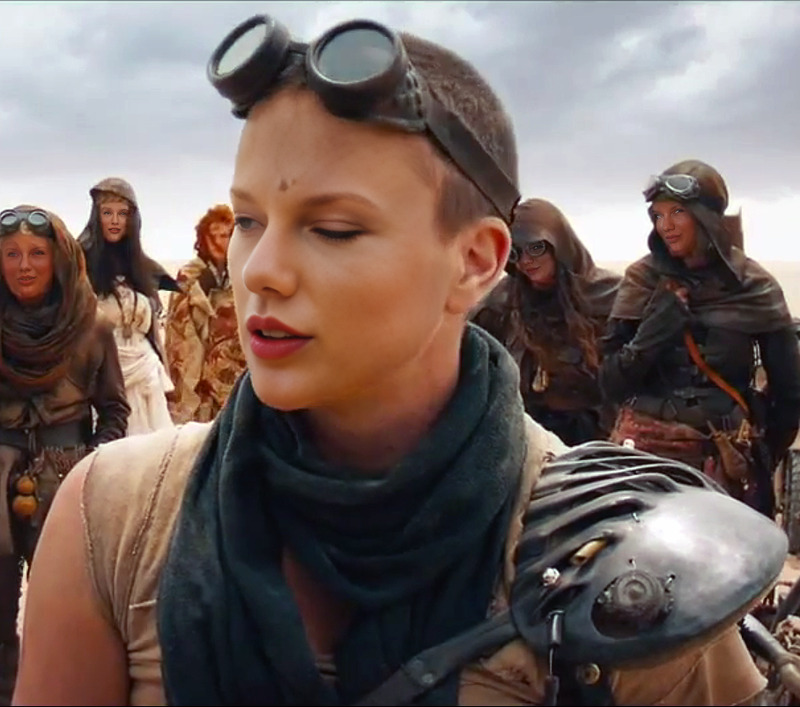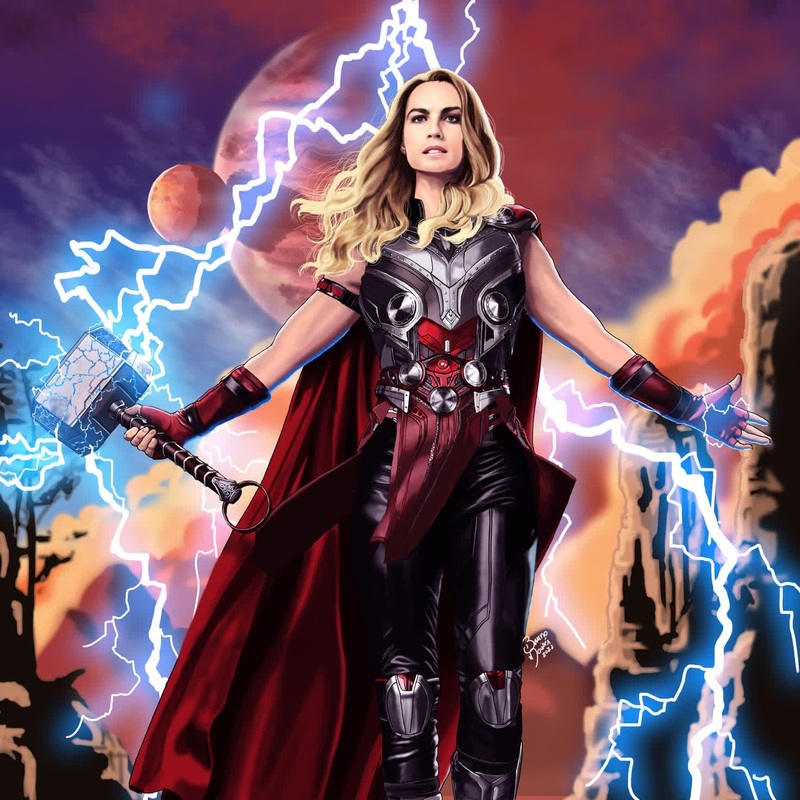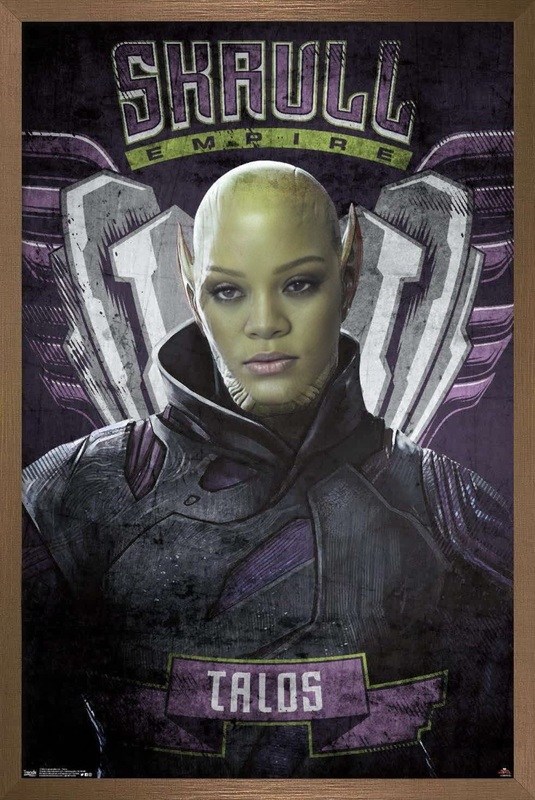
Tessa Thompson Thor Ragnarok Press Portrait
- Image
- 1080 × 1350 px
Any aspect ratio
Overview
Step into the world of Asgard with the Tessa Thompson Thor Ragnarok Press Portrait video face swap template. This tool allows you to bring your photos and videos to life by swapping your face onto Tessa Thompson's character, Valkyrie, from Thor Ragnarok. Ideal for creating memorable content, this template harnesses advanced face-swapping technology for a seamless transformation.
What It Does
The Video Face Swap template focuses on precision and detail, ensuring your face matches the lighting, angles, and expressions of the original footage. Perfect for personalizing scenes with your touch, this feature integrates with the Face Swap tools, enhancing each element with high realism and quality. Whether for social media posts or fan edits, each swap captures the essence of the original video.
Who It's For
This template is a treasure for Marvel fans, content creators, and anyone interested in fun video transformations. It's also a great tool for social media influencers who want to engage their audience with dynamic and entertaining posts. Video creators can leverage this technology for projects in the Video to Video transformation category as well.
Summary
By using the Tessa Thompson Thor Ragnarok Press Portrait template, you gain access to the most advanced video face swap features available. Compatible with various formats, this tool works alongside our AI Video Generator, giving you the freedom to craft unique content that stands out. Explore a world of possibilities with your creations.
How To
Choose Your Template

Customize Your Inputs

Generate Your Video

Use Cases
Fan Edits
- Recreate action scenes from Thor Ragnarok
- Share personalized fan content with friends
Social Media Content
- Capture attention with creative face swaps
- Use in TikTok, Instagram Reels, and other platforms
Video Projects
- Use in parody videos or comedic sketches
- Integrate with alternate storylines in fan fiction
Best Practices
Choose High-Quality Inputs
For the best results, use high-resolution images and footage. This ensures the swap appears natural and maintains detail.Match the Angles
Try to match the angle of the face you're swapping onto with your input to maintain consistency. This will result in a more seamless blend.Experiment with Lighting
Adjust the lighting of your input to align with the scene for better integration. Gradual adjustments can enhance realism dramatically.
Frequently asked questions
More Like This