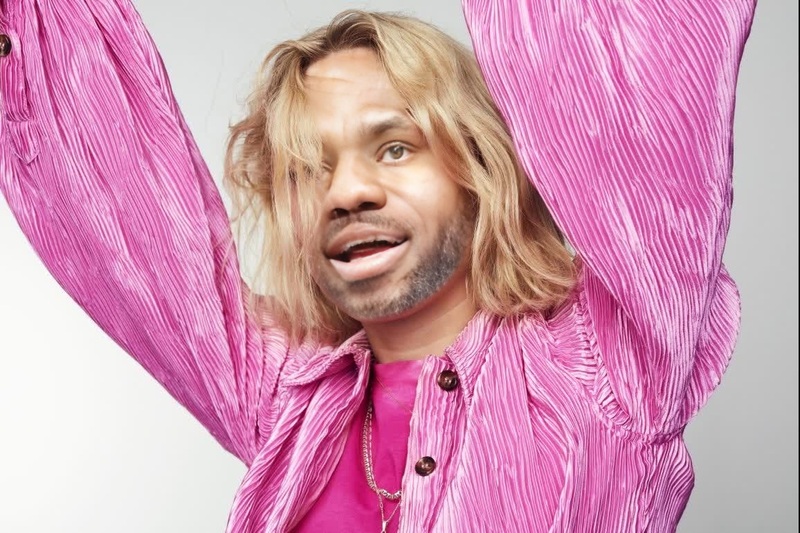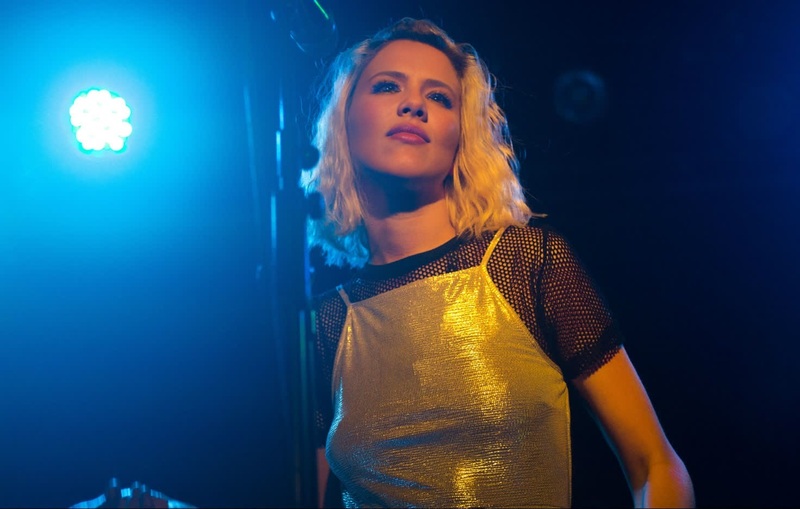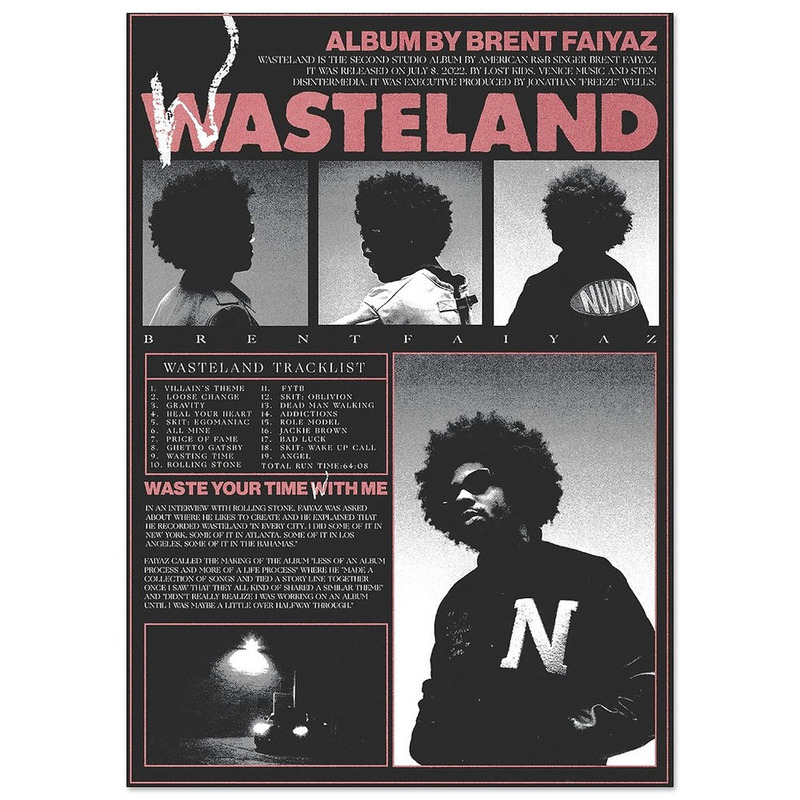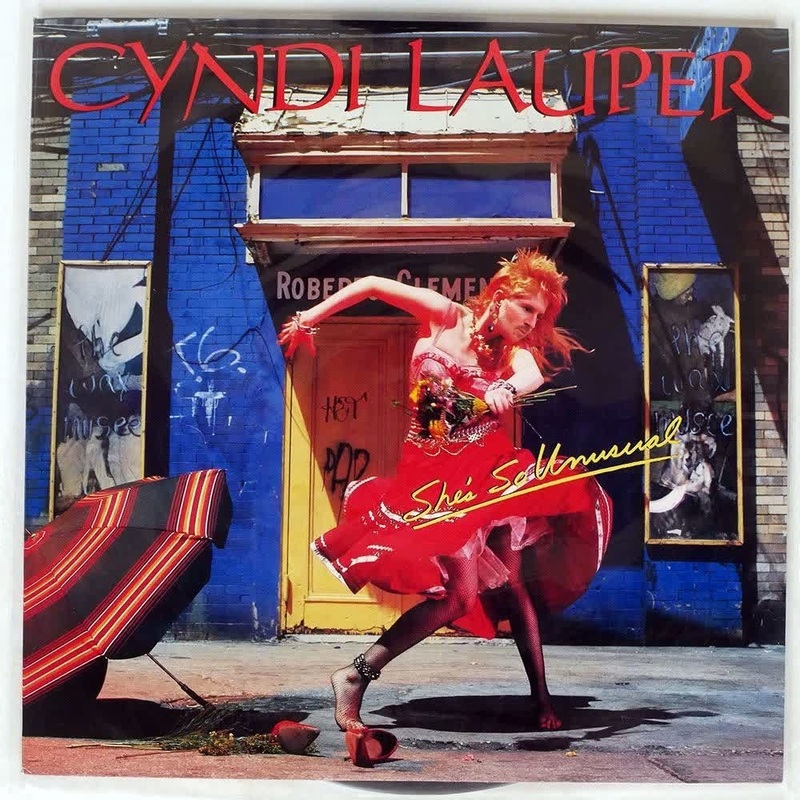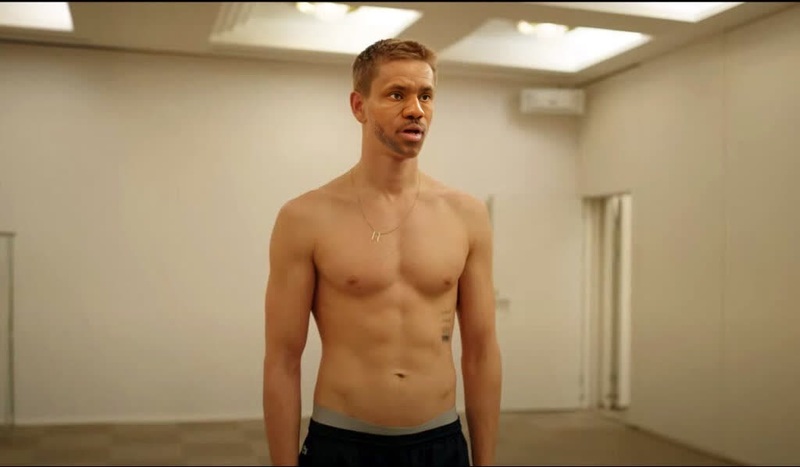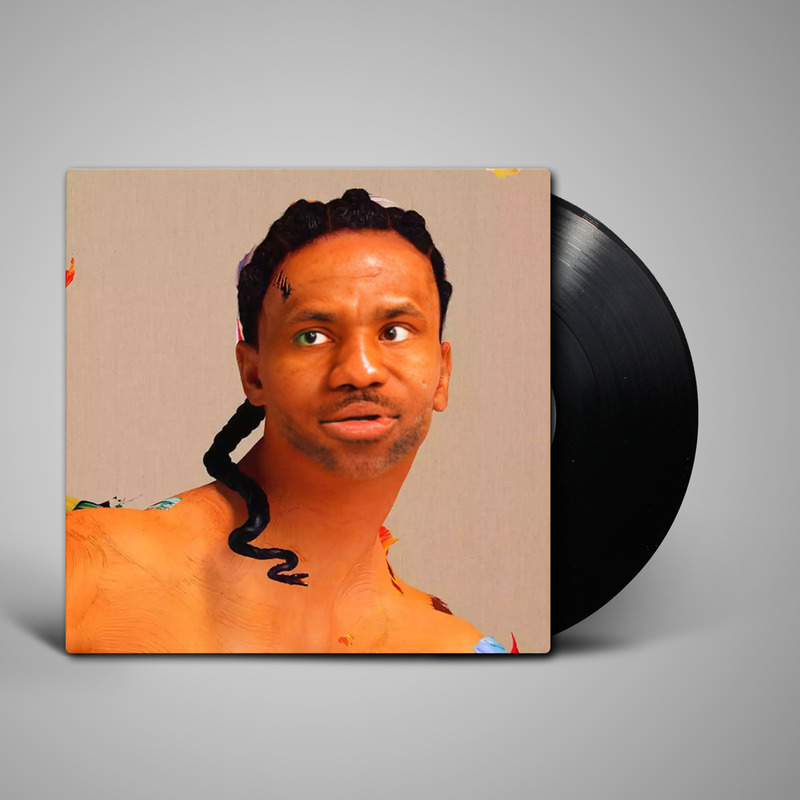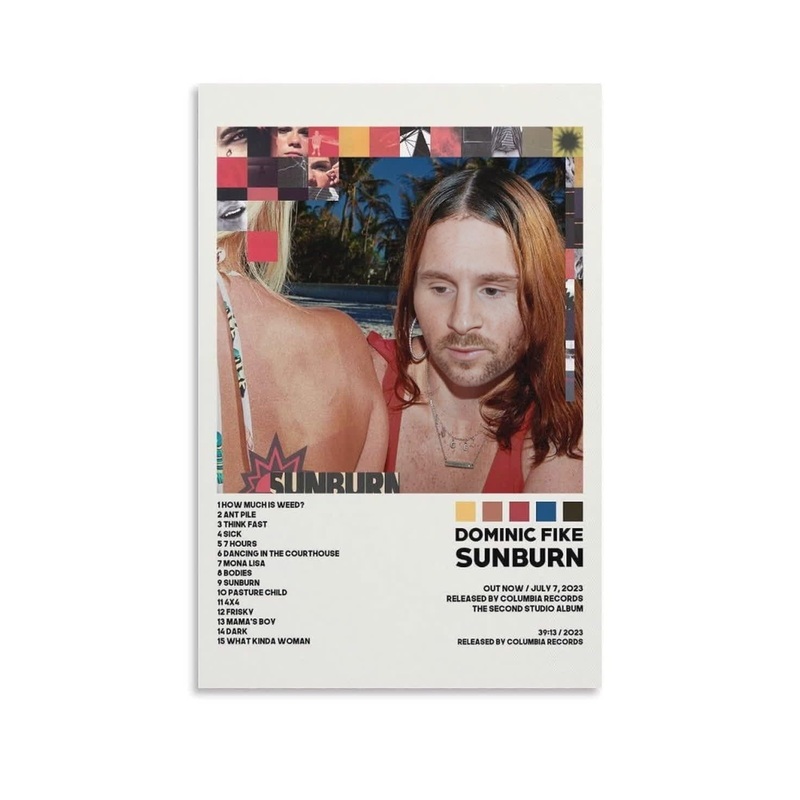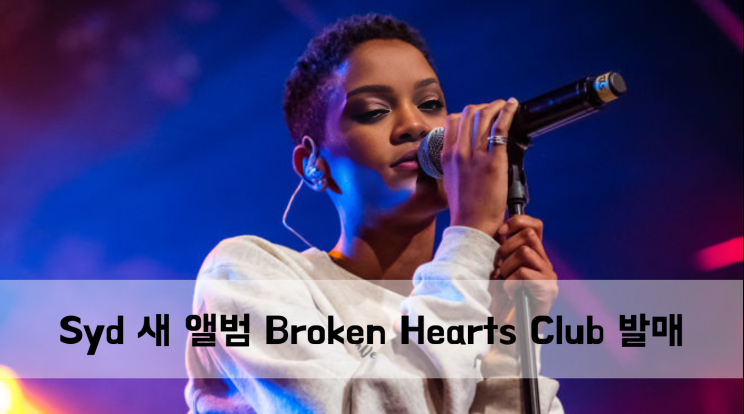
Syd Broken Hearts Club Press Portrait
face-swap
Any aspect ratio
Tags
transformationsLevel-Up Face Swap Template: Turn Any Clip Into a Studio-Quality Character Video
Use this template to instantly transform any face in a video with professional-grade AI face swap. Perfect for creators, marketers, founders, and editors who need fast, believable results without a VFX team.
This template is built on Magic Hour’s Face Swap Video workflow and can be fully remixed to match your brand, character style, or campaign concept.
What This Template Does
This template lets you:
- Replace any person’s face in a video with another face (photo or frame)
- Maintain realistic lighting, expressions, and head movement
- Preserve the original performance, camera motion, and background
- Export ready-to-post content for social, ads, product explainers, and more
It’s powered by Magic Hour’s production-grade Face Swap engine, designed for creators who care about quality, speed, and control.
Best Use Cases
This template is ideal for:
Marketing & Growth
- Localized campaigns with different on-screen talent
- A/B testing thumbnails and hooks with different faces
- Influencer-style content without repeated shoots
Content Creators
- Skits, character swaps, and transformations
- “What if” edits (e.g., classic scenes with new faces)
- Face-based memes and reaction content (pair with AI Meme Generator)
Founders & Teams
- Quick founder-led explainers with different personas
- Internal training or onboarding videos using recurring “hosts”
- Reusing one good performance across multiple markets or brands
Advanced / Technical Users
- Rapid prototyping for virtual characters
- Pre-viz for campaigns before committing to real shoots
- Stable face continuity across a multi-video series
How to Remix This Template in Magic Hour
You can use this template as a starting point and customize everything around it. Here’s the practical, step-by-step way to create your own version:
Open the Face Swap Video Flow
Go to the Face Swap Video creation page. This is the same engine used in this template.Upload Your Base Video
- Choose a clip where the subject’s face is relatively clear and visible.
- For best results: steady camera motion, good lighting, and minimal heavy occlusions (hands fully covering the face, etc.).
Add the Face You Want to Swap In
- Use a high-quality frontal photo, an AI-generated portrait, or a frame from another video.
- You can generate new faces or characters with:
Align & Preview the Swap
- Run a quick preview to check:
- Does the new face match the angle and expression of the base footage?
- Are lighting and skin tones reasonably close?
- If not, adjust your source image: try a different angle or better-lit photo.
- Run a quick preview to check:
Refine the Look (Optional Upgrades)
Once you’ve got a strong base swap, you can chain in other Magic Hour tools to get a polished, campaign-ready result:- Clean or stylize stills before turning them into video with the AI Image Editor
- Generate variations of your character with AI Art Generator
- Improve face detail with AI Image Upscaler
- Turn a static character into motion using Image to Video
Export & Reuse as a Template
- Once you like the result, export your video.
- Duplicate your project in Magic Hour whenever you need:
- A new language or region (swap in a local face or spokesperson)
- A new character (same script, different persona)
- Updated branding or seasonal campaigns
Each duplicate effectively becomes your own internal template built on top of this base.
Going Beyond Face Swap: Build Full Character Pipelines
If you’re a creator or team building repeatable content systems, you can combine this template with other Magic Hour tools:
Make Your Swapped Face Talk
- Use AI Talking Photo to animate a static face with speech.
- Sync speech with any voice using AI Voice Generator or clone your own with AI Voice Cloner.
Enhance the Performance with Lip Sync
- If you start from a static or simple animation, you can align facial motion to audio using Lip Sync.
Convert One Video Style Into Another
- Take your face-swapped result and apply new visual styles with Video to Video.
- Transform into anime, comic, or stylized characters with:
Build Fully Synthetic Talent
- Generate a face with AI Selfie Generator or AI Headshot Generator.
- Give them a wardrobe via AI Clothes Changer or AI Outfit Generator.
- Turn that talent into repeatable video content with Text to Video plus this Face Swap template.
Quality, Believability, and Constraints
For realistic, high-conversion results:
Source Quality Matters
- Use high-resolution, sharp base videos and face images.
- Avoid extreme motion blur, harsh backlighting, or very low light.
Match Lighting & Pose
- Faces that roughly match angle and lighting will swap more convincingly.
- If you’re generating faces with tools like AI Photo Generator, prompt for similar lighting conditions to your base footage.
Refine With Post-Processing (Optional)
- Upscale and clean your final video using Video Upscaler.
- Remove unwanted elements from keyframes with AI Remover or Remove Object from Photo, then reassemble your sequence.
Popular Remix Ideas
Advanced users frequently adapt this Face Swap template into:
Localized Influencer Campaigns
- One scripted performance, many local faces. Combine with Auto Subtitle Generator for multilingual captions.
Founder-as-Influencer Variants
- Keep the founder’s performance but test different faces/avatars for different audiences.
- Use AI Logo Generator and Thumbnail Maker for cohesive branding.
Character IP & Story Worlds
- Generate recurring protagonists with AI Character Generator.
- Set them in stylized worlds via AI Background Generator or Architecture Generator.
- Animate them with Animation and then refine faces via this Face Swap flow.
Meme & Social Formats
- Quick face-in-gif edits using Face Swap GIF.
- Layer text, jokes, and formats via AI Meme Generator and AI GIF Generator.
Ethical & Practical Notes
- Always ensure you have the right to use both the base video and the face you’re swapping in.
- For commercial or public-facing content, avoid imitating real individuals without explicit consent.
- Consider using AI-generated or synthetic faces from tools like AI Face Generator or AI Selfie Generator to stay on solid legal and ethical ground.
Get Started
To create your own version of this template:
- Open Face Swap Video.
- Upload your base clip and your target face.
- Preview, refine, and export.
- Duplicate the project to turn it into a reusable internal template for your campaigns or content pipeline.
From there, you can plug it into broader workflows with Lip Sync, Video to Video, and Animation to build fully AI-driven, face-consistent video systems at scale.