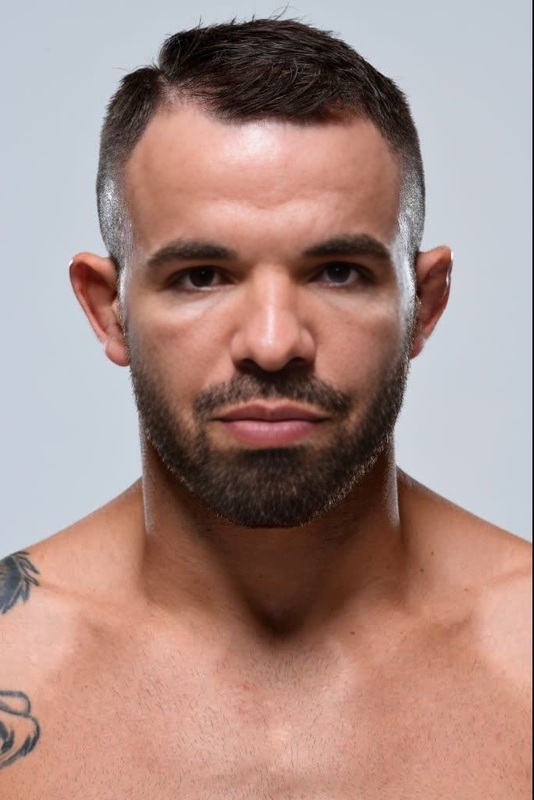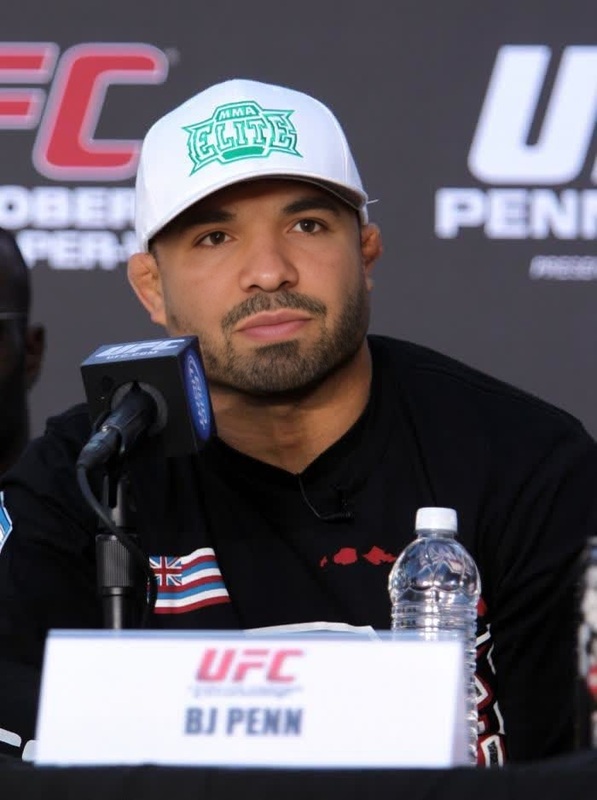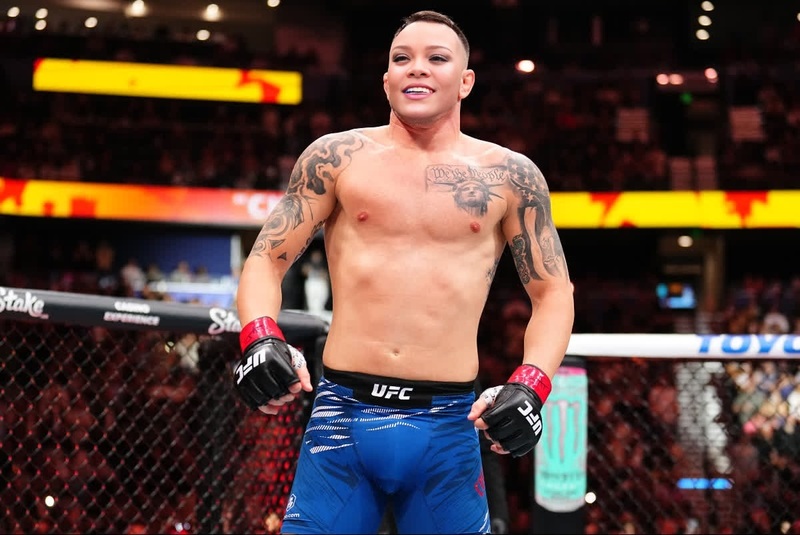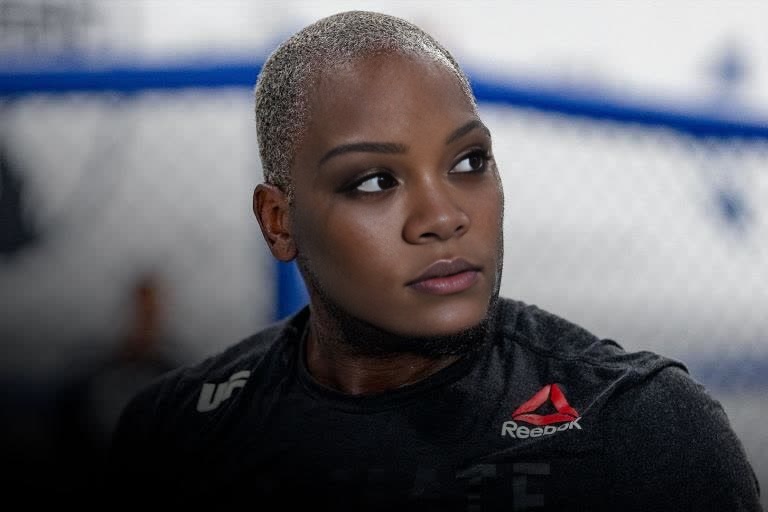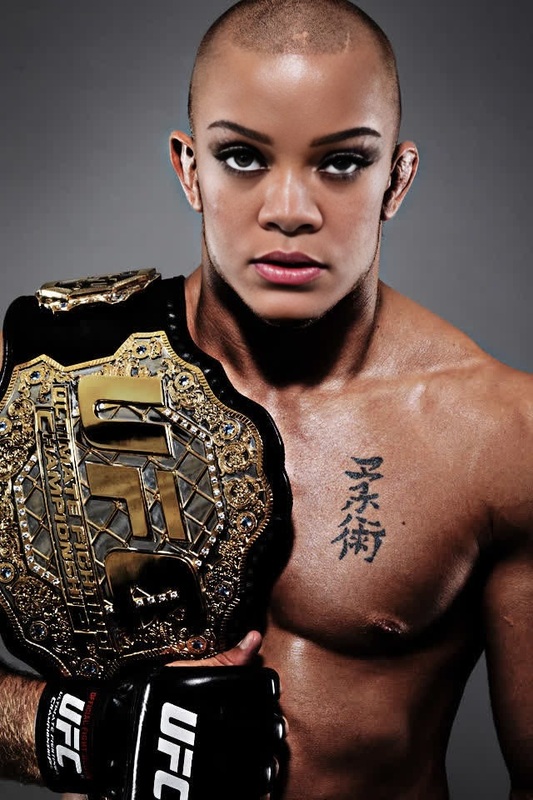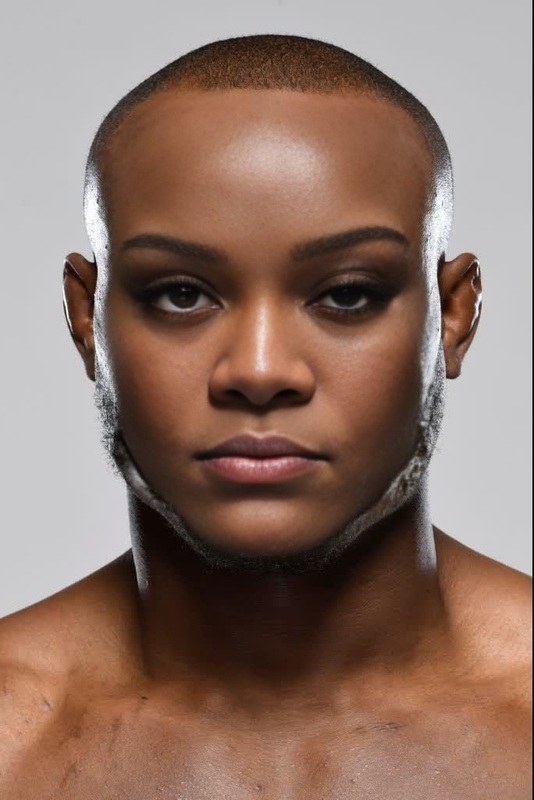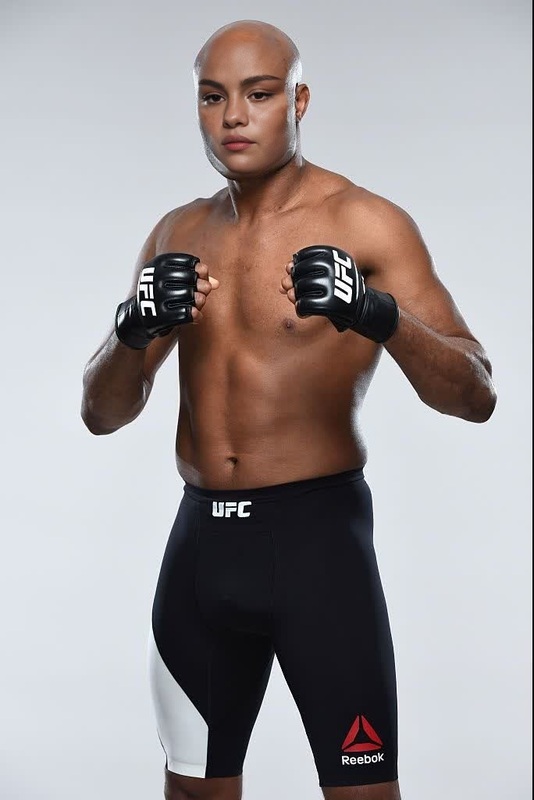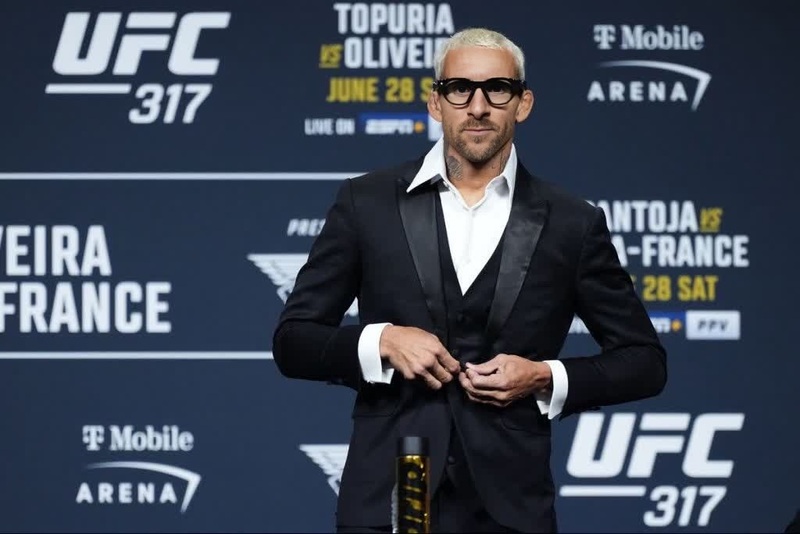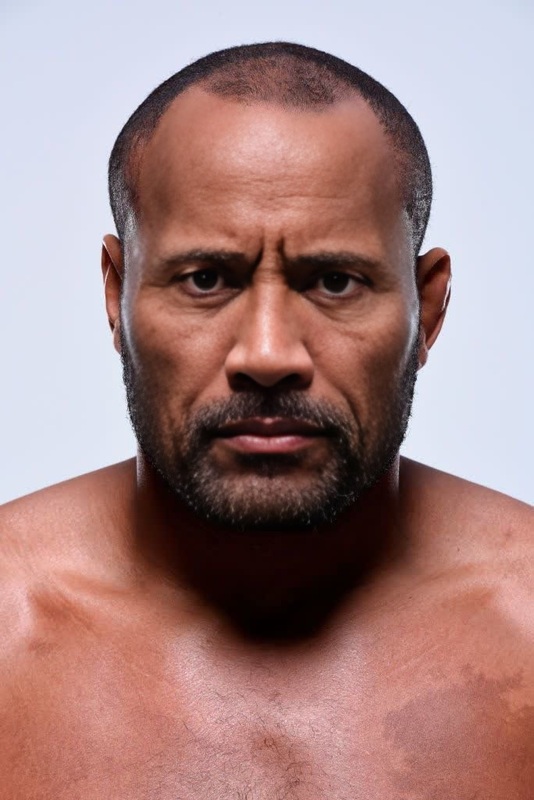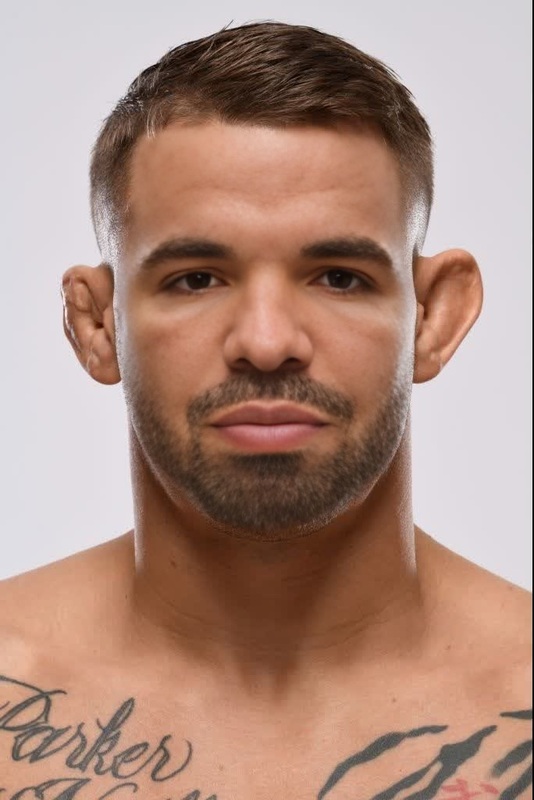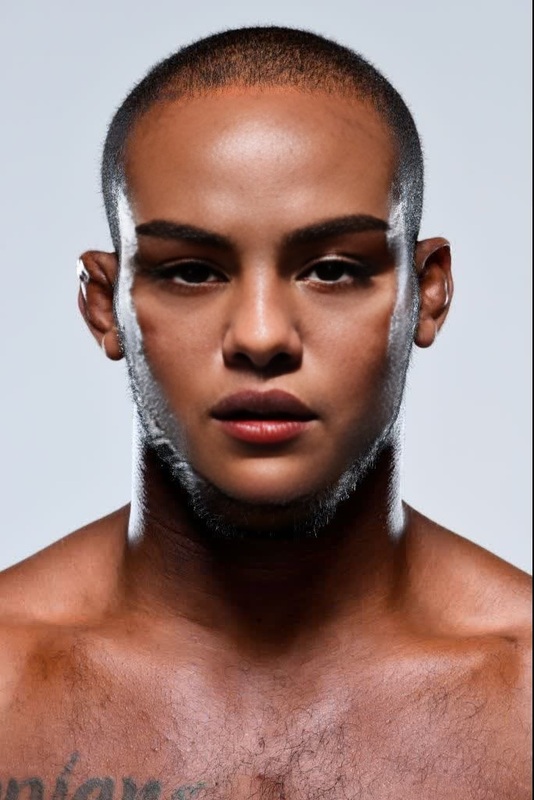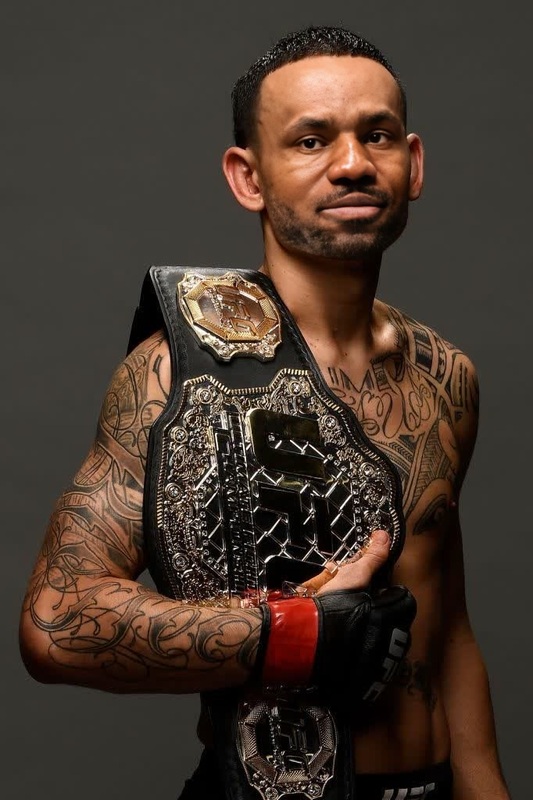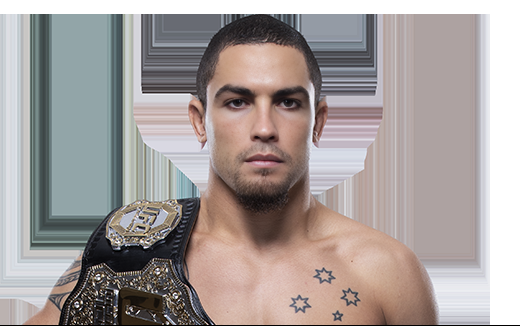
Robert Whittaker Ufc Press Portrait
- Image
- 520 × 326 px
Any aspect ratio
Overview
Transform your videos with our Robert Whittaker UFC Press Portrait template, ideal for creating memorable moments through Video Face Swap. This tool allows you to seamlessly replace faces, bringing a professional touch to your digital projects.
What It Does
This template allows you to perform precise face swaps using footage of Robert Whittaker at a UFC press conference. With the power of Face Swap technology, it adapts facial expressions and lighting for a clean and convincing outcome.
Who It's For
Perfect for content creators, MMA fans, and social media enthusiasts looking to engage their audience with dynamic visuals. Whether you're in marketing, entertainment, or just creating for fun, this template offers a straightforward way to wow your viewers.
Summary
Optimize your workflow by incorporating Video Face Swap technology. For enhanced visuals, you might also explore our AI Image Editor for fine-tuning and the AI Video Generator for creating additional video content.
How to Use
Choose the Template

Customize Your Inputs

Generate Your Video

Use Cases
Social Media Engagement
- Create UFC fantasy fights
- Engage fans with customized promos
Marketing and Promotion
- Advertise upcoming events with hype
- Create personalized promotional content
Content Creation
- Vlog enhancements
- Comedy sketch boosts
Best Practices
High-Quality Source Material
Use high-resolution videos to ensure the face swap appears natural. Blurry or pixelated footage can lead to poor results.Consistent Lighting
Ensure the video's lighting matches closely to achieve the best face swap effect. Consistency in lighting across sources aids in better integration.Maintain Natural Expressions
Check that the facial expressions of the uploaded face are similar to those in the source video for a more realistic outcome.