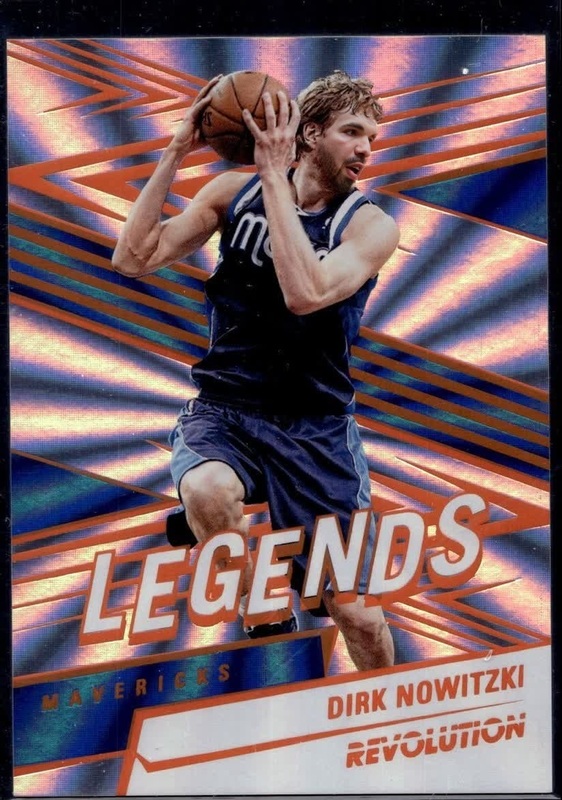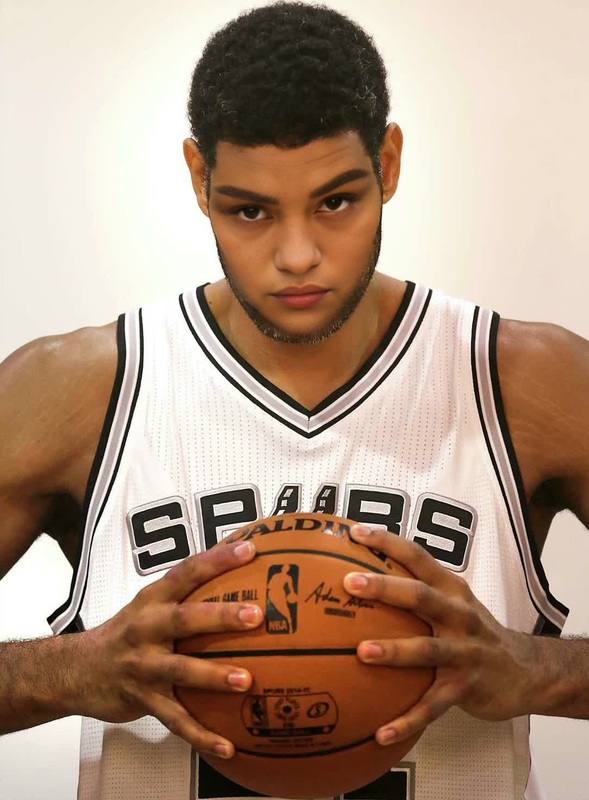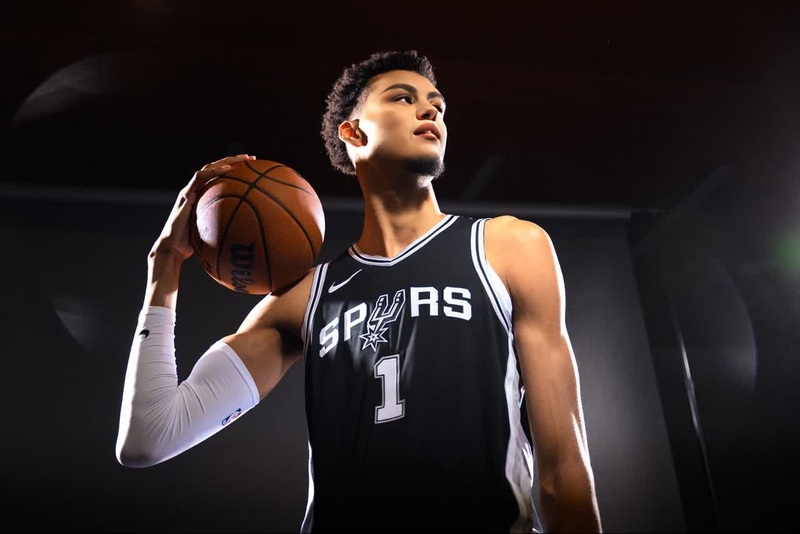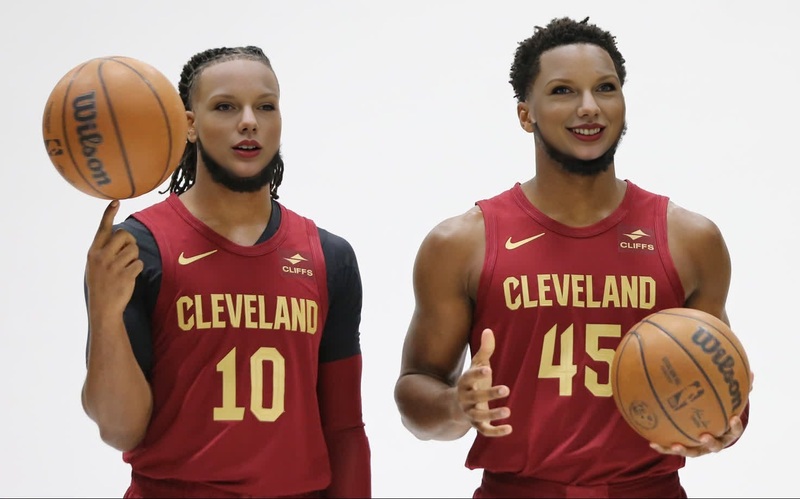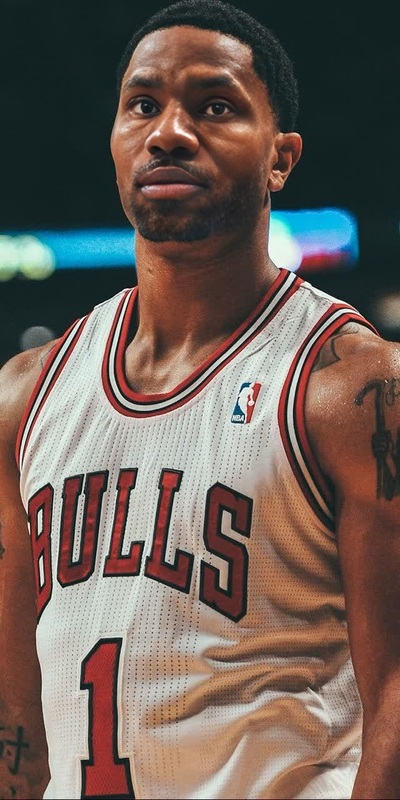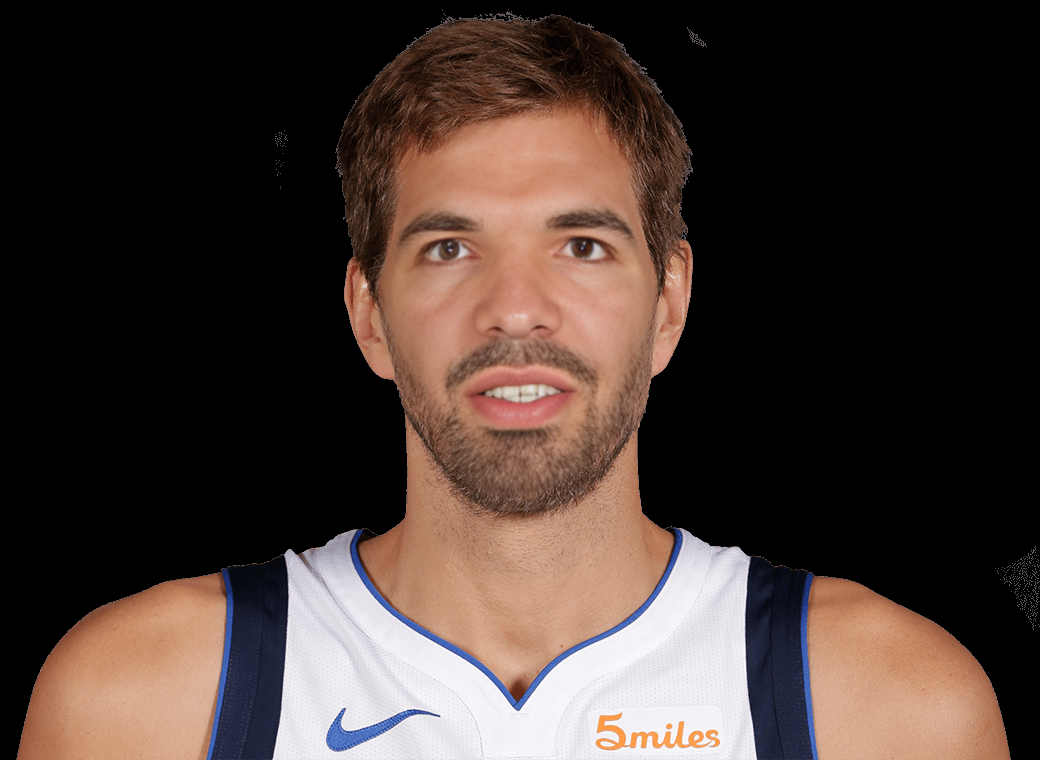
Dirk Nowitzki Dallas Mavericks Media Day Portrait
- Image
- 1040 × 760 px
Any aspect ratio
Overview
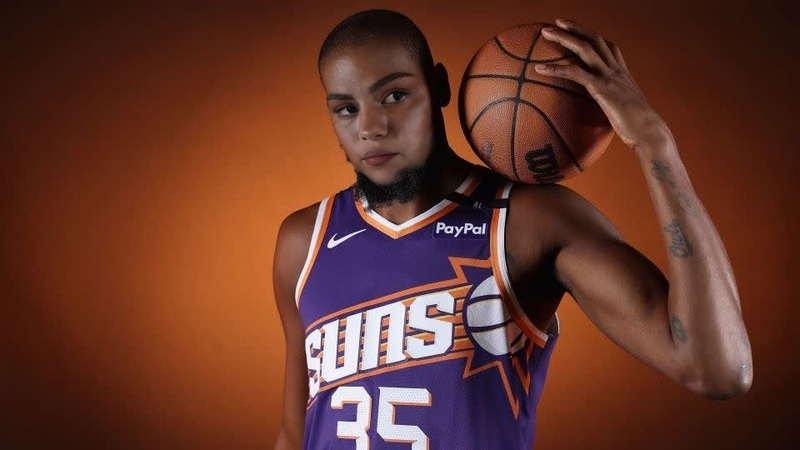
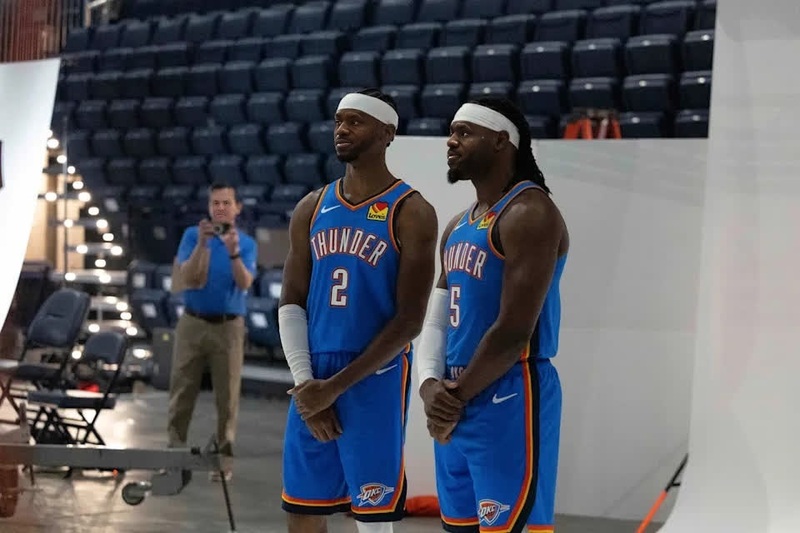
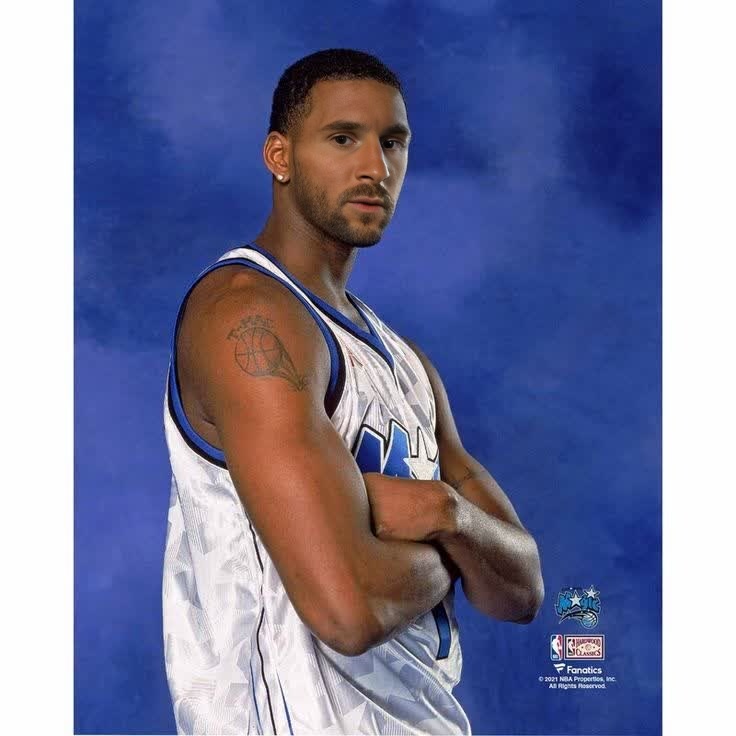
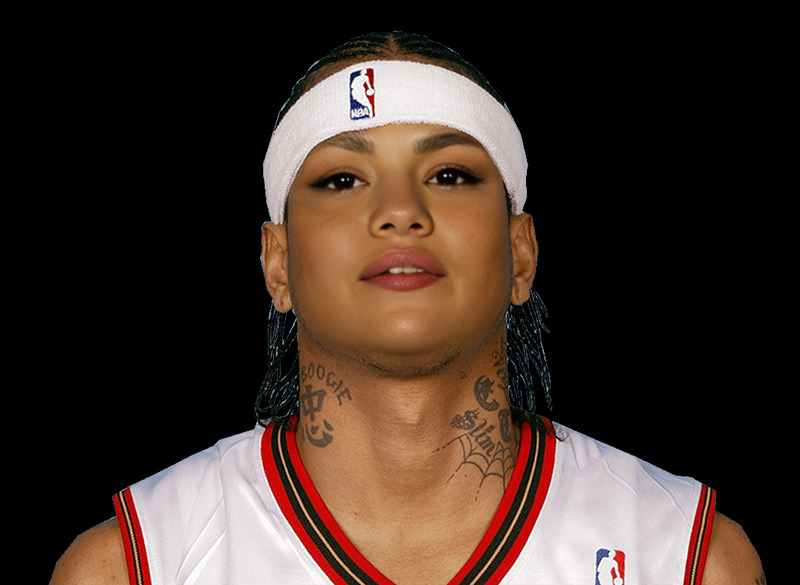
Step into the shoes of legendary basketball player Dirk Nowitzki with the Dirk Nowitzki Dallas Mavericks Media Day Portrait template. Ideal for Video Face Swap enthusiasts, this template lets you swap your face with Dirk's iconic media day portrait. Capture the admiration and prestige of the famed Dallas Mavericks star and create memorable content effortlessly.
What It Does
This template is designed to transform any face into Dirk Nowitzki’s for a unique video creation experience. By leveraging advanced AI Video Generator technology, you can produce convincing face swap videos that mirror Dirk's media day aesthetics. Whether you're creating content for fun or as a fan tribute, this tool offers high fidelity and realistic results.
Who It's For
Basketball fans, social media enthusiasts, and content creators looking to inject a bit of humor and creativity into their videos will find this template invaluable. It’s particularly suited for those familiar with social media ads or fan pages, allowing them to engage audiences with unique, sports-related content. No advanced editing skills required.
Summary
Designed for seamless integration into any content creation workflow, the Dirk Nowitzki Dallas Mavericks Media Day Portrait template is a must-have for transforming everyday photos into something extraordinary. Ready-to-use and powered by AI Face Editor capabilities, it combines ease of use with professional quality results, making it perfect for multiple applications.
How To
Choose a Template

Adjust Your Content

Generate and Download

Use Cases
Fan Engagement
- Sports playlists
- Community tributes
Social Media Fun
- Prank videos
- Trending challenges
Creative Marketing
- Niche sports ads
- Seasonal promotions
Best Practices
Choose Clear Photos
Ensure that the photos you upload are clear and well-lit to achieve the best face swap results.Mind the Angles
Try to use photos where the face angle matches Dirk's original portrait for a more realistic swap.Review Before Finalizing
Always preview the swap to make adjustments before generating the final output, ensuring it meets your expectations.
Frequently asked questions
More Like This