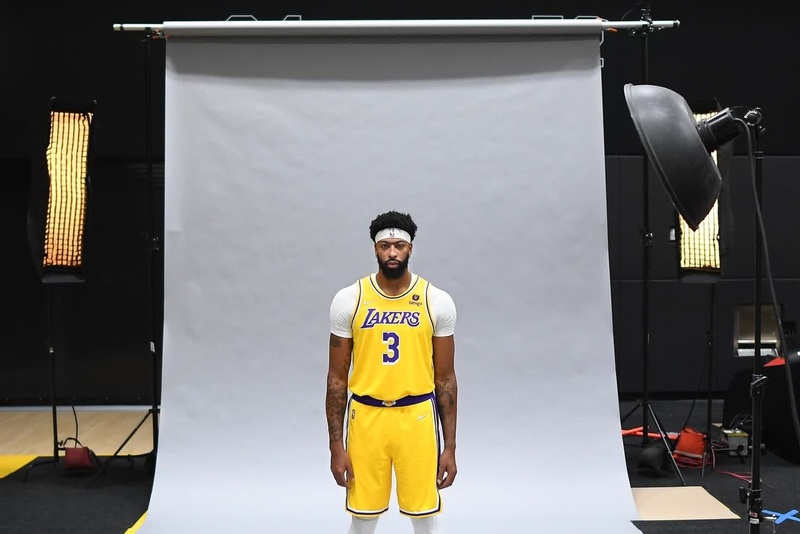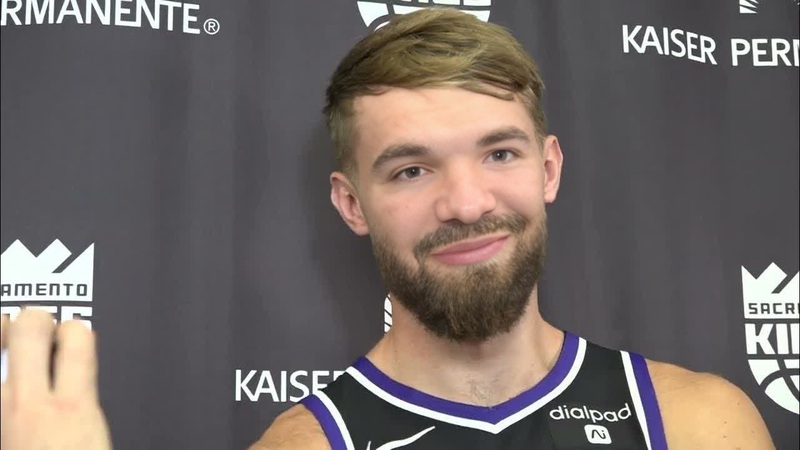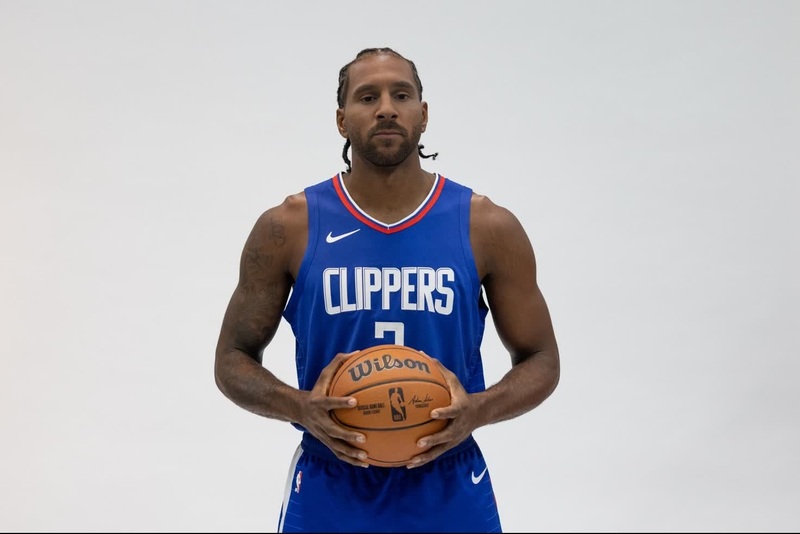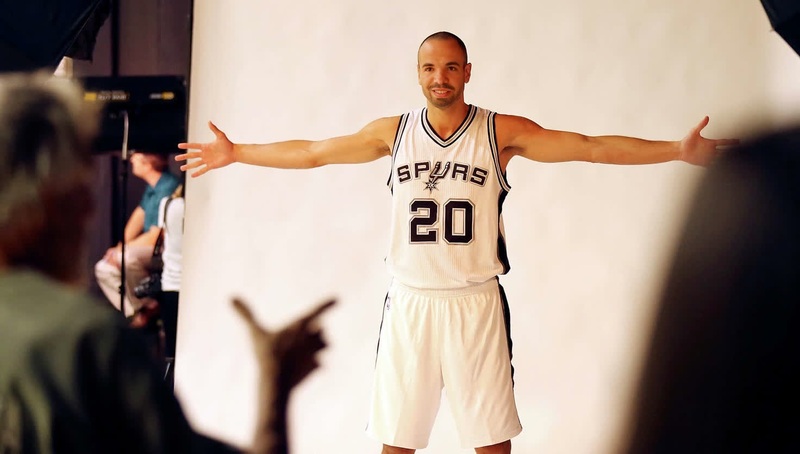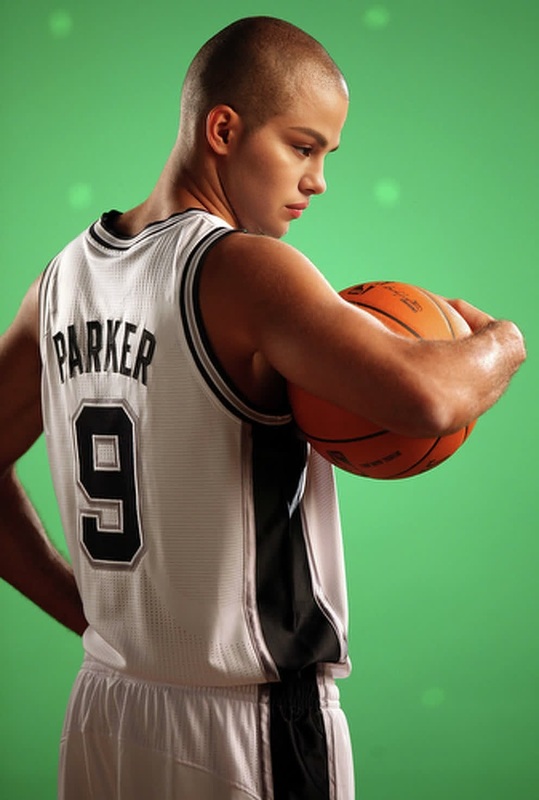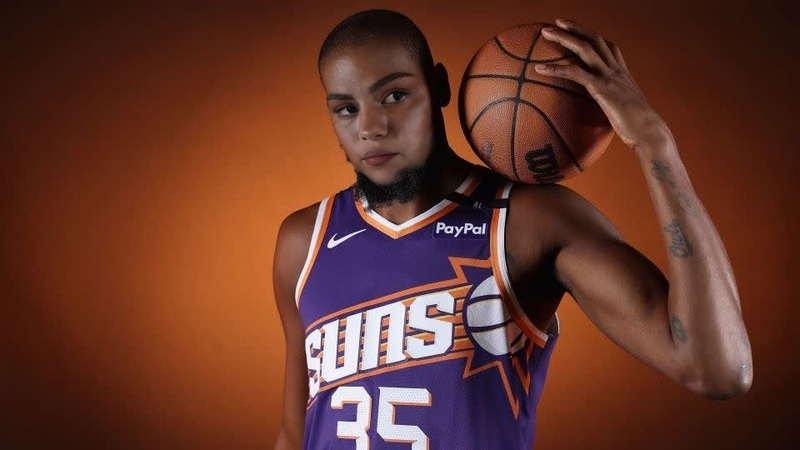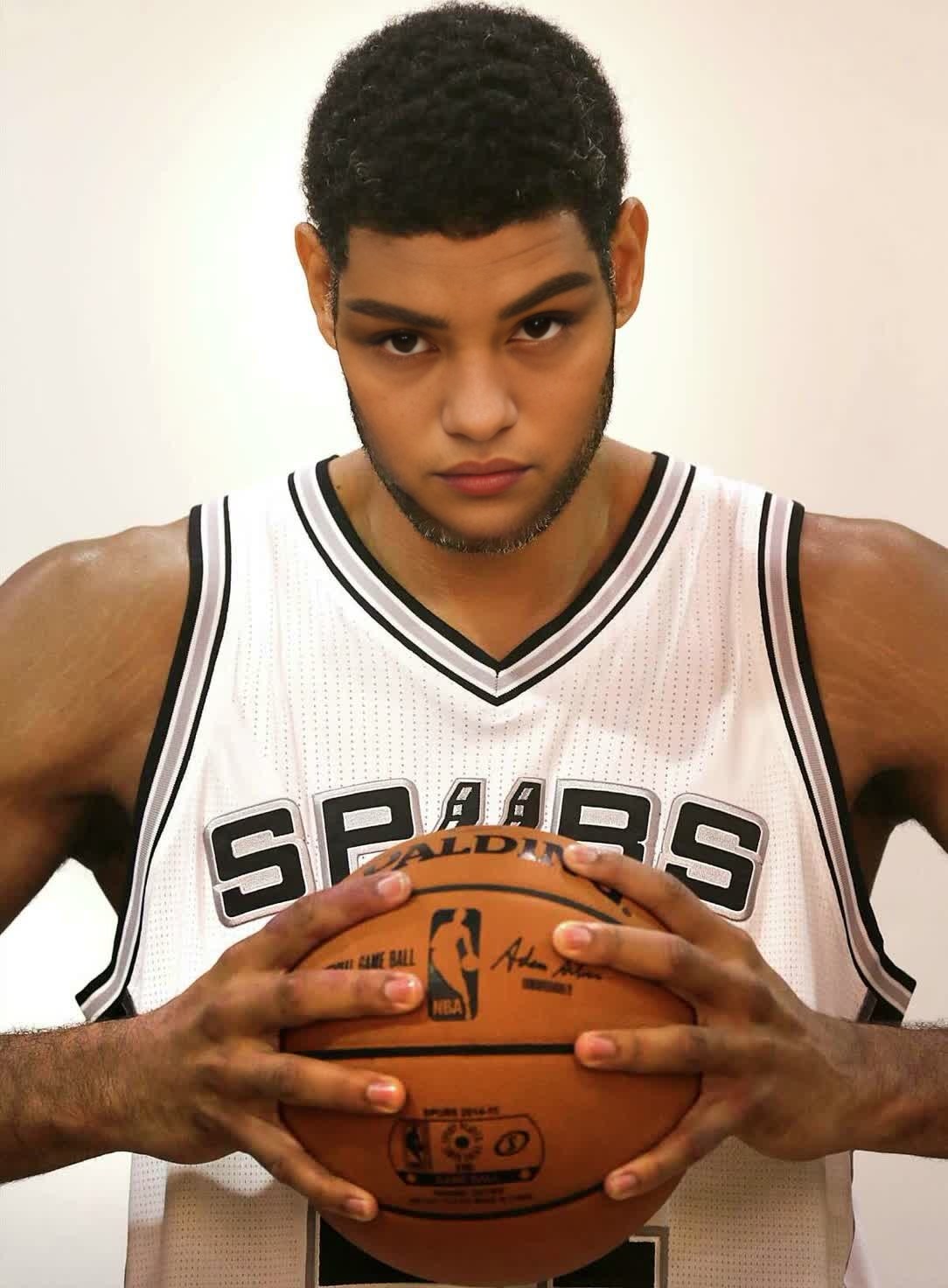
Tim Duncan San Antonio Spurs Media Day Portrait
- Image
- 1084 × 1472 px
Any aspect ratio
Overview
The "Tim Duncan San Antonio Spurs Media Day Portrait" template offers a playful spin on a classic media day snapshot. By utilizing the Video Face Swap technology, users can replace Tim Duncan's face with another, creating a humorous and engaging video. Perfect for sports fans, content creators, and anyone looking to add a bit of personal flair to an iconic sports image.
What It Does
This template allows you to swap Tim Duncan's face in his famous San Antonio Spurs media day portrait with any face you choose. By harnessing sophisticated AI Image Editor tools, the process ensures that the video maintains a realistic appearance, giving life-like expressions and seamless movements in the final output.
Who It's For
Whether you're a sports enthusiast aiming to have fun with iconic imagery, a digital content creator looking to produce engaging videos, or a fan wishing to become part of the Spurs' legacy, this template provides a versatile solution. It's particularly ideal for social media users who want to share humorous or personalized content with their audience.
Summary
With the "Tim Duncan San Antonio Spurs Media Day Portrait" template, transforming a static image into a dynamic and entertaining video has never been easier. Leveraging our advanced Image-to-Video technology, users can expect high-quality results that preserve the essence of the original while adding a unique twist. Enhance your creative projects or simply have a laugh by embedding your face into a moment of sports history.
How To
Choose the Template

Customize Your Inputs

Generate Your Video

Use Cases
Social Media Content
Sports Fan Edits
Video Memes
Best Practices
Select a Clear Image
For the best results, use a high-resolution, well-lit image of the face you're swapping onto Tim Duncan's body.Experiment with Angles
Test different facial angles to see which ones work most naturally with the original portrait's orientation.Mind the Context
Consider the context of the video swap, ensuring it’s appropriate for your intended audience or platform.
Frequently asked questions
More Like This