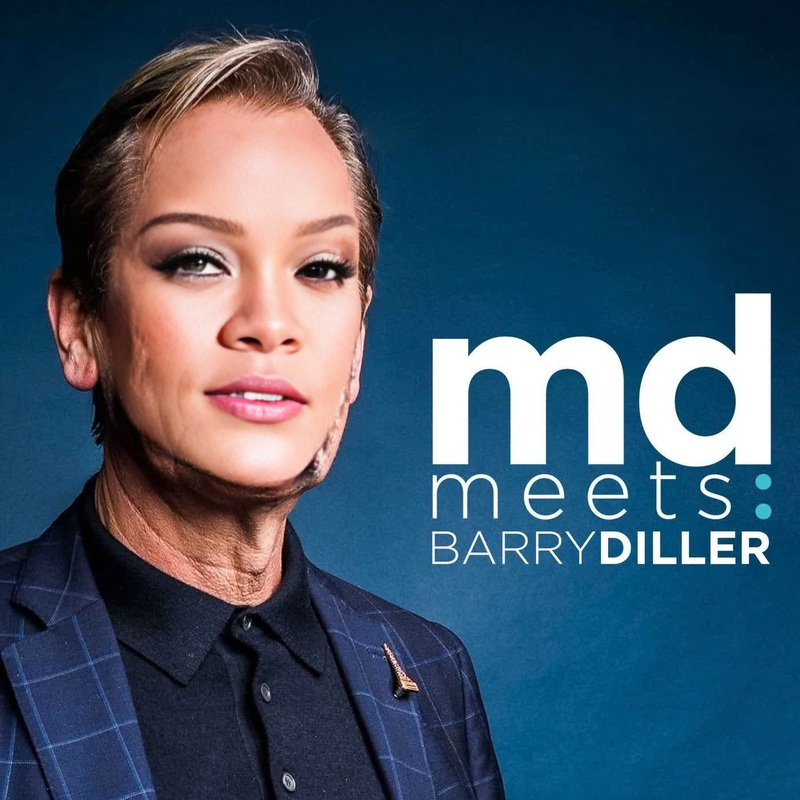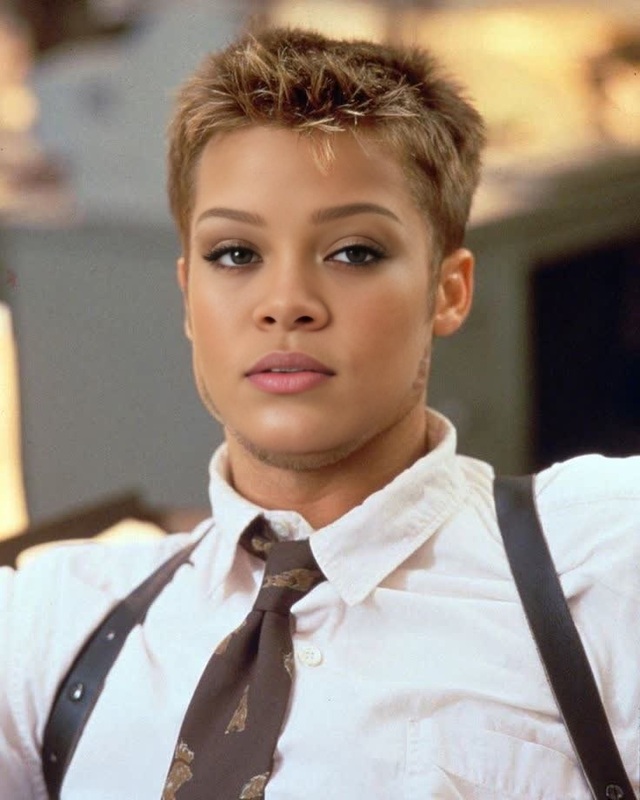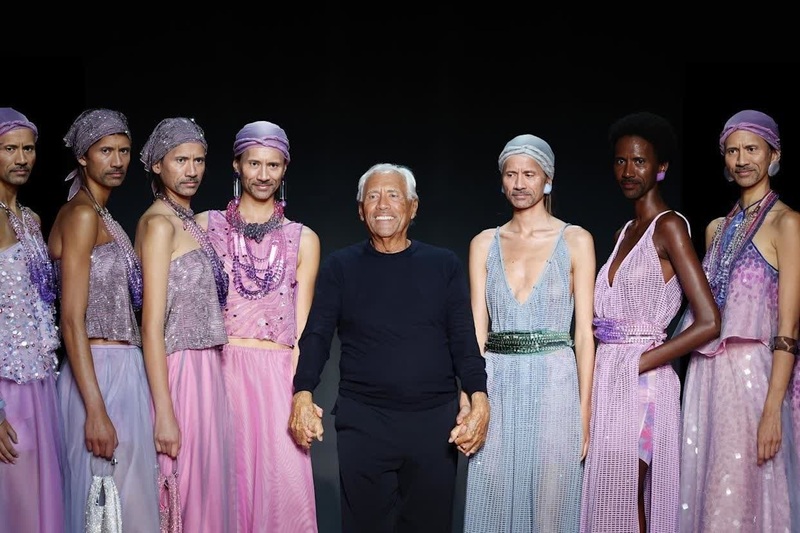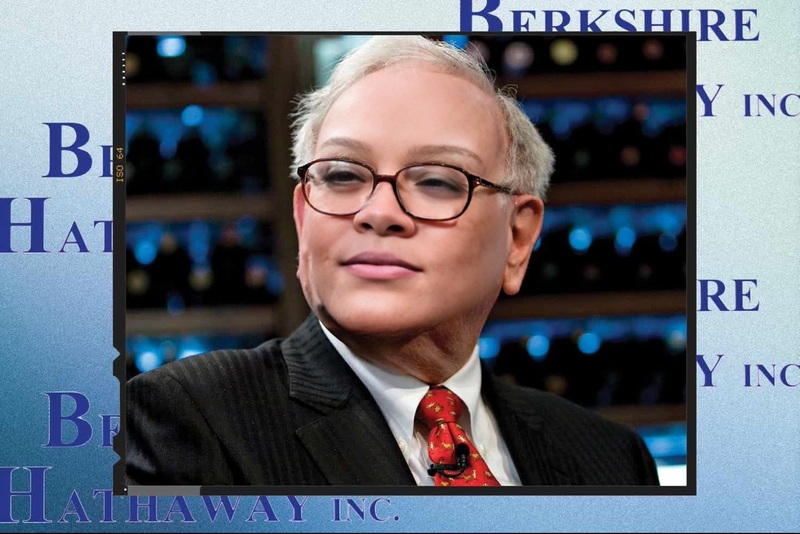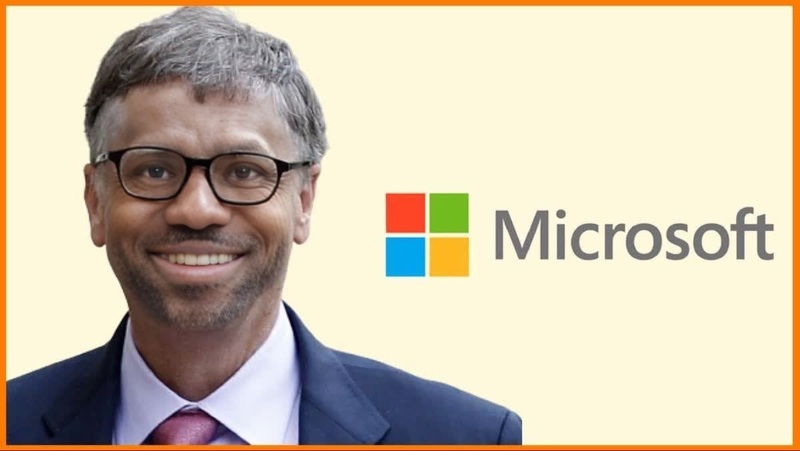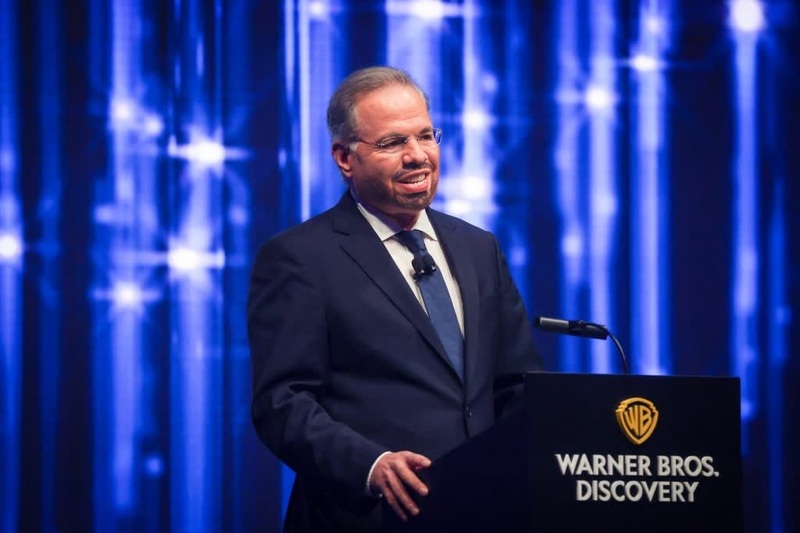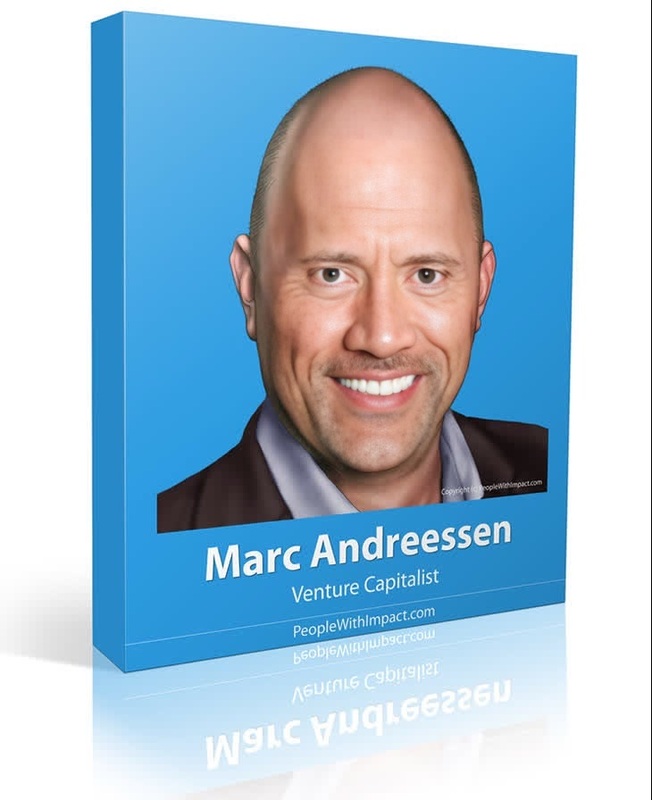
David Geffen Entertainment Mogul Press Portrait
- Image
- 1472 × 982 px
Any aspect ratio
Overview
The David Geffen Entertainment Mogul Press Portrait template allows you to swap your face with the iconic entertainment mogul, David Geffen, in a press-like setting. This template is designed for those who love quirky transformations and want to create memorable video content. It offers an engaging way to personalize videos by placing yourself, or someone else, into the world of entertainment elites.
What It Does
This Video Face Swap template replaces the face in a video with an uploaded image of your choice, maintaining the style and expression consistent with press portrait themes. It achieves this transformation using sophisticated AI models to ensure a realistic and seamless integration of your face onto David Geffen's body, making it ideal for entertainment-focused projects.
Who It's For
This template is perfect for content creators, social media influencers, and entertainment enthusiasts looking to craft unique video experiences. It's also a great tool for marketers aiming to engage audiences with creative content. Optionally, pair it with the AI Voice Changer to match the visual transformation with customized audio effects.
Summary
The David Geffen Entertainment Mogul Press Portrait template provides a fun and engaging way to create customized videos by swapping faces into a mogul-themed setting. For those looking to explore further creative possibilities, consider using it alongside the AI GIF Generator to create shareable snippets for your social media channels.
How to Use
Choose the Template

Customize Your Inputs

Generate Your Video

Use Cases
Social Media Content
Brand Promotions
Personal Projects
Best Practices
Use High-Quality Images
Ensure the face image you're using is high-quality for the best results. Blurred or low-resolution images might affect the final output.Align Faces Correctly
Align the uploaded face with the template's face guide to ensure a natural and convincing swap.Experiment with Different Videos
Try pairing with the Image to Video tool for even more dynamic results.