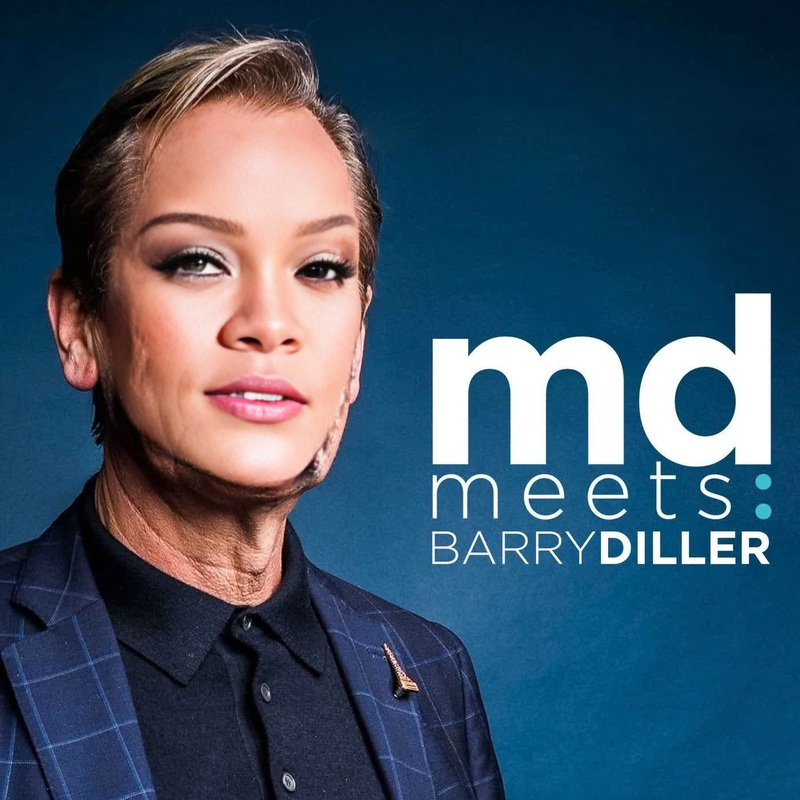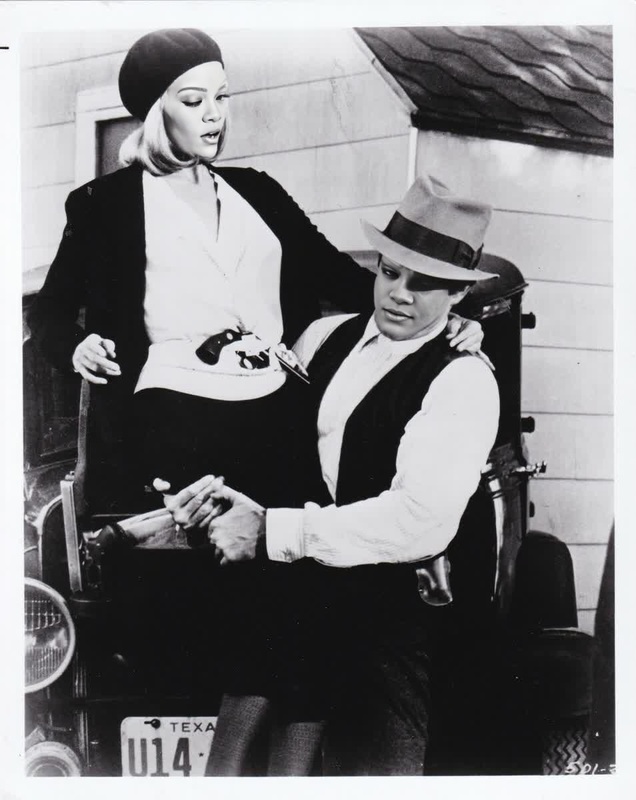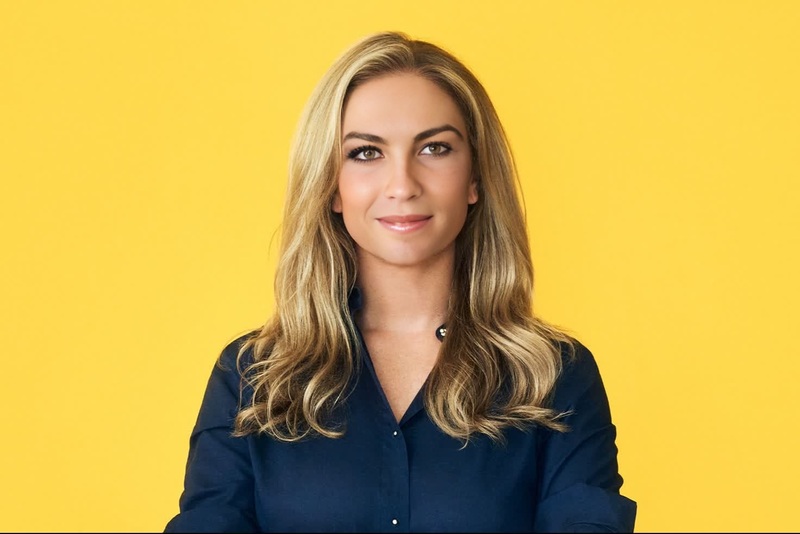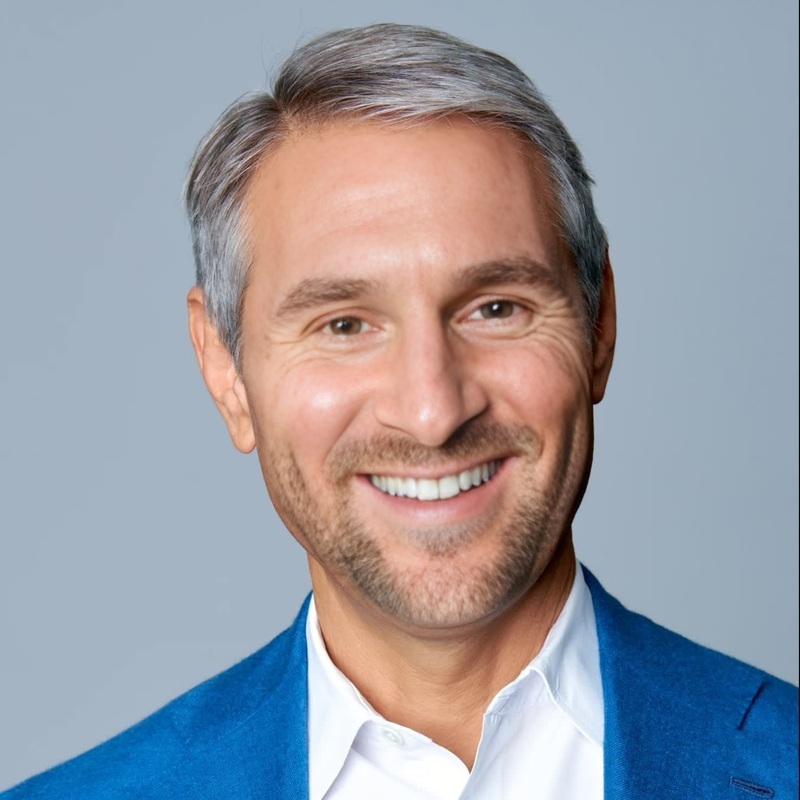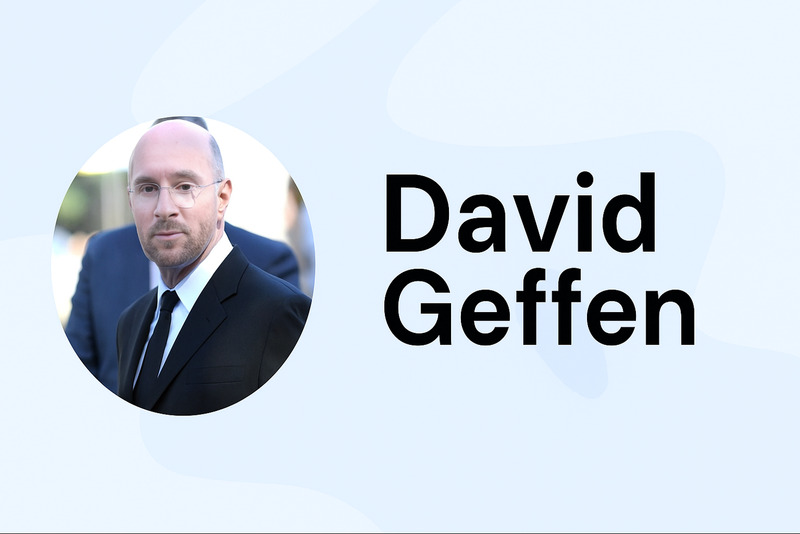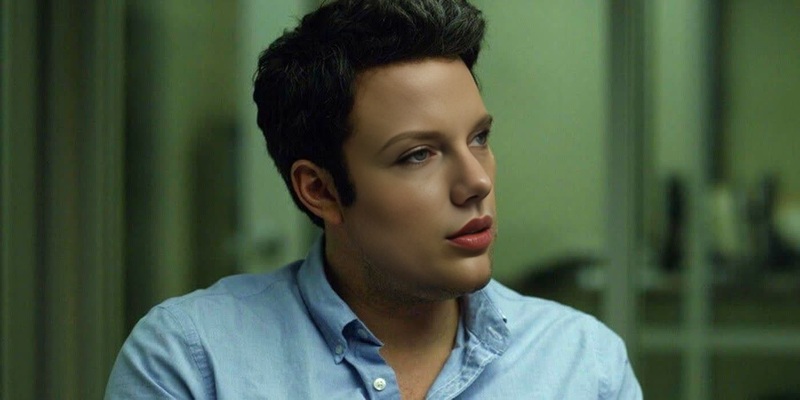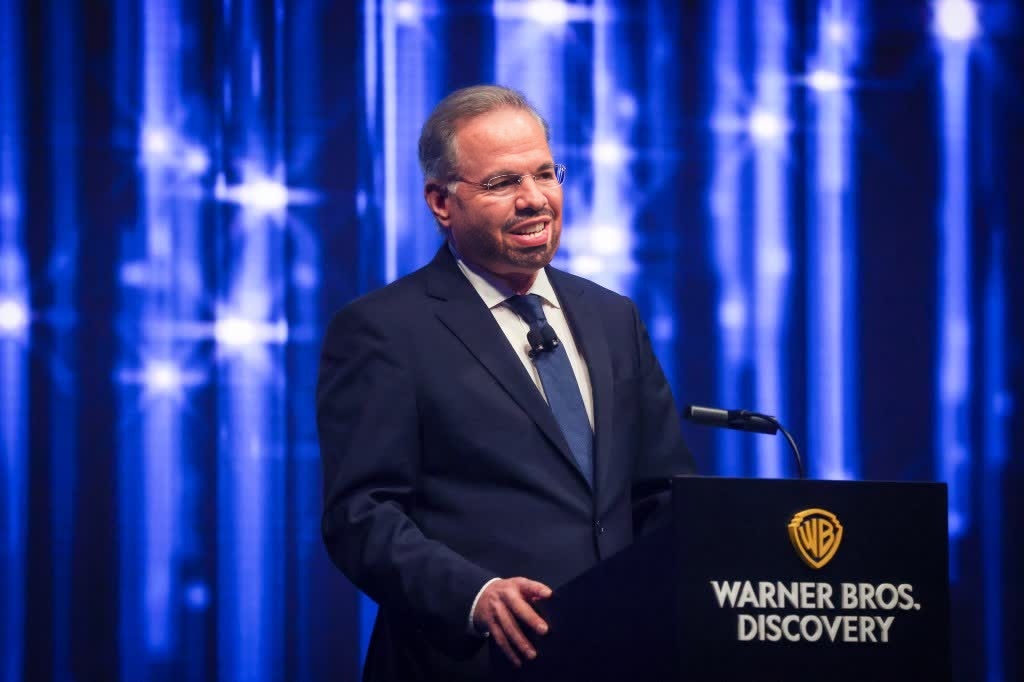
David Zaslav Warner Bros Ceo Press Portrait
face-swap
Any aspect ratio
Tags
transformationsTurn any video into a high‑impact face swap in minutes. This template is built on Magic Hour’s AI Face Swap engine and is fully remixable, so you can adapt it to your brand, your actors, and your channels without touching code.
What this template does
This template uses AI face swapping to replace the face in a source video with a face from a reference image or clip, while preserving:
- Original motion and expressions
- Lighting and camera perspective
- Background, clothing, and scene context
- Lip movements and timing from the source
It’s ideal for:
- Creators and agencies prototyping concepts before a shoot
- Marketers generating localized or personalized video variations
- Product teams and startups A/B testing creatives at scale
- Developers building AI-driven video flows into apps and tools
Because it’s built on the same backend as Magic Hour’s core Face Swap product, you get production-quality results that work for social, ads, explainers, and internal demos.
For background on how AI face swapping works and current best practices, see overviews from the research community such as “Deepfakes and Beyond: A Survey of Face Manipulation and Detection” (IEEE, 2022) and related work cited there.
How to remix this template in Magic Hour
You can clone and adapt this template directly inside Magic Hour. The flow is:
Start from the Face Swap Video tool
Open the Face Swap Video template. This gives you a ready-made workflow with the correct model and I/O already wired in.Swap in your source video
- Use any video where the subject’s face is reasonably visible.
- For social media content, short clips (5–30 seconds) tend to perform best.
- For explainers or product demos, slightly longer clips work well when you keep the framing stable.
Add your target face
- Upload a clear, front-facing photo or headshot of the person you want to insert.
- Good lighting, minimal occlusions (no big sunglasses, heavy masks), and neutral expressions give the AI more usable detail.
- You can generate target faces beforehand with the AI Face Generator or AI Character Generator if you don’t have real reference photos.
Preview and iterate
- Run a quick test with a short segment of your video.
- If you’re building multiple variants (e.g., different personas for different markets), duplicate the flow, swap in new faces, and batch-generate.
Export and refine
- Export your final video for use across social, ads, landing pages, or product UI.
- If needed, polish assets further with the AI Image Editor, AI Image Upscaler, or Video Upscaler.
Because the template sits on top of Magic Hour’s abstractions, you don’t need to manage models, infrastructure, or video processing pipelines. You focus on creative and product decisions; Magic Hour handles the rest.
Advanced remix ideas for creators, marketers, and builders
You can use this template as a starting point for more complex workflows. A few patterns that work well in practice:
1. Talking avatars and spokespersons
Combine this Face Swap template with:
- Lip Sync to match mouth movements to your script
- AI Voice Generator or AI Voice Cloner to generate or replicate voice
- AI Talking Photo for static-image talking heads
Flow example:
- Generate or choose a “spokesperson” face with the Avatar Generator or AI Headshot Generator.
- Record or synthesize your voice track.
- Use Lip Sync to align lip movements with the audio.
- Apply this Face Swap template to place your spokesperson into different scenes and b-roll shots.
This pattern works well for product explainers, onboarding tours, and FAQ-style content where consistency of persona matters more than having the original speaker on camera.
2. Multi-market or multi-persona creatives
For growth and performance marketing teams:
- Start with one high-performing base video (UGC-style ad, demo, testimonial).
- Use this template to swap the face to match different demographics or personas.
- Localize voice and captions with AI Voice Generator and Auto Subtitle Generator.
- Test variants across regions and channels.
This avoids reshooting for every market while still giving viewers a face and voice they’re more likely to identify with.
3. Character-driven storytelling and animation
If you’re building narrative content or prototypes:
- Use Animation or Image to Video to generate stylized motion sequences.
- Define distinct character looks with AI Character Generator, AI Anime Generator, or Animated Characters Generator.
- Apply Face Swap to project those character faces onto live-action or animated footage, giving you a hybrid style that feels more expressive than static 2D art.
For teams building games, virtual influencers, or narrative apps, this approach lets you test character concepts with real motion before investing in full production.
4. Concept testing for product and UX teams
Use the template as a “rapid prototyping” tool:
- Mock up in-app video onboarding flows or support avatars.
- Prototype personalization features (e.g., showing users content “starring” their own face) without shipping experimental code.
- Validate UX ideas with realistic assets built from your own product screen recordings plus face-swapped guides.
Combine with Text to Video for fully synthetic demos, then swap in more recognizable faces for stakeholder reviews.
Helpful tools to pair with this template
To build a complete, production-ready pipeline around this template, these Magic Hour tools are commonly used together:
Source asset creation
- AI Image Generator and AI Art Generator for style frames and concept art
- AI Photo Generator for realistic faces and scenes
- Book Cover Generator, Album Cover Generator, or Thumbnail Maker for packaging your final videos
Face and identity experimentation
- AI Face Editor for adjusting age, expression, or style before swapping
- Gender Swap for exploring inclusive persona variants
- AI Selfie Generator to create social-native looks
Quality and cleanup
- Unblur Image, AI Image Upscaler, and Photo Colorizer to improve older or low-res reference photos
- Image Background Remover or Remove Object from Photo for cleaner composites in supporting assets
- Old Photo Restoration when working with archival material
Experimentation and branding
- AI Logo Generator for branded overlays in your final video
- AI Meme Generator for quick, on-brand social spins on your face-swapped clips
- AI QR Code Generator to drive viewers from short-form social videos to deeper product experiences
Practical tips for best results
These guidelines are based on patterns that work consistently well for teams using AI face swap in production:
Use high-quality reference faces
Aim for sharp, well-lit images with the subject facing generally toward the camera. Side profiles and heavily obscured faces reduce fidelity.Match angles and lighting where possible
Even though the model is robust, using reference faces shot in similar lighting and angle to your source video helps maintain realism.Keep it consistent within a sequence
For longer videos, try not to mix drastically different reference faces for the same “character.” Pick one clean reference and use it across the sequence.Respect rights and consent
Many jurisdictions require consent to use someone’s likeness, especially in ads and commercial contexts. When in doubt, use AI-generated identities (via AI Face Generator or Avatar Generator) or clearly licensed material. Academic and policy sources (e.g., EU AI Act drafts and major platform guidelines) increasingly recommend explicit consent for synthetic media involving real individuals.Label synthetic content when appropriate
Platforms and regulators increasingly expect clear disclosure when content uses AI-generated or manipulated faces. Plan disclosure into your UX and creative, especially for end-user products.
For deeper dives into ethical and legal guidance, you can consult organizations like the Partnership on AI and policy papers on synthetic media governance; many of these emphasize transparency, consent, and clear user benefit when deploying face-swapping technologies.
Who this template is for
This Face Swap template is particularly well-suited for:
- Content and growth teams who need to ship and test video concepts fast, without reshooting.
- Agencies and studios building modular, reusable creative systems for multiple clients or markets.
- Product and UX teams prototyping AI-powered experiences with believable human faces.
- Developers and startup builders who want to validate AI video features with real users before committing engineering time.
If you’re already working with LLMs or marketing automation stacks, you can treat this template as the “visual generation” leg of your pipeline—LLMs handle copy and strategy, Magic Hour handles faces and motion.
How to get started now
- Open the Face Swap Video template.
- Replace the sample video and reference face with your own assets.
- Generate a short test clip, review, and iterate.
- Once you’re happy with the look, duplicate and remix the template for each persona, language, or channel you care about.
From there, you can layer in complementary tools—Lip Sync, Image to Video, Text to Video, and more—to evolve this single template into a scalable AI video system tailored to your product and brand.