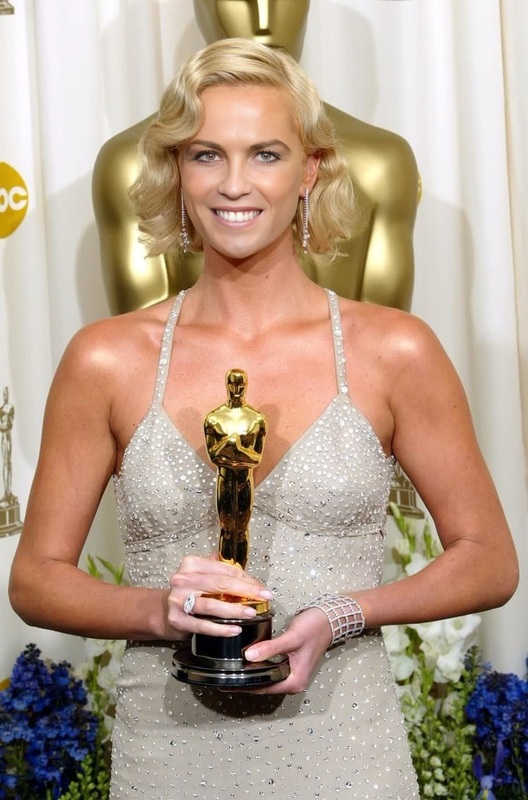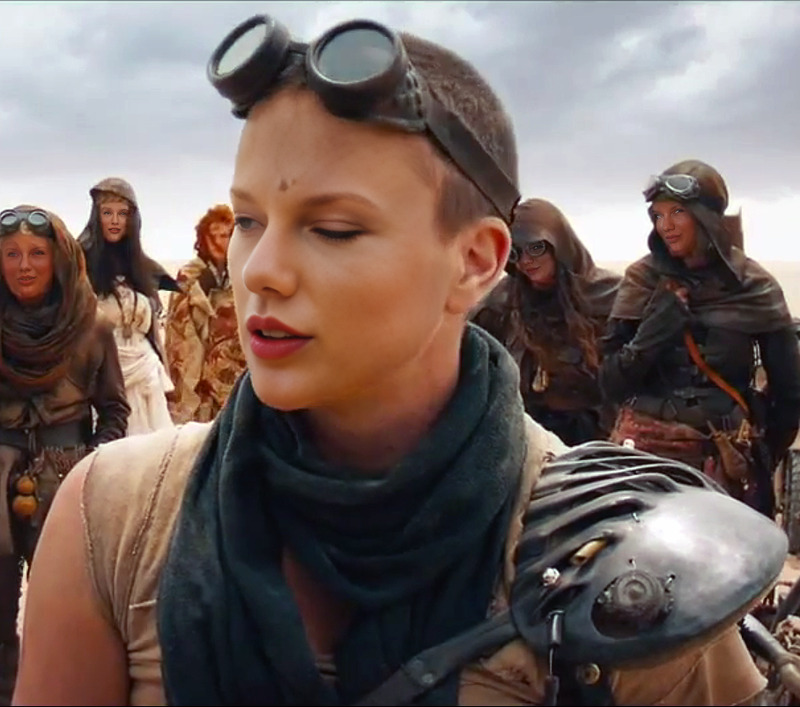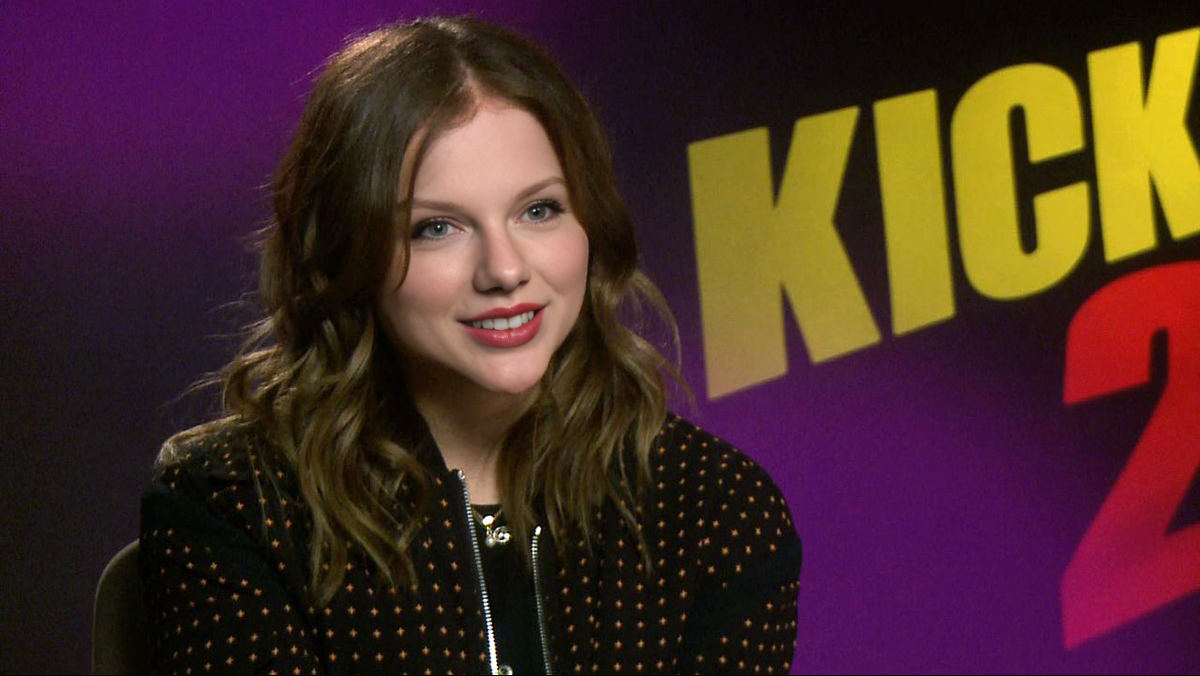
Chloe Grace Moretz Kick-Ass Press Portrait
- Image
- 1200 × 676 px
Any aspect ratio
Overview
The Chloe Grace Moretz Kick-Ass Press Portrait template lets you create an engaging video transformation by swapping faces with the famous actress. Whether you're preparing for a marketing campaign, a social media post, or just some creative fun, this Video Face Swap tool will make your content stand out.
What It Does
This template uses advanced facial recognition technology to seamlessly integrate your photo into a video scene featuring Chloe Grace Moretz. It leverages the capabilities of AI Video Generator to recreate the iconic moment from the "Kick-Ass" movie, transforming your image into an integral part of the clip.
Who It’s For
Ideal for content creators, social media enthusiasts, and marketers looking to leverage pop culture for enhanced audience engagement. This tool is perfect for anyone familiar with using the AI Image Editor and aims to create dynamic and recognizable content.
Summary
Capture the essence of a "Kick-Ass" moment by swapping your face with Chloe Grace Moretz. This template is a part of a broad suite that includes other transformation tools like the AI Clothes Changer, offering endless opportunities for creative expression.
How to Use the Video Face Swap
Choose the Template

Customize Your Input

Generate Your Video

Use Cases
Social Media Content
- Share moments with celebrity flair.
- Increase engagement through unique visuals.
Marketing Campaigns
- Leverage familiar faces and moments for brand storytelling.
- Enhance ad recall with dynamic celebrity features.
Creative Projects
- Incorporate pop-culture elements into storyboards.
- Elevate mood boards with famous moments.
Best Practices
Choose High-Quality Photos
Ensure you upload high-resolution images to achieve the best face swap results.Align Features Accurately
Adjust the input image so it aligns with the template correctly for natural-looking swaps.Preview Before Finalizing
Make use of template previews to see how your face fits the video before finalizing the output.
Frequently asked questions
More Like This