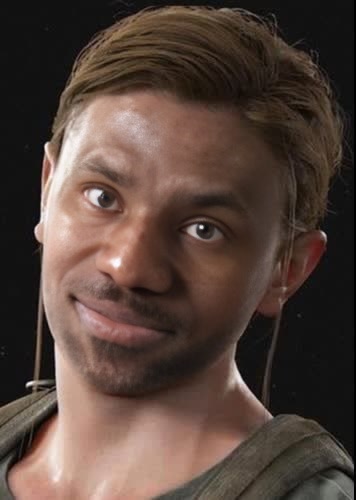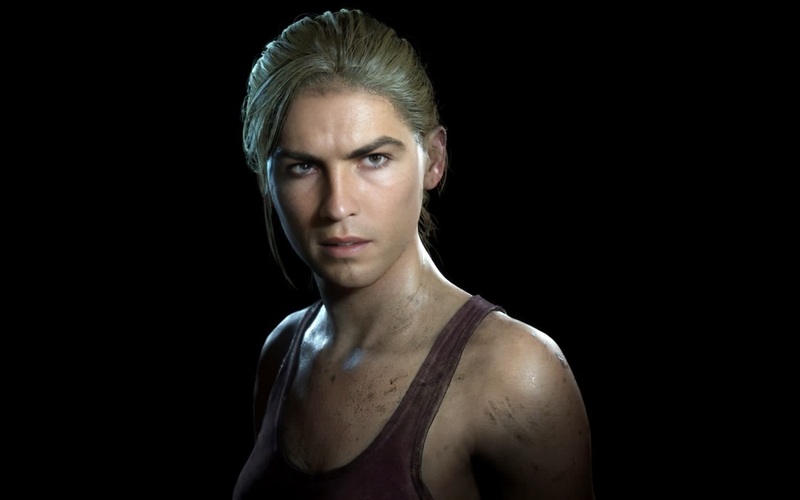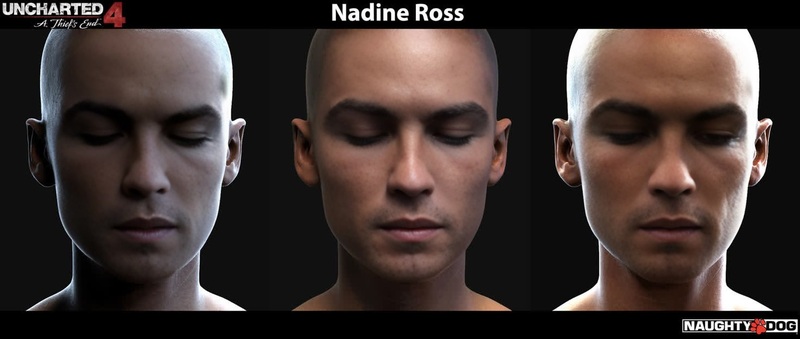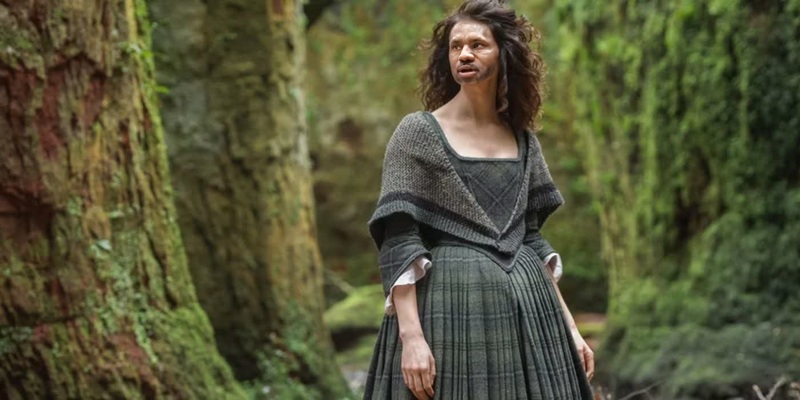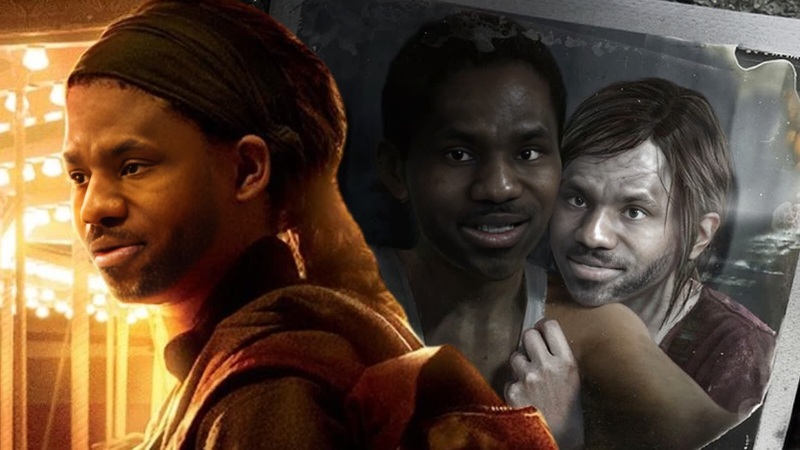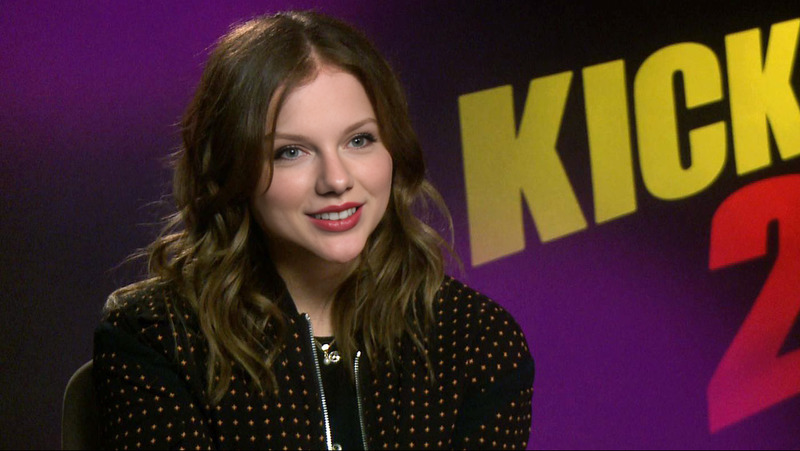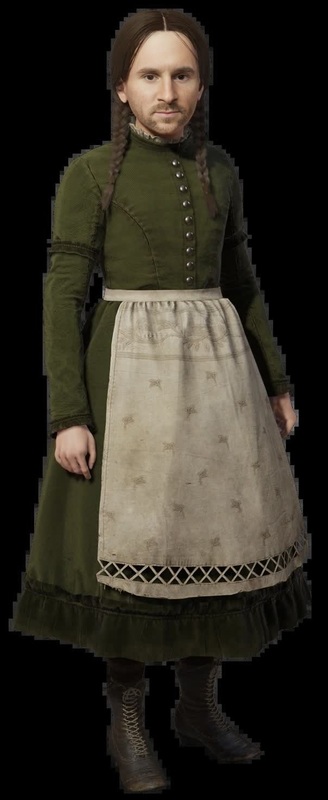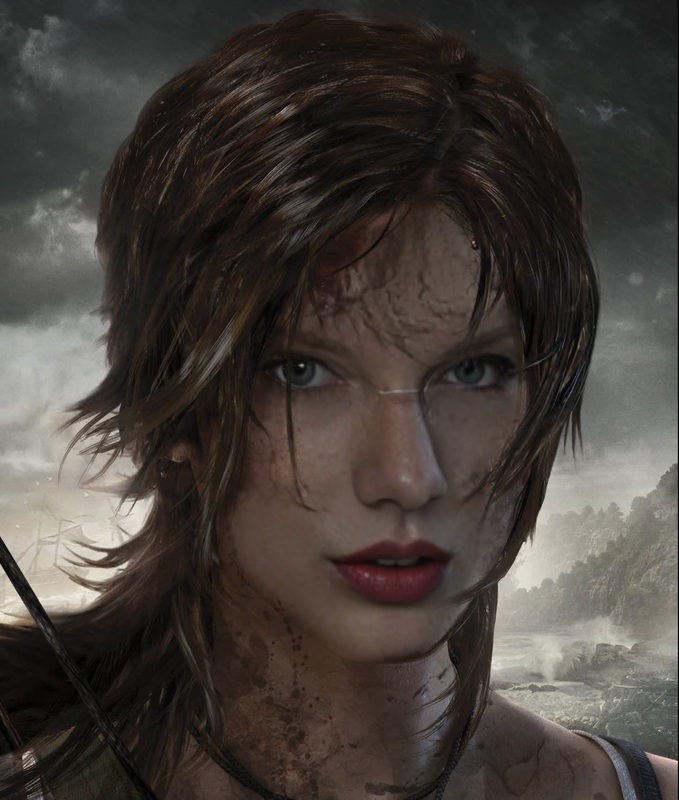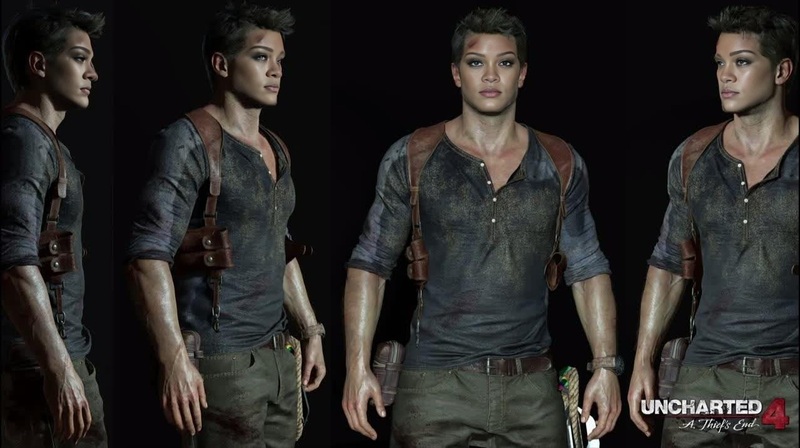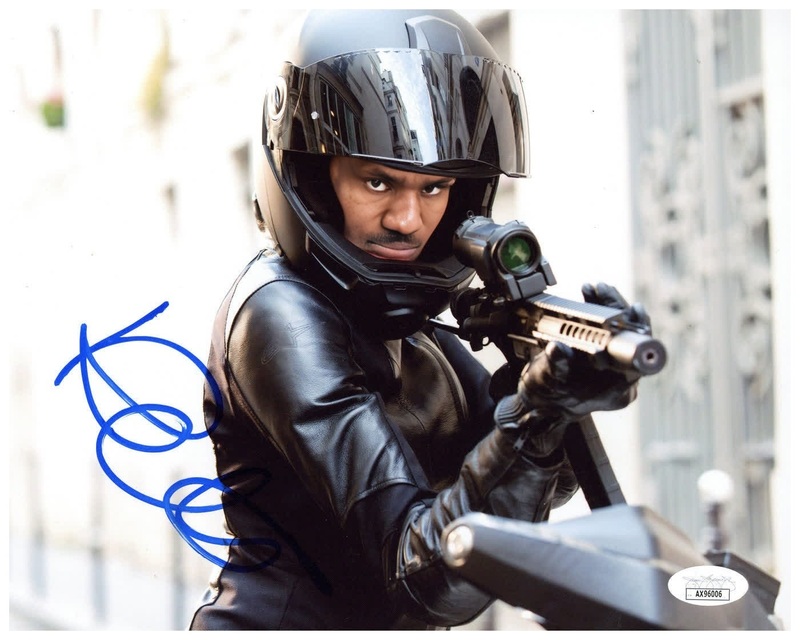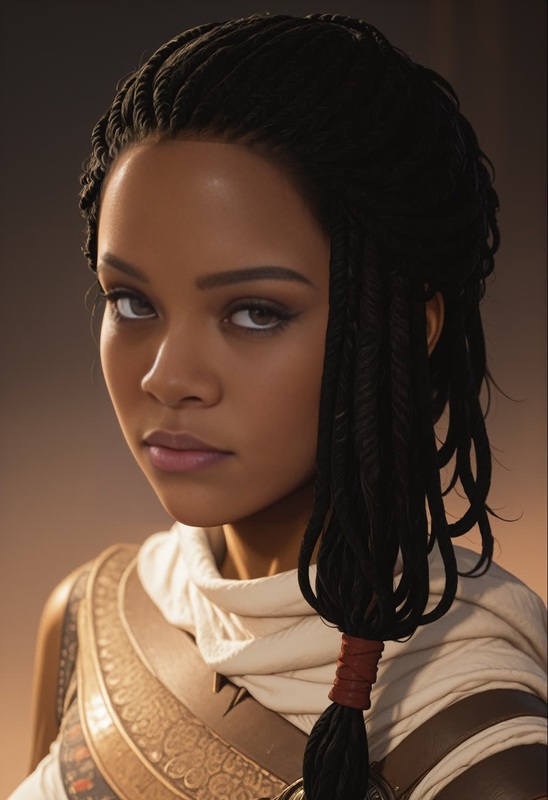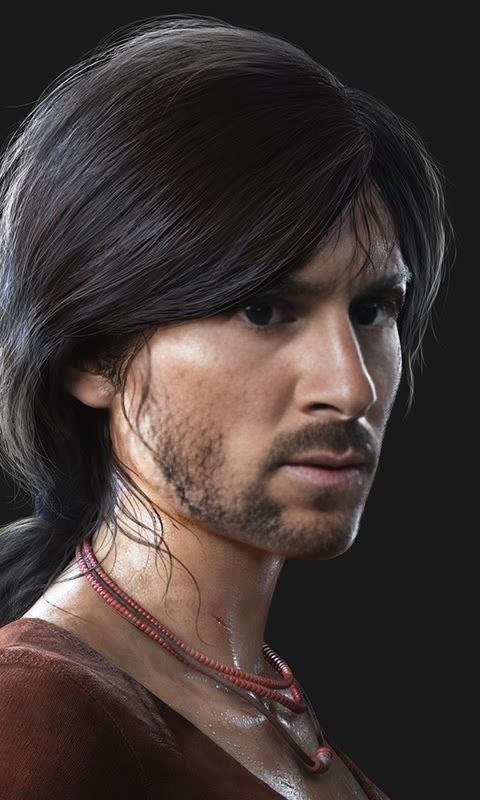
Chloe Frazer Uncharted Lost Legacy Portrait
- Image
- 480 × 800 px
Any aspect ratio
Overview
Transform your ordinary video portraits into extraordinary scenes with the Chloe Frazer Uncharted Lost Legacy Video Face Swap template. Inspired by the adventurous spirit of Uncharted's iconic character, this template allows you to integrate Chloe's features into your videos. Perfect for video style transformations, this tool breathes new life into your content.
What It Does
This template performs a seamless Video Face Swap, replacing the subject's facial features in your video with those of Chloe Frazer. Utilizing advanced AI models, it maintains realistic expressions and lighting for a natural look. Pair it with our Face Swap tool to explore even more dynamic transformations and edits.
Who It's For
Designed for creators, filmmakers, and hobbyists who want to add a professional touch to their video projects. If you're working on VFX previsualization or putting together a memorable social media campaign, the Chloe Frazer template is an exciting way to capture attention and engage audiences.
In Summary
The Chloe Frazer Uncharted Lost Legacy Portrait template is a powerful tool for video enthusiasts looking to apply a creative twist to their projects. Easy to use and highly effective, it adds a unique adventure-themed element to any video content.
How-To
Choose Your Template

Customize Your Inputs

Generate Your Video

Use Cases
Creative Social Media Campaigns
- Instagram Reels
- TikTok videos
- Promotional clips
Film and Video Projects
- Short films
- Music videos
- VFX projects
Educational Content
- History lessons
- Cultural studies
- Interactive tutorials
Best Practices
Optimizing Video Quality
Make sure your original video has good lighting and resolution to ensure the best face swap results.Face Alignment
Select videos where the subject's face is clearly visible and not obstructed for optimal swapping.Experiment with Angles
Try different video angles to get the most dynamic and interesting transformations.
Frequently asked questions
More Like This