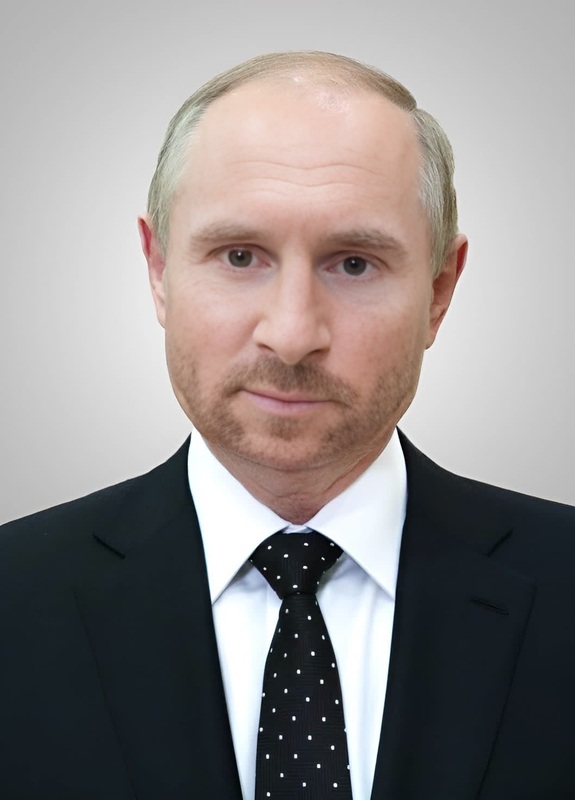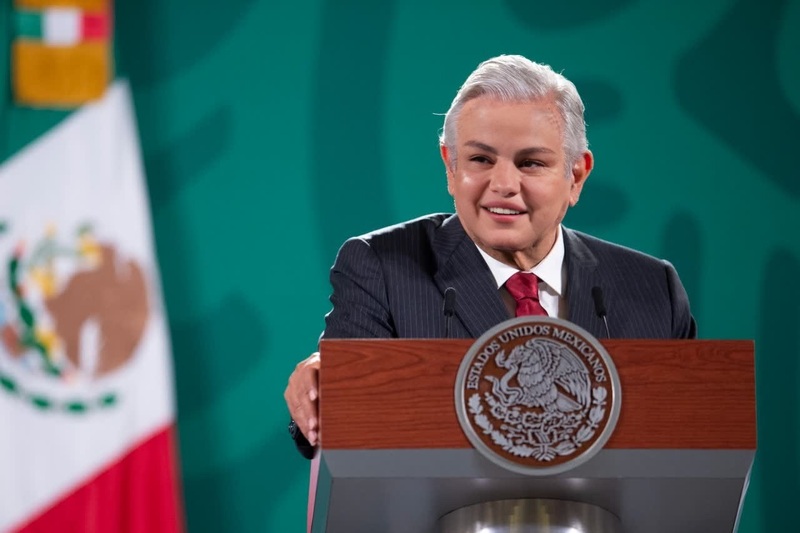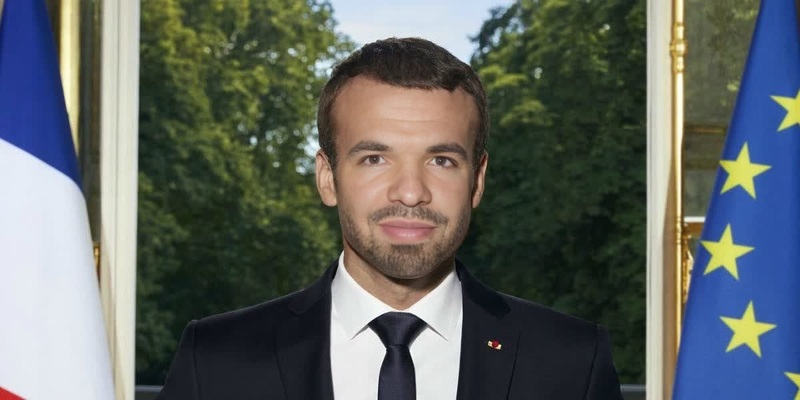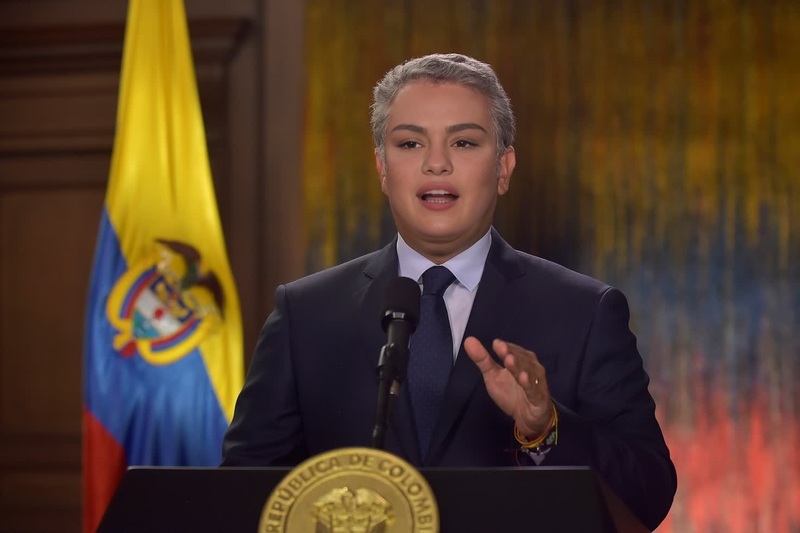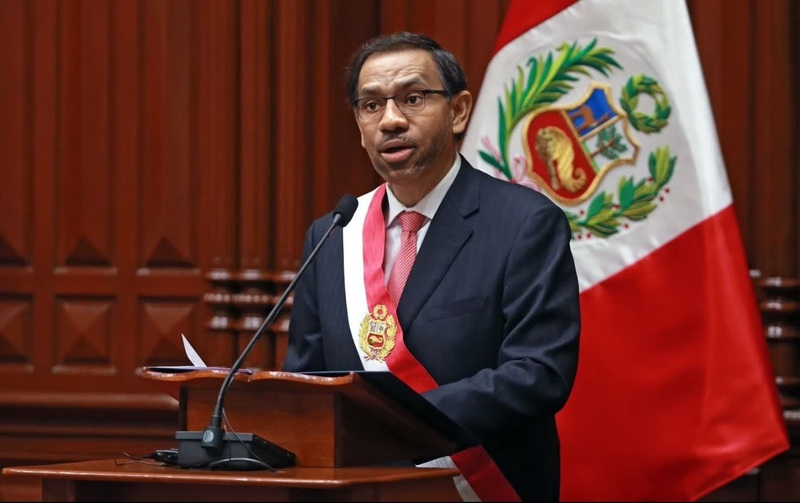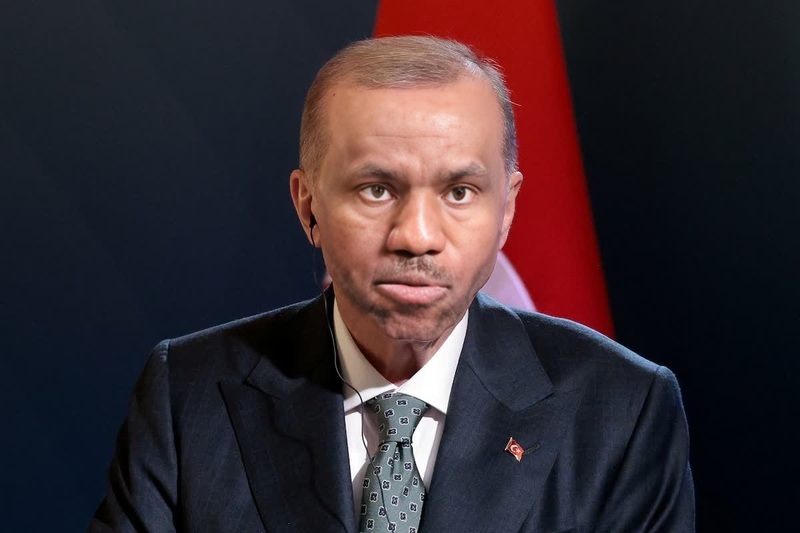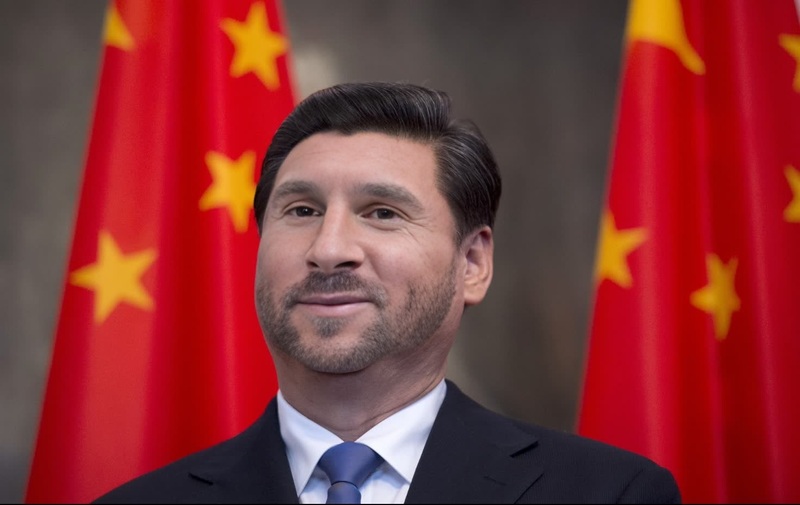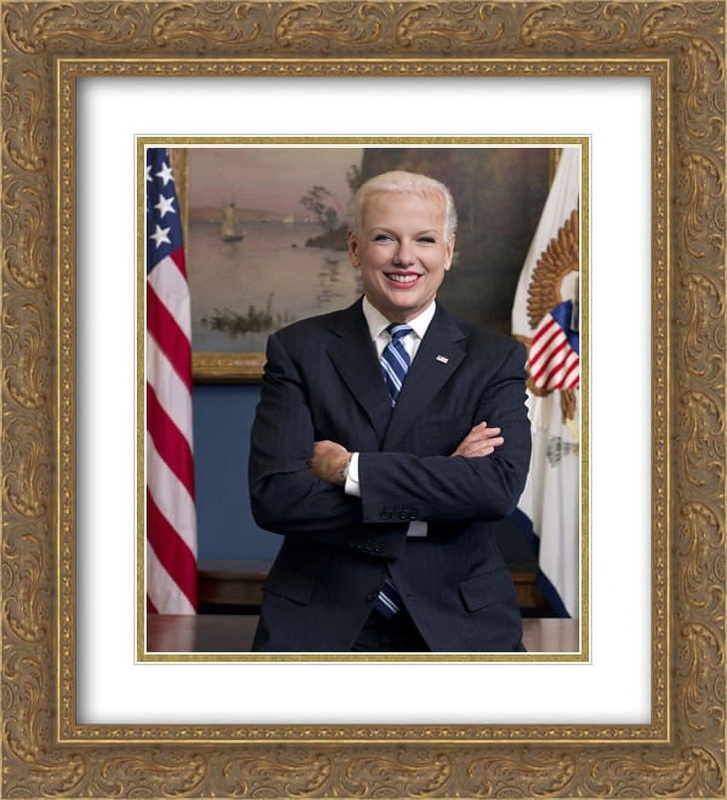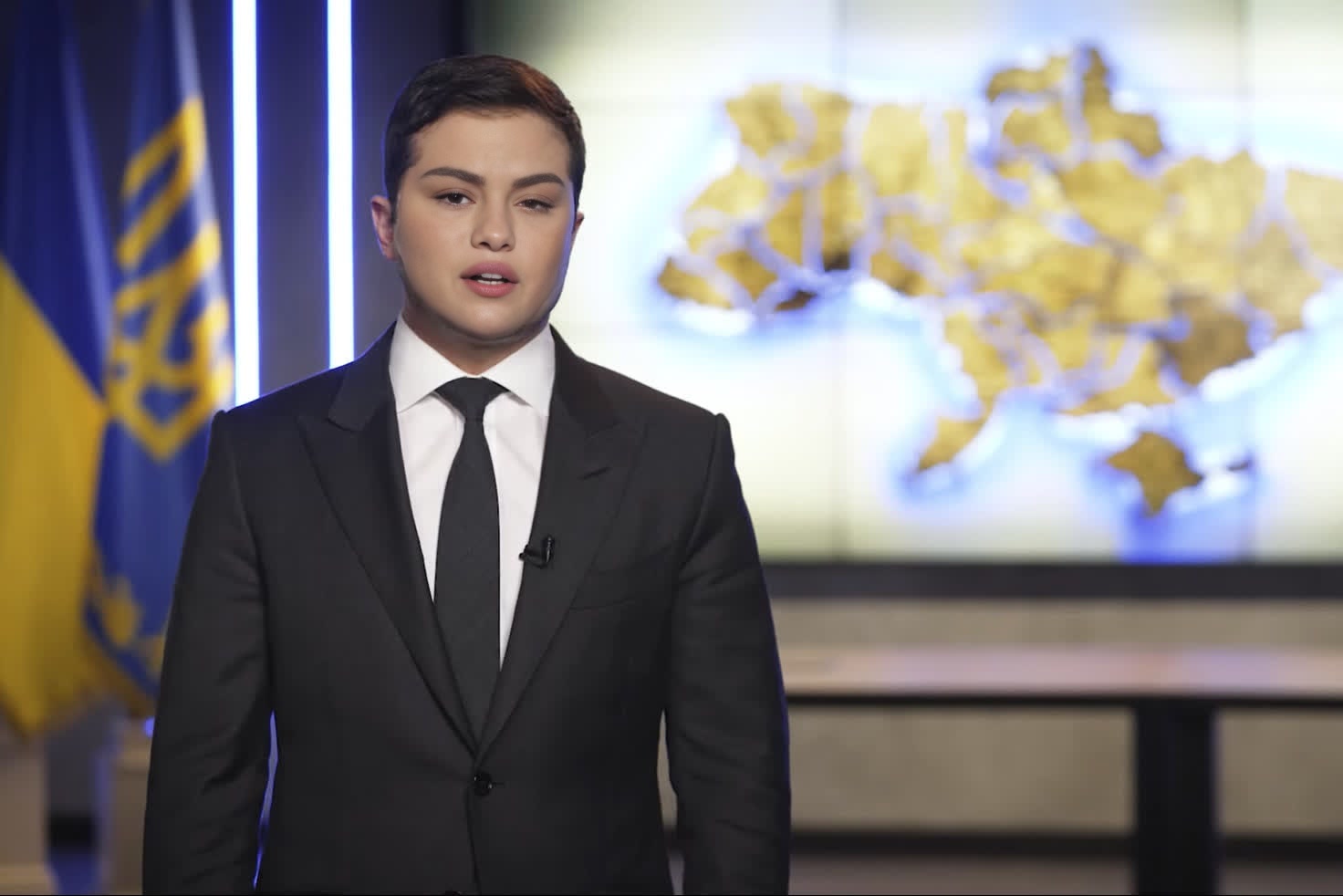
Volodymyr Zelensky Ukrainian President Press Portrait
- Image
- 1472 × 982 px
Any aspect ratio
Overview
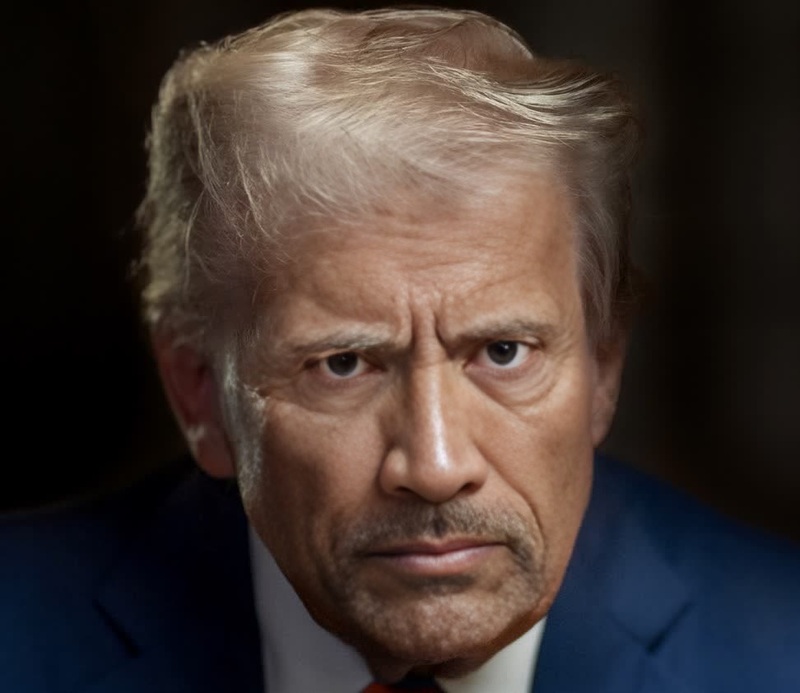
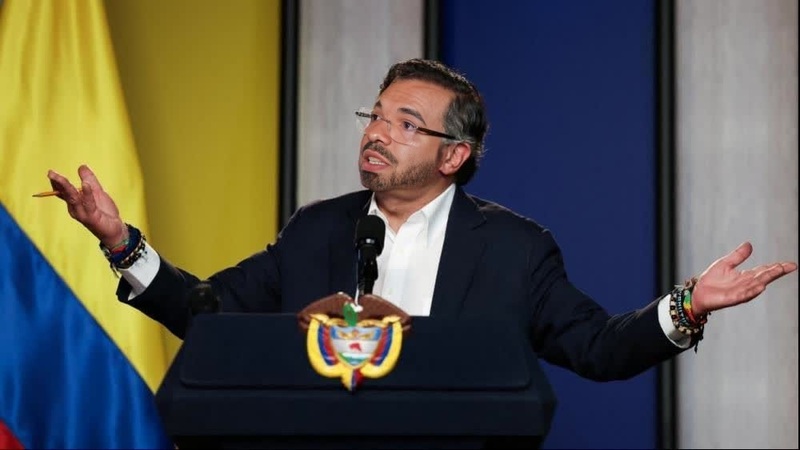
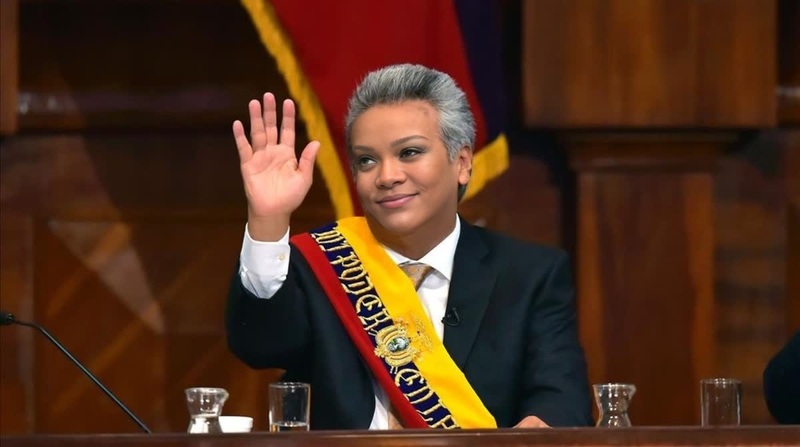
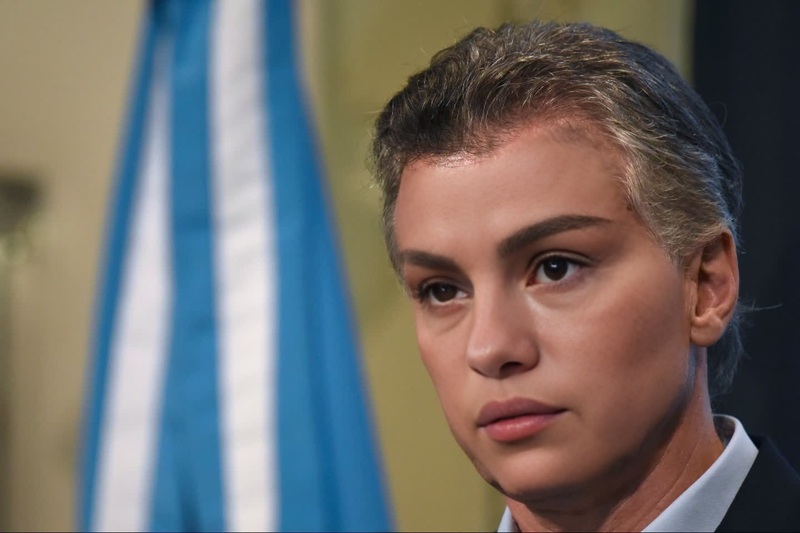
The Volodymyr Zelensky Ukrainian President Press Portrait template allows you to perform a video face swap using the familiar visage of Ukraine's leader. By leveraging this template, users can inject a bit of global significance into their media projects, whether for parody, education, or creative storytelling.
What It Does
This Video Face Swap template provides an accessible way to swap faces in video footage. Upload your source video and let the system overlay Volodymyr Zelensky's face, creating a convincing and personalized video experience. This tool aligns with our AI Video Generator capabilities, ensuring high-quality and realistic output.
Who It's For
This template is ideal for content creators, educators, or anyone interested in experimenting with image-to-video transformations. Whether you're crafting political satire, educational material, or social media content, this tool offers a playful option to engage your audience.
Summary
With the Volodymyr Zelensky face swap template, creators gain access to a tool that merges technological precision with creative freedom. By tapping into our AI Image Editor suite, users are assured of a seamless transformation process, resulting in videos that captivate and engage.
How To
Choose Template

Customize Inputs

Generate Video

Use Cases
Political Satire
- Lampoon current events with humorous face replacement
- Create parody speeches or press conferences
Educational Content
- Explore global politics through a creative lens
- Demonstrate media literacy with hands-on editing
Social Media Engagement
- Increase shareability with unique video edits
- Tap into current trends with popular face swaps
Best Practices
Choose High-Quality Footage
For optimal results, use source videos with clear and evenly-lit faces to ensure the face swap aligns accurately.Experiment with Different Angles
Try using videos with varied face angles to see how the template performs across different scenarios.Keep Outputs Contextual
When swapping faces for serious topics, ensure the content aligns appropriately with your intended message.
Frequently asked questions
More Like This